Adding a connection between Google Analytics and Leadfeeder is simple and valuable. It is the connection we need to identify Google Ad campaign visits! You can read more here.
Please note: For Web Visitors to be able to identify companies visiting your site, you need to have our script added to your site.
Connect Google Analytics to Leadfeeder
Please note: You need to be a Leadfeeder user with the Access Rights to add your Google Analytics view.
STEP 1: Navigate to User Settings > Account > Integrations and click Overview.
STEP 2: Click Google Analytics then click Authenticate to Google Analytics.
STEP 3: Choose the Google Account you want to connect with. You should connect the account that has access to your Google Analytics.
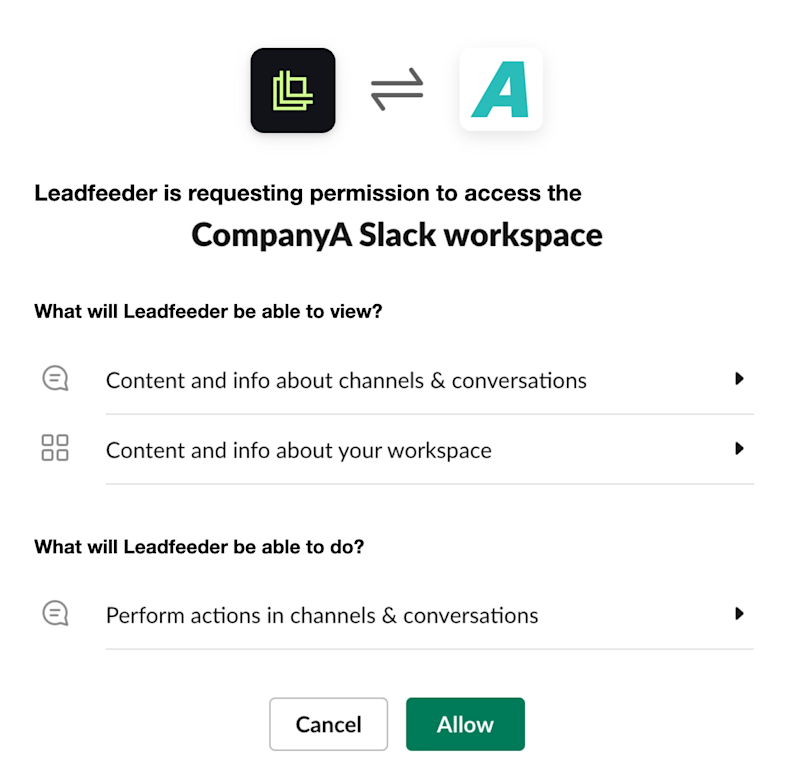
STEP 4: Allow the connection to Leadfeeder when it asks on the next screen. This is what allows Leadfeeder to see your Google Analytics account when you add it. We never share or sell your data! We automatically select the correct Google Analytics view based on your hostname rules.
STEP 5: You will see a confirmation banner on the top of the Google Analytics view screen. Good job! 😊
Please note: After authorisation, it can take a few seconds before the table will refresh. If your Google Account does not have access to any Google Analytics views, the status will be shown as "Not connected". In that case, ask your Google Analytics admin user to give you “read” access to the correct Google Analytics view or to add the view for you.
If you visit your user settings, under Google Accounts now you should see that you have connected a Google Account.
That’s it! Enjoy your day knowing you have everything you need to be connected!
Please note: To allow for keywords to be shown in Web Visitors, please take care to sync the time zone settings of your Google Analytics and Leadfeeder account.
Please note: If you need to remove the connection between Google Analytics and Leadfeeder one day for any reason, to do that, you need to remove the connected Google account in your personal settings by clicking Detach.