 Claude
Frag deine Website, wer kaufbereit ist. Direkt in Claude.
LEADFEEDER MCP SERVER
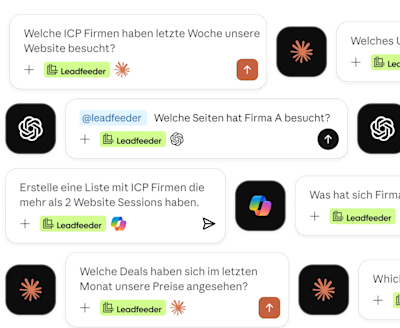
Verbinde Leadfeeder mit KI-Tools wie Claude oder ChatGPT. Frag einfach, welche Unternehmen sich für deine Produkte interessieren, und werde direkt aktiv – ohne den Chat zu verlassen.
14 Tage kostenlose Testphase. Es gelten unsere AGB .
 Claude
Frag deine Website, wer kaufbereit ist. Direkt in Claude.
 ChatGPT
Bring die Kaufsignale deiner Website direkt in ChatGPT.
 Copilot
Analysiere deine Leadfeeder Feeds, Listen und Firmendaten mit Copilot
Öffne in den Connector- oder Plugin-Einstellungen deines KI-Tools das Verzeichnis.
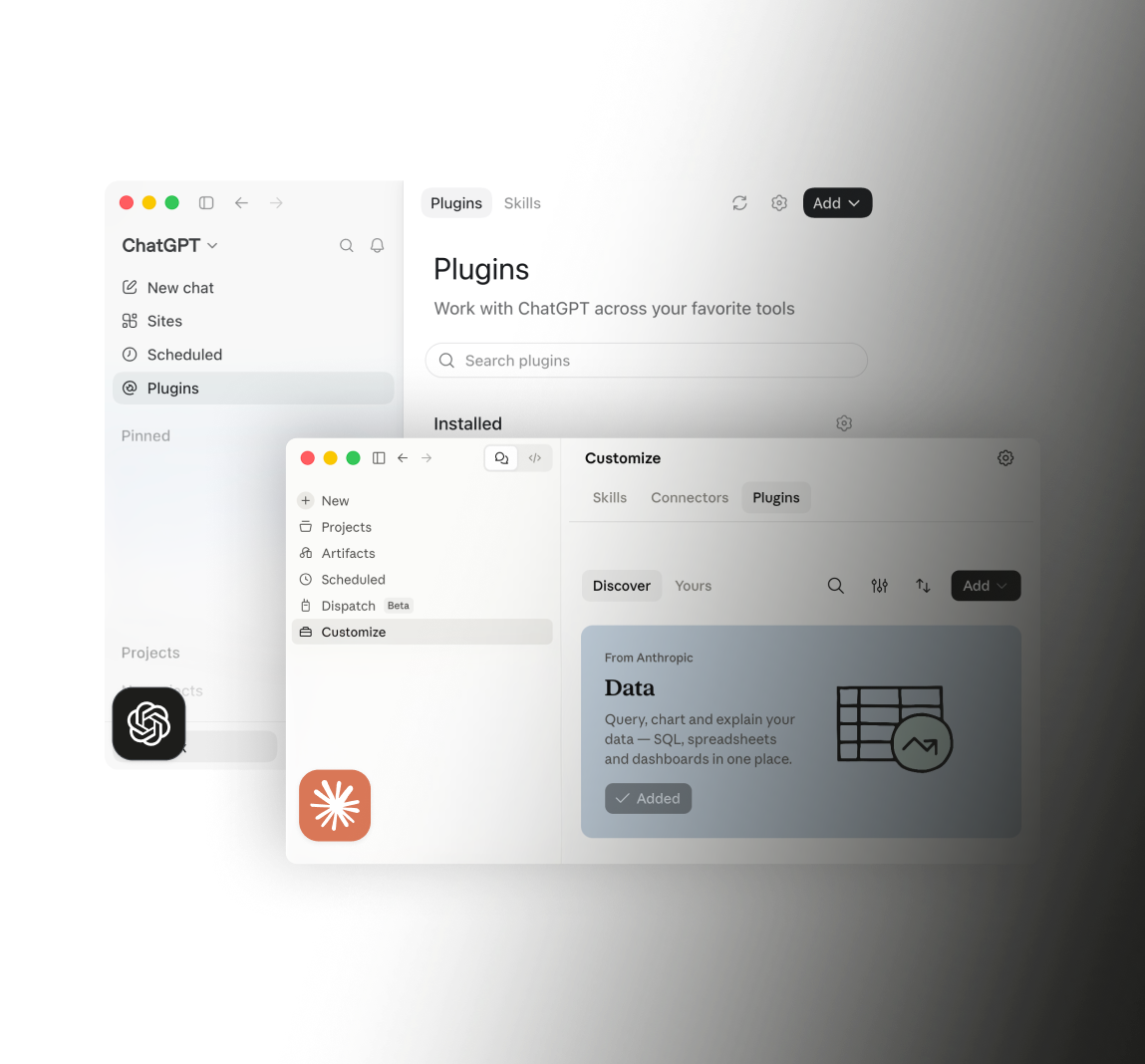
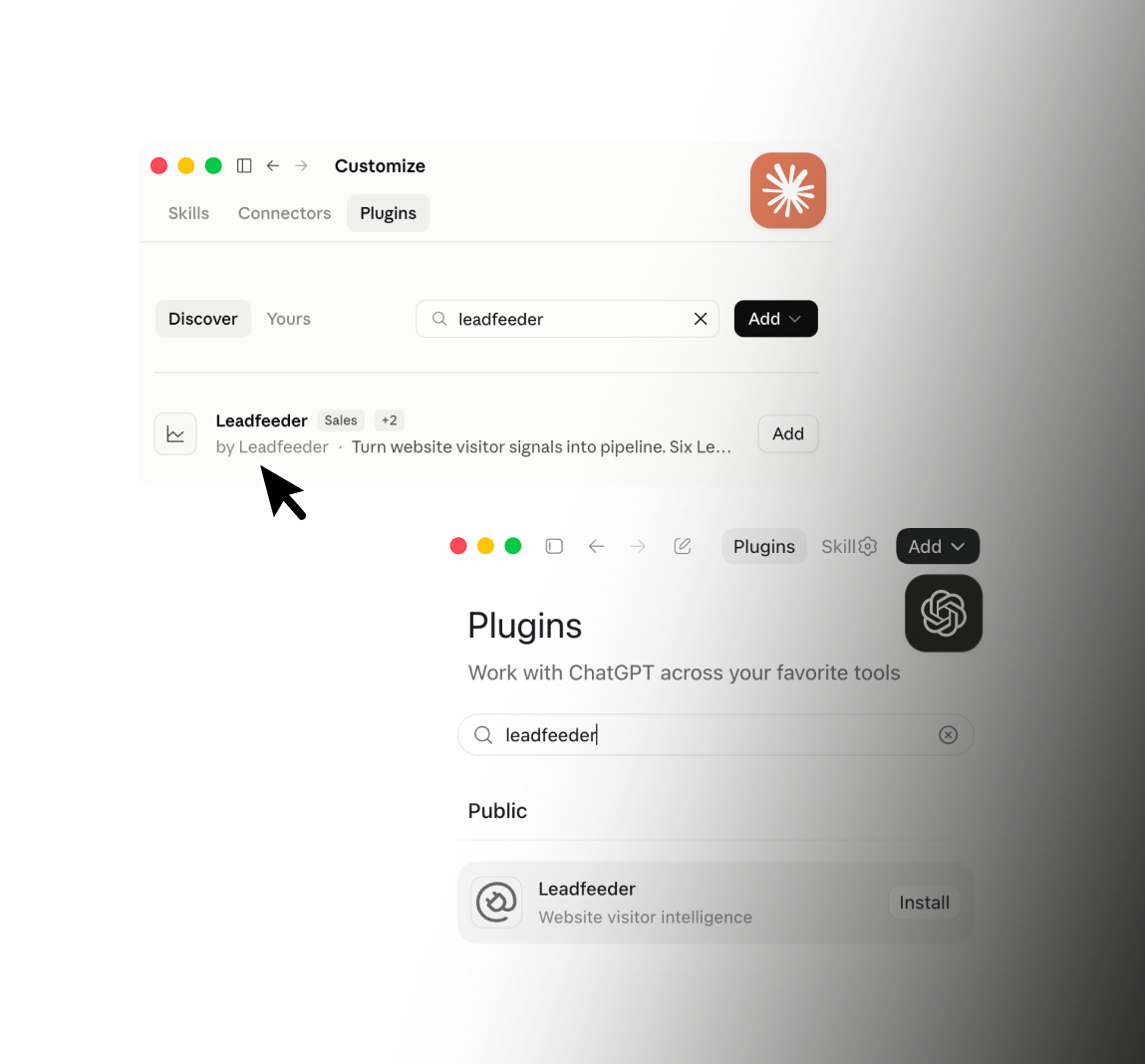
Suche nach „Leadfeeder“ und installiere das Plugin.
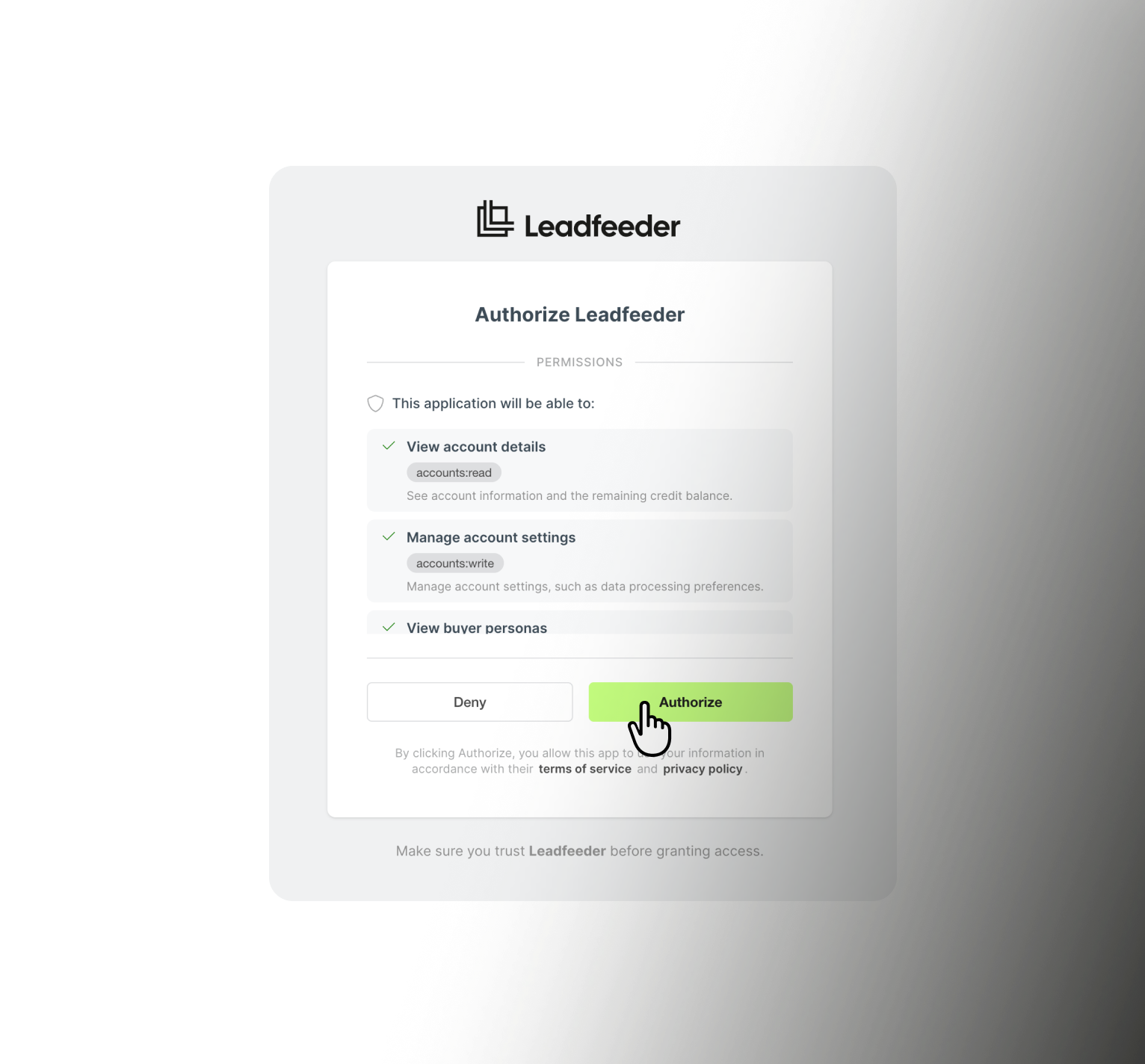
Melde dich mit deinem Leadfeeder-Konto an (per OAuth, ganz ohne API-Keys) und stelle direkt deine erste Frage.
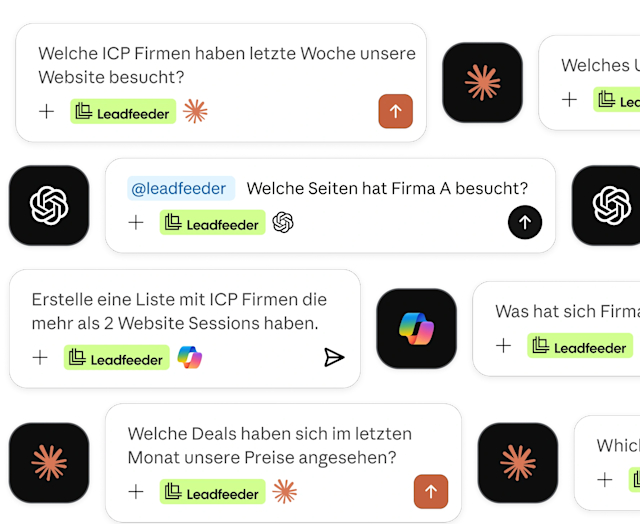
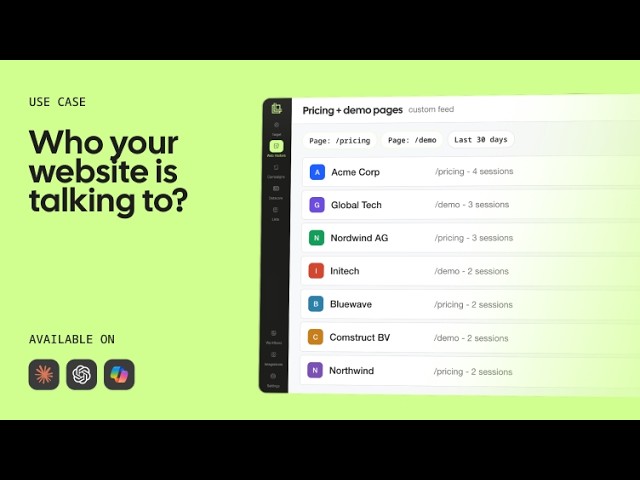
Frag zum Beispiel: ‚Welche passenden Unternehmen haben diese Woche meine Website besucht?‘ und erhalte eine priorisierte Liste auf Basis deiner eigenen Website-Daten.
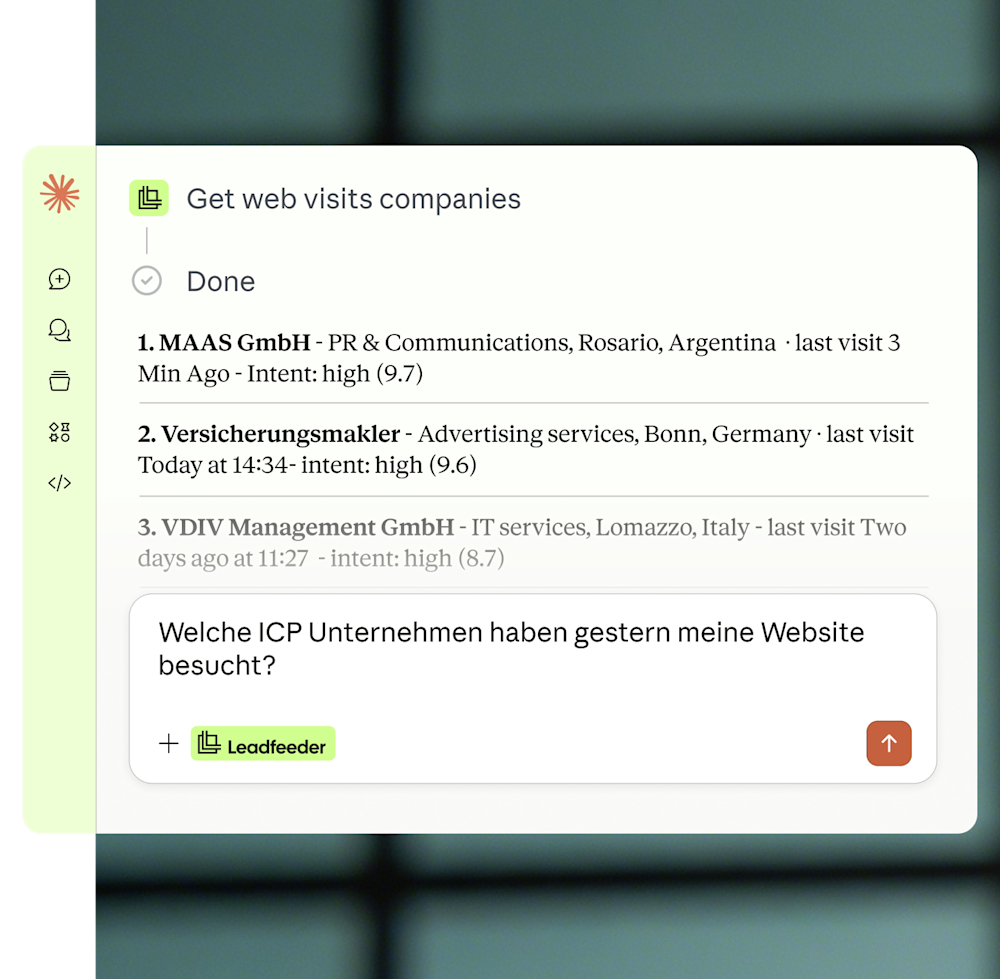
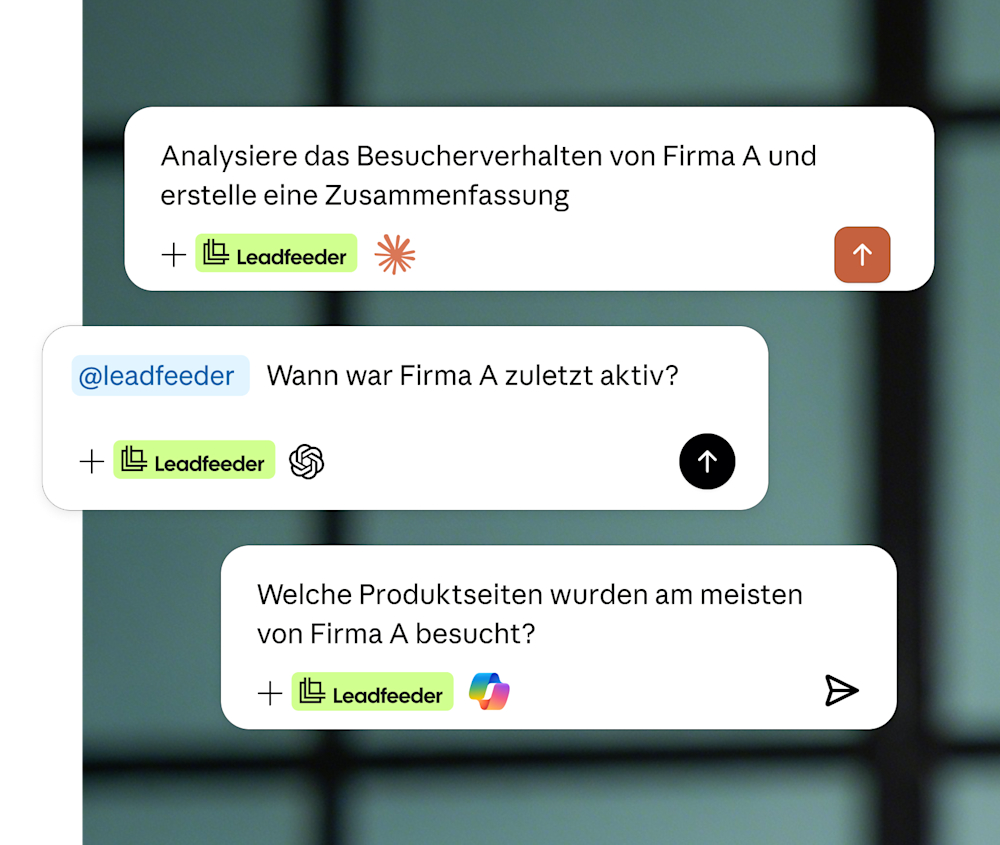
Hol dir vor einem Gespräch ein Account-Briefing oder frag einfach, was sich diese Woche verändert hat.
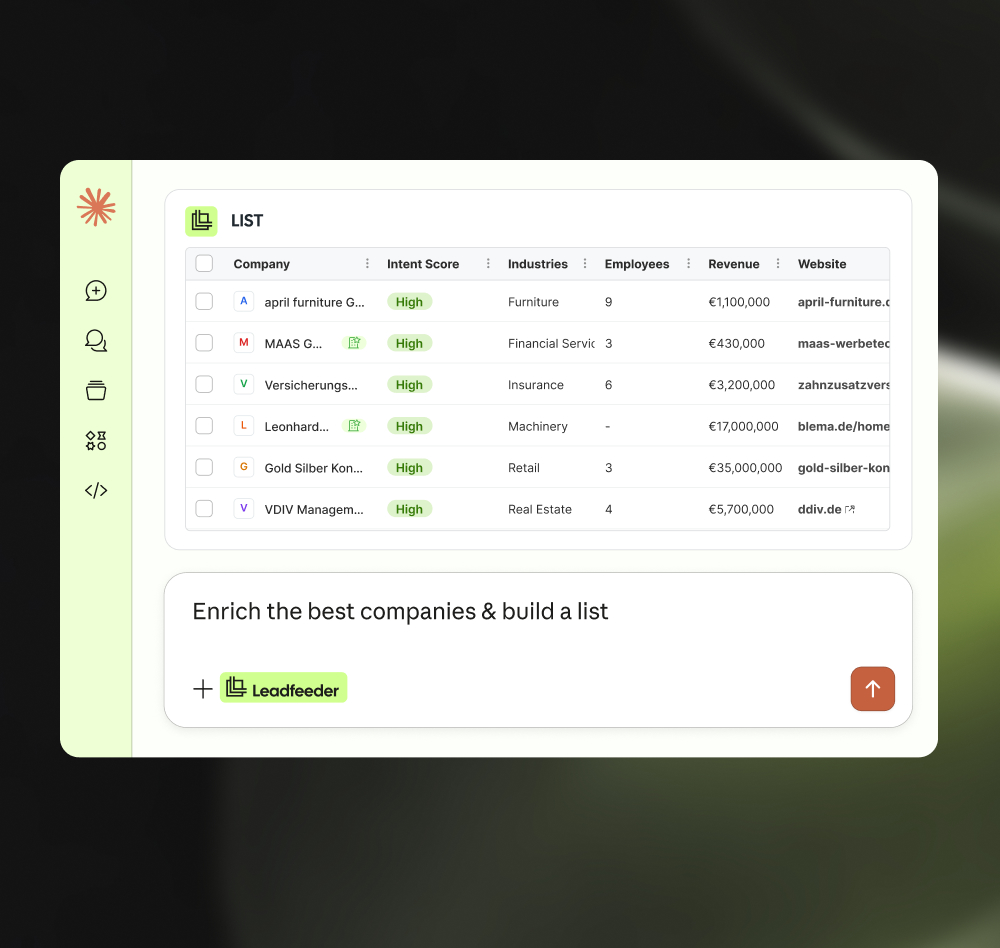
Lass die KI passende ICP-Accounts markieren und zu einer Liste hinzufügen, die du direkt mit deiner nächsten Kampagnen-Zielgruppe synchronisieren kannst.
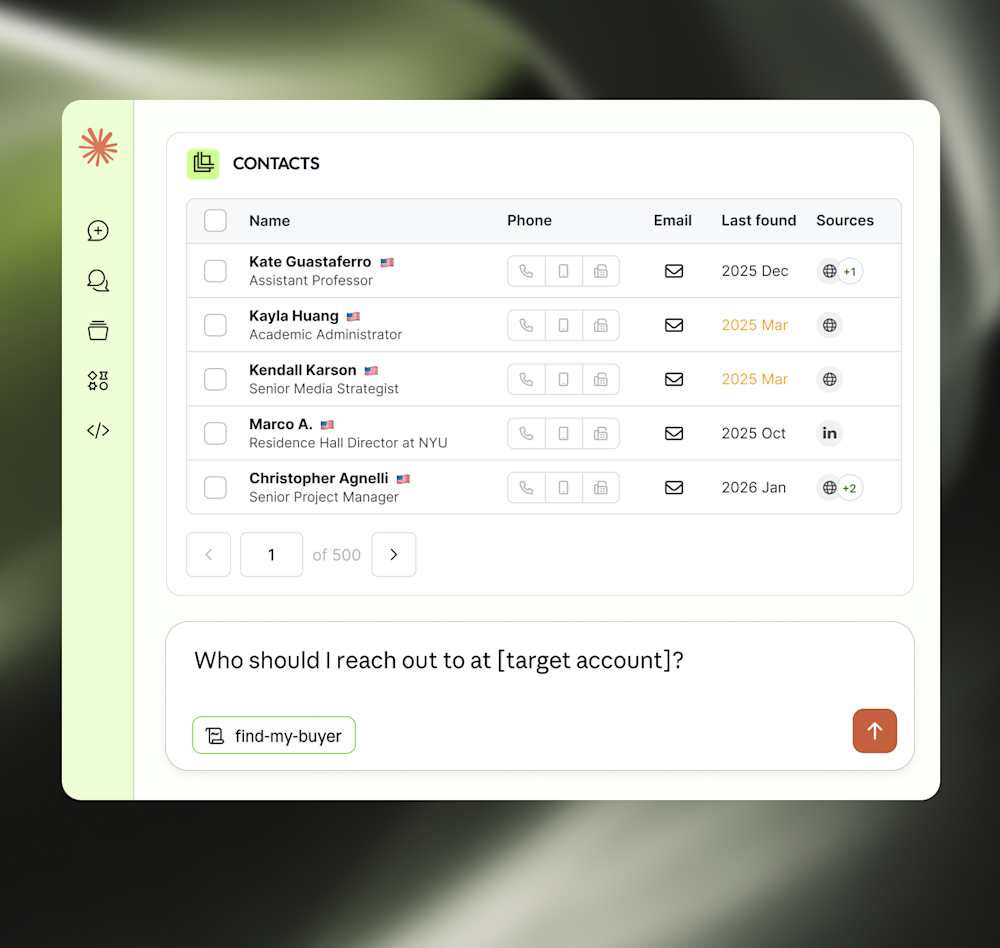
Frag, wer bei einem Ziel-Account der richtige Ansprechpartner ist, und erhalte eine nach Relevanz sortierte Auswahl – damit du genau weißt, wen du in deine Kampagne einbeziehen solltest.
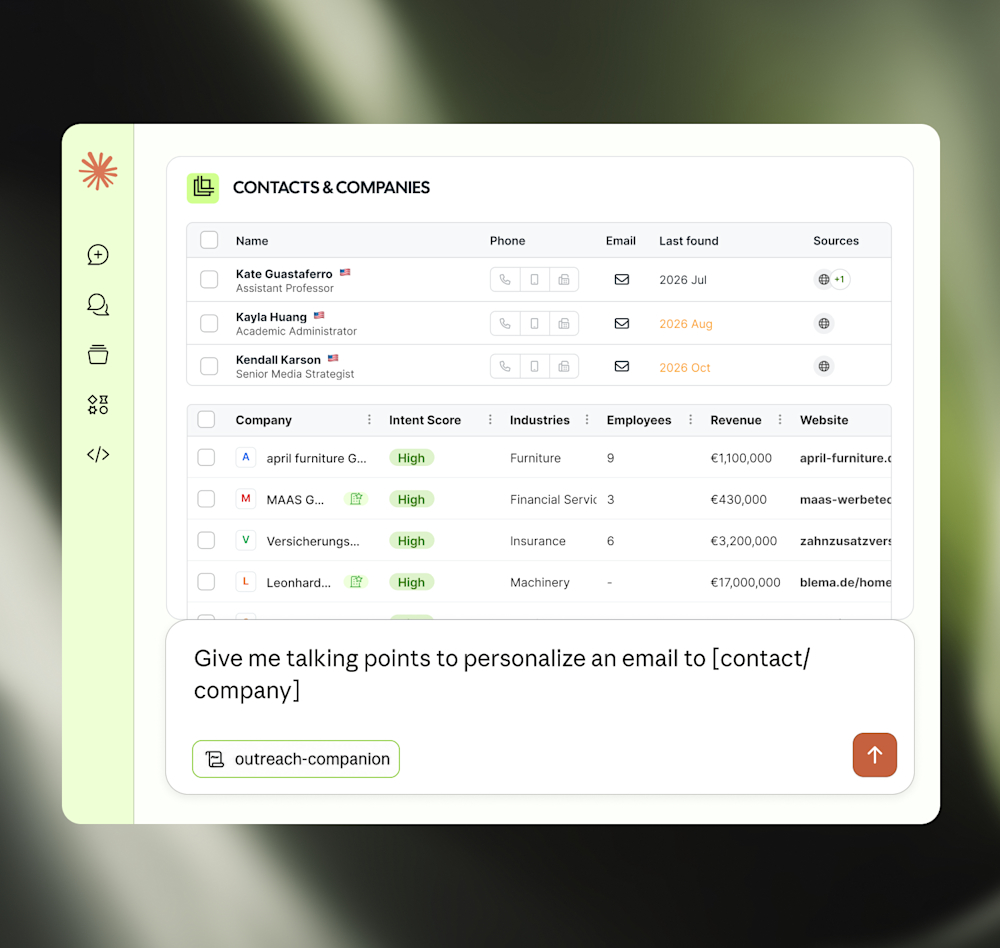
Lass dir passende Gesprächspunkte für personalisierte Nachrichten oder Sequenzen erstellen – basierend auf echten Website-Besuchen und Kaufsignalen.



Richte deinen ICP ein und prüfe direkt im Chat, ob dein Tracking-Skript aktiv ist.

Starte deinen Tag mit einer priorisierten Liste kaufbereiter Unternehmen, die zu deinem ICP passen.

Hol dir vor einem Gespräch oder Kampagnen-Push einen vollständigen Überblick über einen Account.

Finde heraus, wer der richtige Ansprechpartner bei einem Ziel-Account ist.

Erhalte relevante Gesprächspunkte für eine personalisierte Ansprache.

Markiere Unternehmen oder füge sie direkt im Chat zu einer Liste hinzu.

Leadfeeder verarbeitet ausschließlich firmenbezogene Besuchsdaten. Keine Cookies ohne Einwilligung. Unabhängig zertifiziert nach ISO/IEC 27001 und 27701.
Report öffnen, Filter bauen, CSV exportieren.
Zwischen mehreren Tools hin und her kopieren.
Manuell Informationen zu Firmen suchen.
Noch ein Login, noch ein Tool, noch ein Dashboard.
In einem Satz fragen und eine strukturierte Antwort erhalten.
Speichern, taggen und zur Kampagne hinzufügen. Direkt im Chat.
Ein vollständiges Briefing in Sekunden erhalten.
Alle Leadfeeder Daten in Claude, ChatGPT oder Copilot
Salesforce, HubSpot, Pipedrive — Leadfeeder integriert sich nahtlos in die Tools, mit denen Dein Team jeden Tag arbeitet. So landen qualifizierte Leads direkt im CRM, statt in CSV-Dateien oder Excel-Tabellen.
Hubspot
CRM
Pipedrive
CRM
Salesforce
CRM
SuperOffice
CRM
Social ads
GA4
Analytics
Google Ads
Ad platform
Slack
Team messaging
Frag im Chat, welche Accounts deine Kampagnen bringen, und bau daraus in einem Satz neue Zielgruppen.
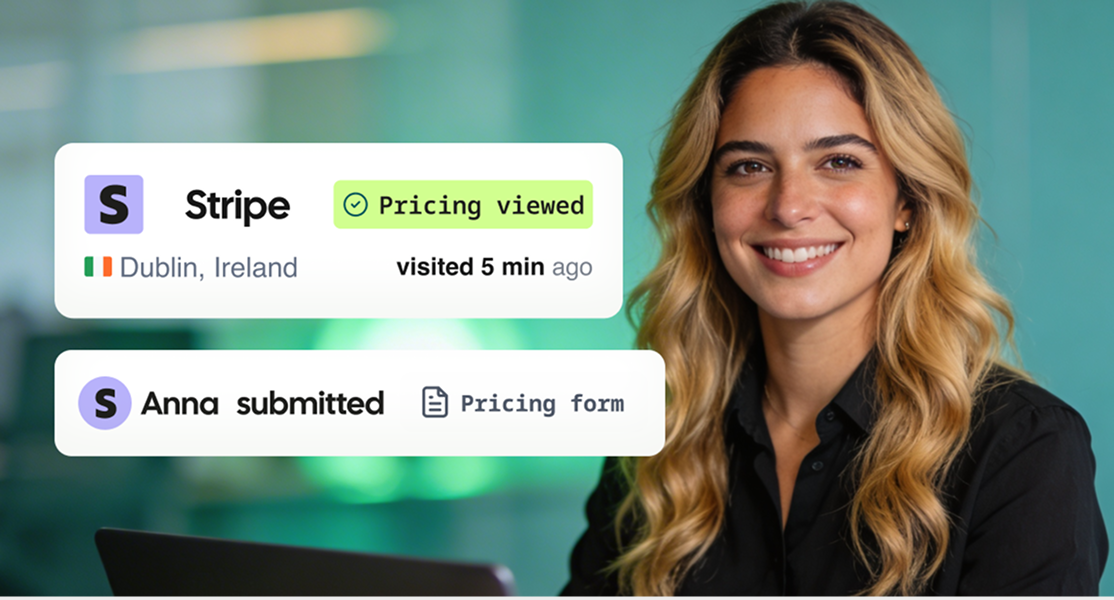
Frag, welche kaufbereiten Firmen diese Woche da waren, hol dir die Entscheider dazu und geh vorbereitet ins Gespräch.
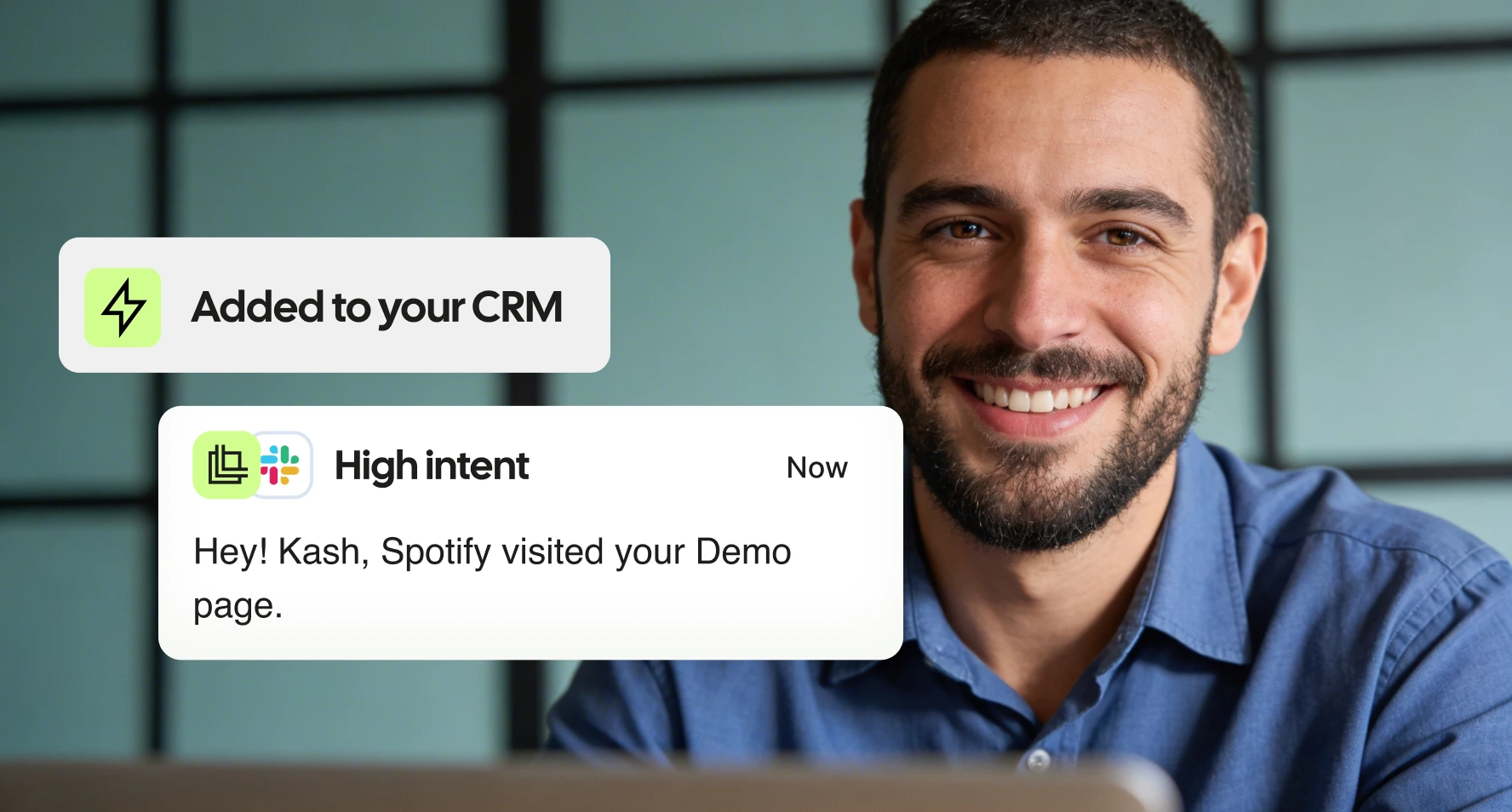
Welche KI-Tools können verbunden werden?
Claude, ChatGPT, Microsoft 365 Copilot und Cursor. Weitere folgen.
Ist Leadfeeder MCP in den App Stores der KITools verfügbar?
Ja. Suche einfach im Verzeichnis von Claude oder ChatGPT nach „Leadfeeder“ und installiere das Plugin. Eine separate Einrichtung des Connectors ist nicht nötig.
Was ist der Leadfeeder MCP-Server?
Der Leadfeeder MCP Server verbindet deinen Leadfeeder-Account mit KI-Tools wie Claude und ChatGPT. So kannst du in natürlicher Sprache Fragen zu den Kaufsignalen auf deiner Website stellen. Sechs vorgefertigte Skills sind direkt integriert. Frag zum Beispiel: „Welche passenden Unternehmen haben diese Woche meine Website besucht?“ und erhalte eine konkrete Antwort auf Basis deiner eigenen Daten.
Leadfeeder-MCP-Server oder Leadfeeder-API: Was sollte ich verwenden?
Die API bietet dir vollständigen Zugriff auf Code-Ebene, um individuelle Integrationen, Dashboards und automatisierte Workflows zu erstellen. Der MCP Server macht dieselben Daten über natürliche Sprache zugänglich: Statt eine API-Anfrage zu schreiben, stellst du deine Frage einfach direkt in Claude oder ChatGPT. Beide greifen auf dieselben Daten zu. Für bestimmte Aktionen werden außerdem auf die gleiche Weise Credits verbraucht.
Welche Leadfeeder-Tarife beinhalten den MCP-Server?
Der MCP Server sowie die Connectors für Claude und ChatGPT sind in allen kostenpflichtigen Leadfeeder-Plänen mit API-Zugriff enthalten – ohne zusätzliches Add-on oder weitere Kosten.
Wie verbinde ich Leadfeeder mit Claude oder ChatGPT?
Öffne Claude oder ChatGPT, suche im Connector- oder Plugin-Verzeichnis nach Leadfeeder und wähle „Verbinden“. Melde dich anschließend mit deinem Leadfeeder-Account an, um die Verbindung zu autorisieren.
Danach stehen dir die integrierten Skills sofort zur Verfügung: Erste Schritte, Täglicher Besucherüberblick, Unternehmensüberblick, Finde deinen Ansprechpartner, Unterstützung bei der Ansprache und Zur Pipeline hinzufügen.
Ist der Leadfeeder MCP sicher?
Ja. Du meldest dich mit deinem eigenen Leadfeeder-Account an, per OAuth. Du musst keine Keys einfügen. Alles, was deine Daten verändert, fragt vorher nach.
"seeing the list of potential customer companies visiting our website helps us in sales and marketing performance"
"Leadfeeder gives us valuable insight into who is visiting our website and helps us identify potential clients we may not have reached otherwise. It’s straightforward to use and provides clear visibility into which companies are visiting our site. The integration with our CRM makes it easy to follow up with the right people at the right time."
"The insights given are great to identify potential opportunities. It's easy to use and you can customize your own reports. It's integrated in Hubspot witch is very convenient."
"The API is solid, we pull data into our warehouse and build our own scoring on top of it. The visit metadata (source, campaign, keyword) is clean and reliable. We also found out the landing page URLs keep the full query string, which let us extract Google Click IDs and feed conversions back to our ads, that alone paid for the subscription. UI is simple, does the job. Setup took about an hour. Support was responsive when we had API questions. Company identification has improved over the past year, decent coverage for our traffic size. Good ROI if you actually use the data instead of just browsing the dashboard."
"Of all the competing tools, and we've used many, Leadfeeder does the best at providing and making useable the information sales and marketing teams actually care about."
"The simple integration to Hubspot and the ability to add contacts directly to my CRM."
"I was impressed by how Leadfeeder’s leadership ultimately handled my concerns. After reviewing the situation, their VP of Customer Success reached out personally, acknowledged that the renewal and cancellation process had not been handled correctly, cancelled the subscription immediately, and took full ownership of the issue. While the original experience was frustrating, the transparency, accountability, and willingness to make things right significantly improved my impression of the company."
"Leadfeeder has become an important part of our lead generation process. In addition to our internal use, we have created custom feeds to share with our external commercial network (agents and distributors). With the recently added AI features, Leadfeeder has become even more useful, giving a lot of insights and precious data. Even though we do not use them for a number of reasons, the many integration capabilities add a lot of potential to this already powerful tool. Customer support is top-notch."
"What I appreciate the most is the ability to intercept hot leads when they visit our site, which allows us to contact them at the right time, in anticipation of a future purchase. Moreover, prospects are increasingly unresponsive to traditional outreach methods (phoning and mailing), as they wish to remain free to choose the time that suits them."
In 4 Minuten eingerichtet. Entdecke noch heute deine ersten identifizierten Accounts.
 14 Tage gratis
 DSGVO konform
 Ohne Kreditkarte