Claude
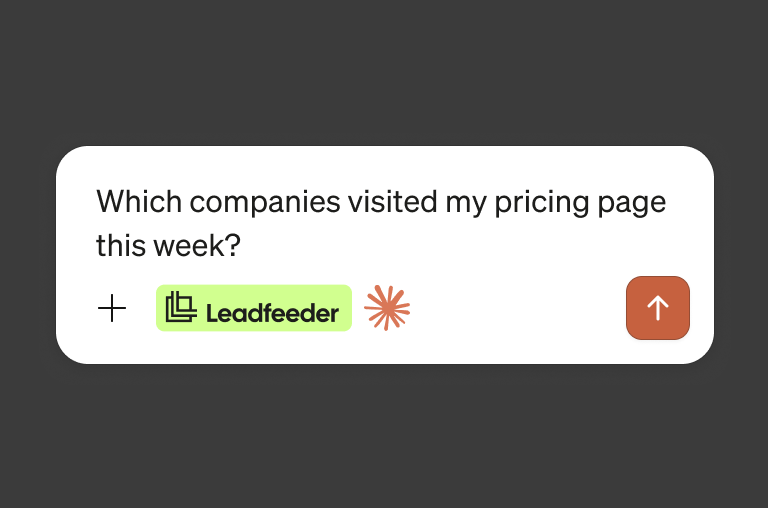
Ask your website who's ready to buy, right inside Claude.
LEADFEEDER MCP SERVER · BETA
Connect Leadfeeder to the AI tools you already use, like Claude or ChatGPT. Ask, in plain words, which companies are interested in what you sell, and act on the answer without leaving the chat.
14-day free trial. No credit card required.

Ask your website who's ready to buy, right inside Claude.
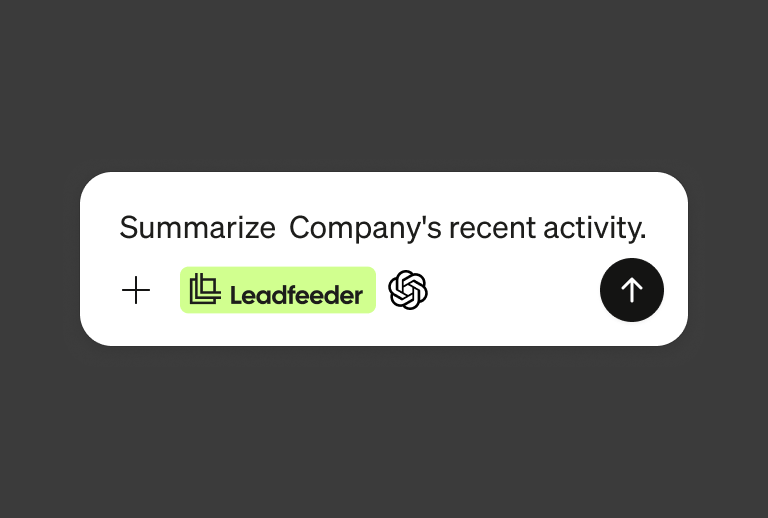
Bring your website's buying signals into ChatGPT
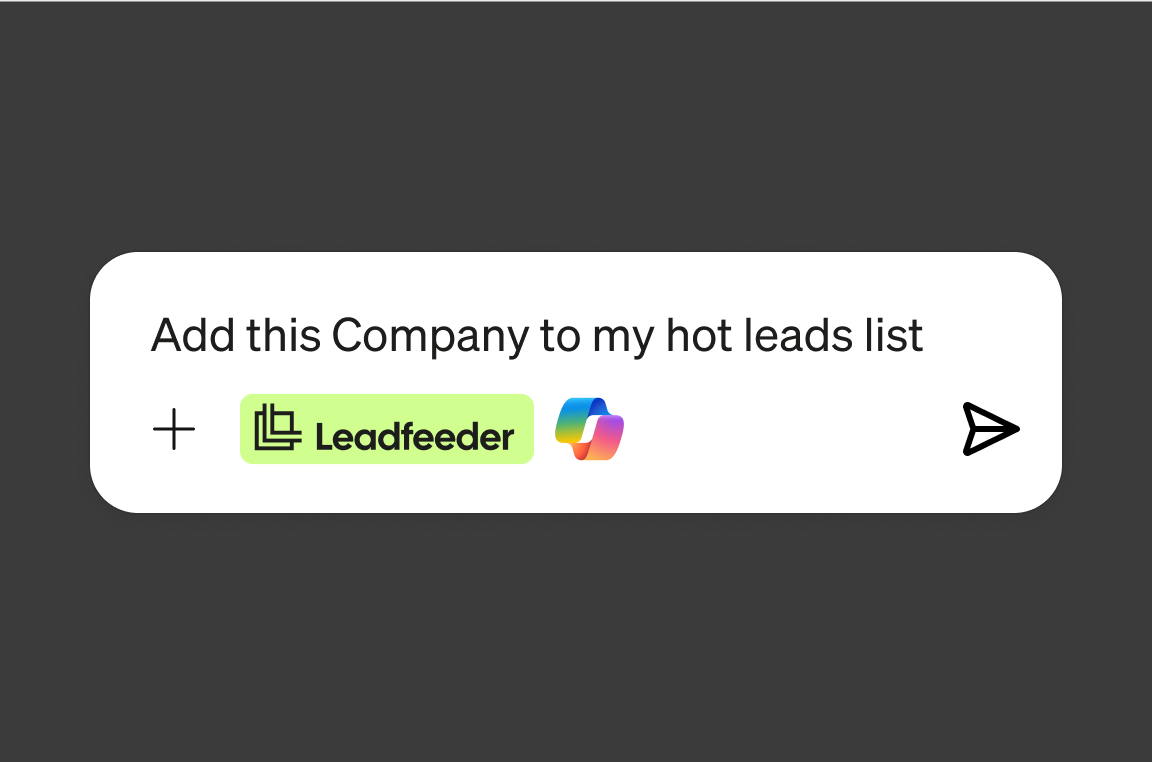
Use Leadfeeder data where your team already works.
Ask "which good-fit companies visited this week?" and get a ranked list from your own website data.
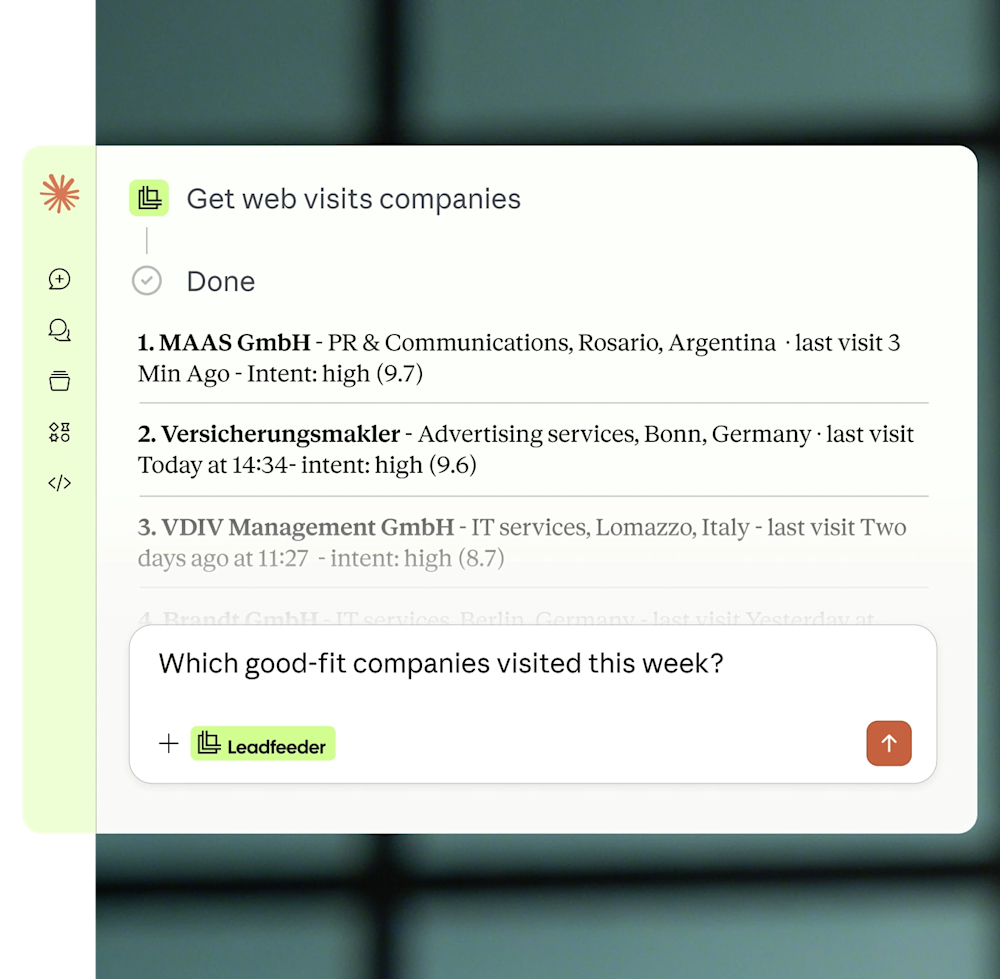
Ask the AI to enrich the best companies, find the right contacts, and build a list.
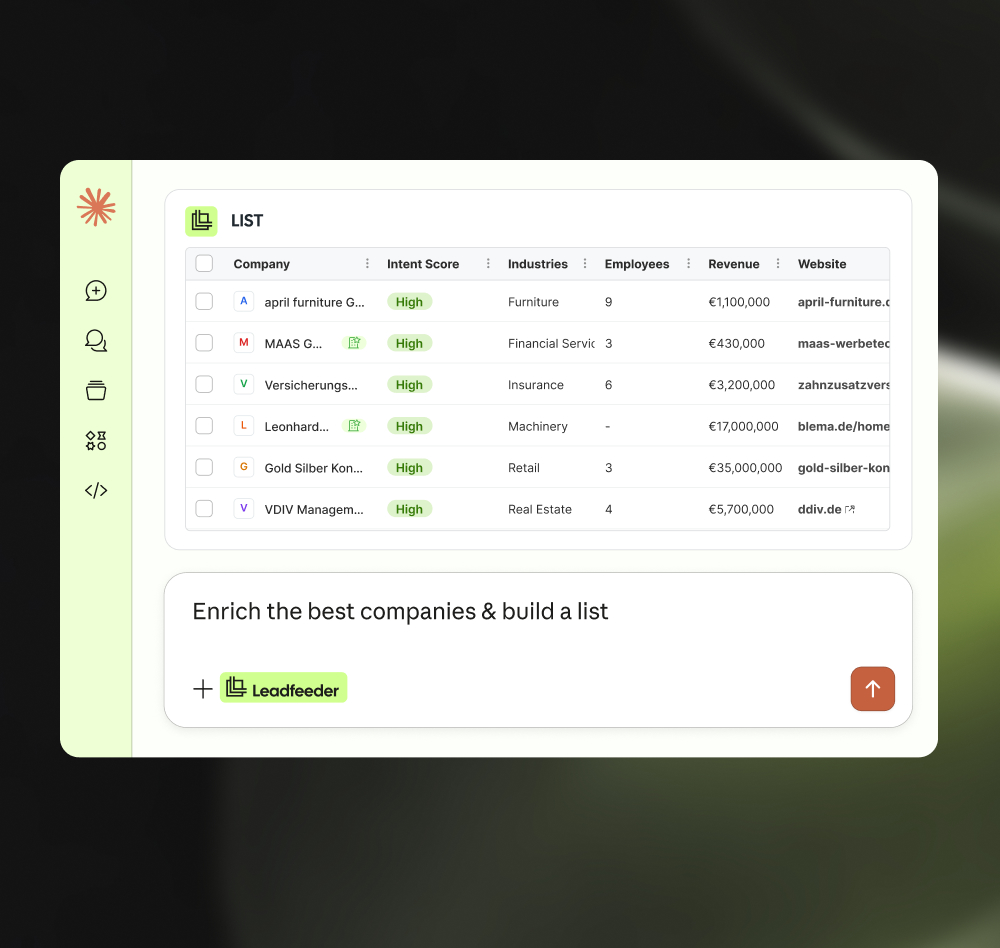
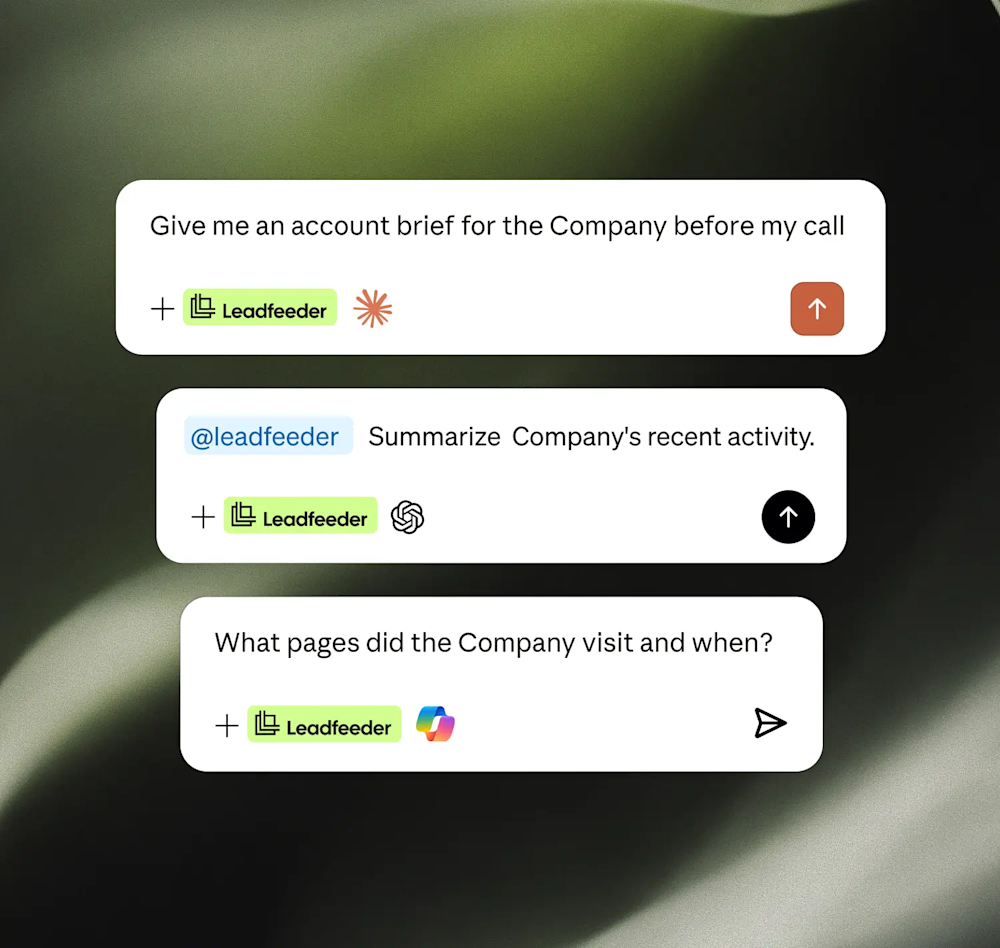

Ask which good-fit companies visited your site this week, and focus on them first.

Describe your ideal customer and build a target list in seconds, no filters to fiddle with.

Add company details and surface the right people to reach out to, right in the chat.

Get a quick brief on any account before a call: recent activity, fit, and who to talk to.

Manage your lists straight from your AI tool of choice.

You sign in with your own account, and anything that changes your data checks with you first.

We prioritize data protection. Benefit from B2B data
collected using Europe’s highest data privacy standards.
AI works off cold, generic databases
Copy-paste between tools
Acting on lists, not real interest
Signals sit unused in analytics.
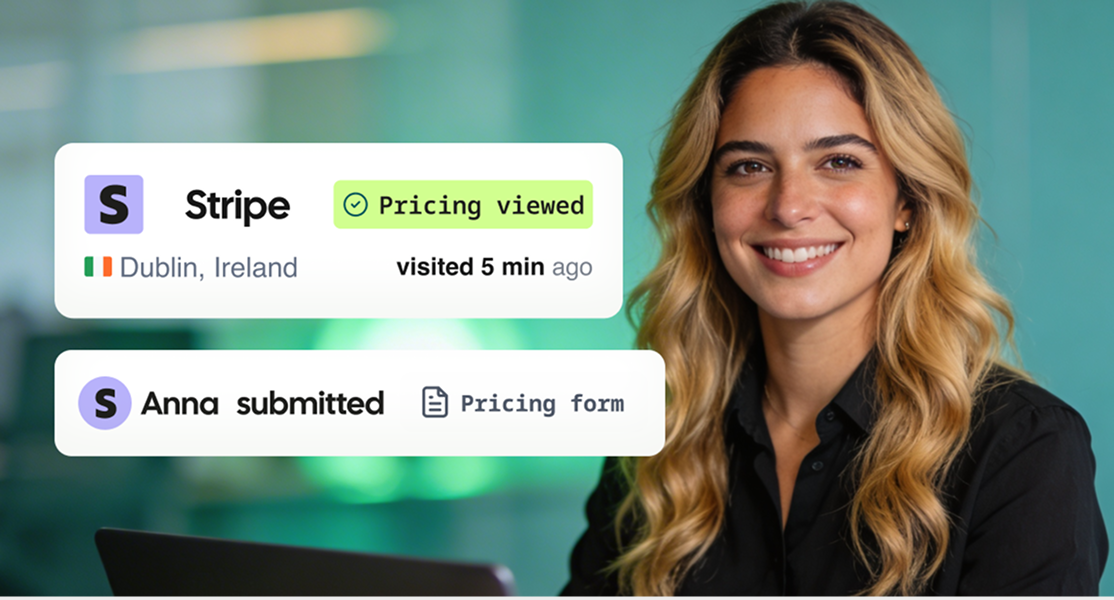
AI starts from who's actually on your site
Find, enrich, act in one conversation
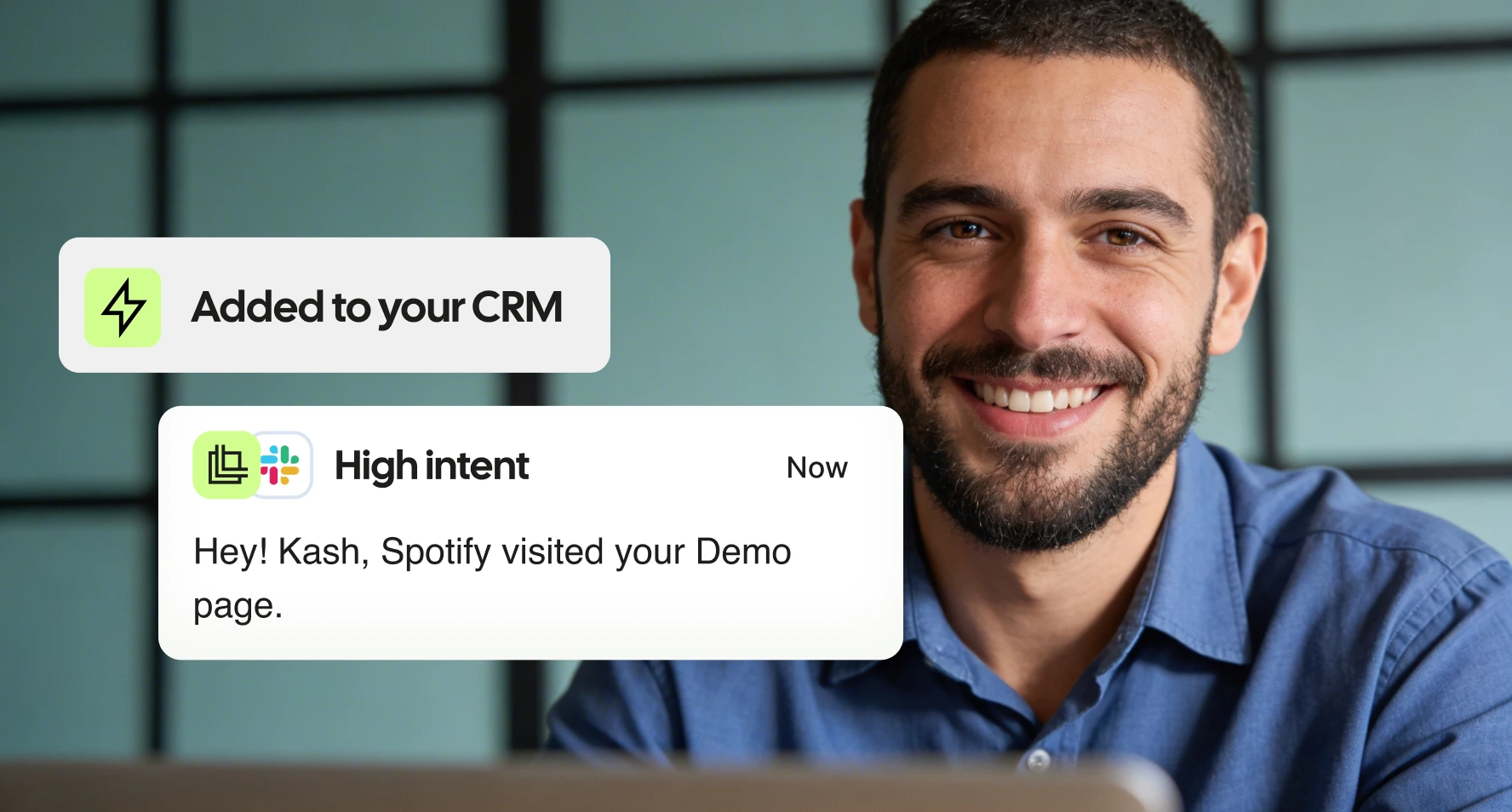
Acting on real buying signals
Your website becomes a lead generation engine
We integrate seamlessly with your sales and marketing tools, streamlining workflows so your team can focus on closing deals and driving growth.
Salesforce
CRM
Pipedrive
CRM
MS Dynamics
CRM
Hubspot
CRM
Zoho
CRM
Looker Studio
Analytics
Gong
Analytics
Google Ads
Analytics
See which companies your campaigns bring in and act on the best-fit ones.
Which AI tools can I use?
Claude and ChatGPT today, more coming.
What do I need to start using Leadfeeder MCP?
An active Leadfeeder account with API access (included on paid plans). On team AI plans, your admin may need to add the connector.
Do I need to be technical?
No. You connect with your own account, no code.
Does it use credits?
Some actions use credits, the same as the API. You stay in control and get warned first.
Is Leadfeeder MCP secure?
You sign in with your own Leadfeeder account (OAuth). No keys pasted in. Anything that changes your data asks first.
Is it in the AI app stores?
Not yet, for now you add it as a custom connector. Marketplace listings come later.
"The API is solid, we pull data into our warehouse and build our own scoring on top of it. The visit metadata (source, campaign, keyword) is clean and reliable. We also found out the landing page URLs keep the full query string, which let us extract Google Click IDs and feed conversions back to our ads, that alone paid for the subscription. UI is simple, does the job. Setup took about an hour. Support was responsive when we had API questions. Company identification has improved over the past year, decent coverage for our traffic size. Good ROI if you actually use the data instead of just browsing the dashboard."
"Dealfront makes it easy for us to prepare targeted campaigns. It offers a wide range of filters, and also provides the option to use AI assistance to help identify our ideal customers."
"Leadfeeder has become an important part of our lead generation process. In addition to our internal use, we have created custom feeds to share with our external commercial network (agents and distributors). With the recently added AI features, Leadfeeder has become even more useful, giving a lot of insights and precious data. Even though we do not use them for a number of reasons, the many integration capabilities add a lot of potential to this already powerful tool. Customer support is top-notch."
"I was impressed by how Leadfeeder’s leadership ultimately handled my concerns. After reviewing the situation, their VP of Customer Success reached out personally, acknowledged that the renewal and cancellation process had not been handled correctly, cancelled the subscription immediately, and took full ownership of the issue. While the original experience was frustrating, the transparency, accountability, and willingness to make things right significantly improved my impression of the company."
"Leadfeeder gives us valuable insight into who is visiting our website and helps us identify potential clients we may not have reached otherwise. It’s straightforward to use and provides clear visibility into which companies are visiting our site. The integration with our CRM makes it easy to follow up with the right people at the right time."
"The insights given are great to identify potential opportunities. It's easy to use and you can customize your own reports. It's integrated in Hubspot witch is very convenient."
"This is one of the best tools for tracking website visitors and understanding how they navigate through different pages. It’s also very effective for quickly finding company information and identifying key people along with their contact details. Additionally, the integration with HubSpot and Google Ads is extremely useful."
"Of all the competing tools, and we've used many, Leadfeeder does the best at providing and making useable the information sales and marketing teams actually care about."
"Data relatively current, with LinkedIn linking, quick search via direct link"
Set up in 4 minutes. See your first identified accounts today.
 Free 14-day trial
 Instantly see your leads
 No credit card needed