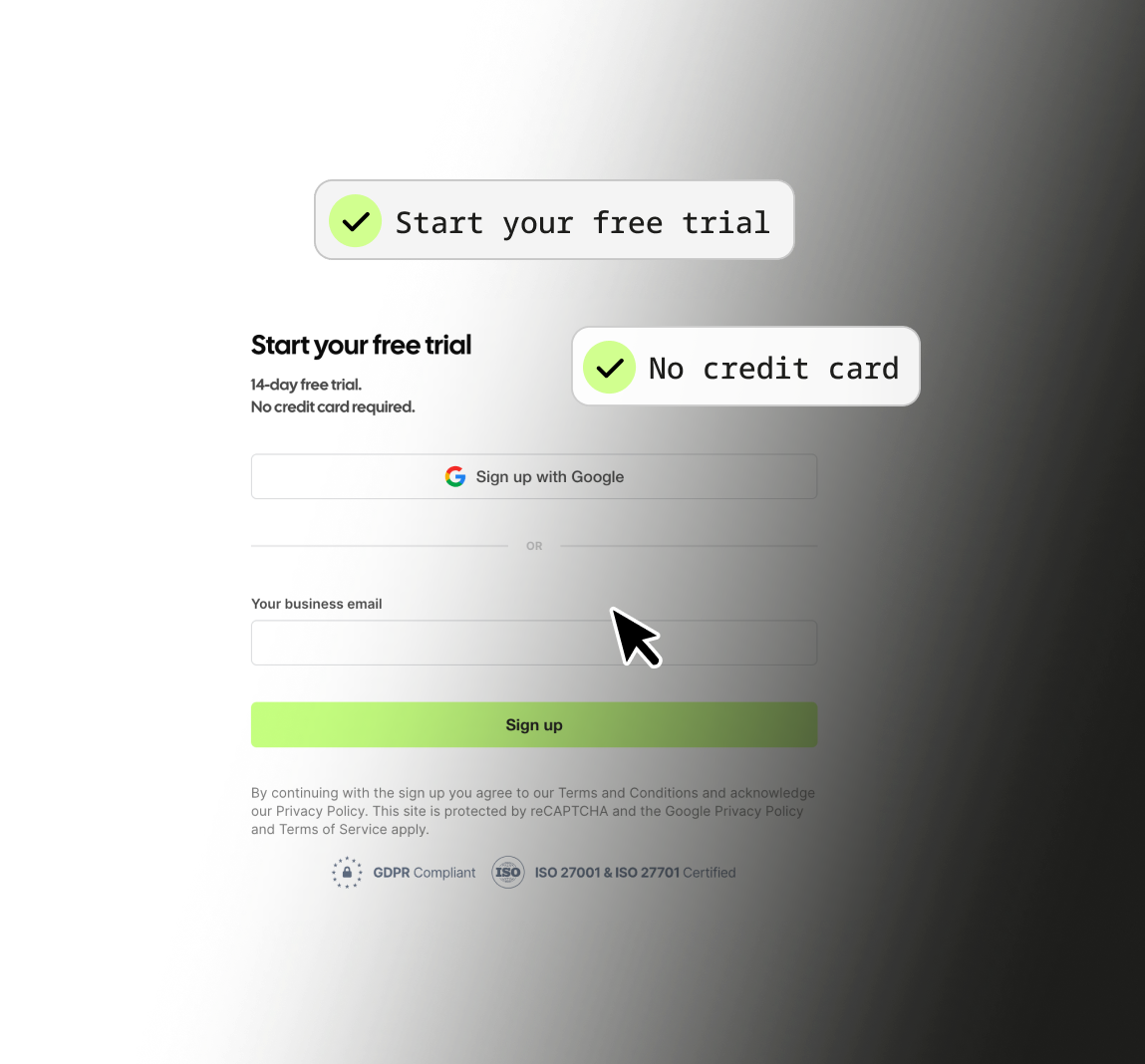

01. Sign up
Just a work email. No credit card.

Most companies that visit your site never fill in a form. Leadfeeder tells you who they were.
No credit card required. Free forever.

Someone from a company opens your website. They read a few pages, don't fill in anything, and leave. Your analytics records a session — but it can't tell you which company that was.
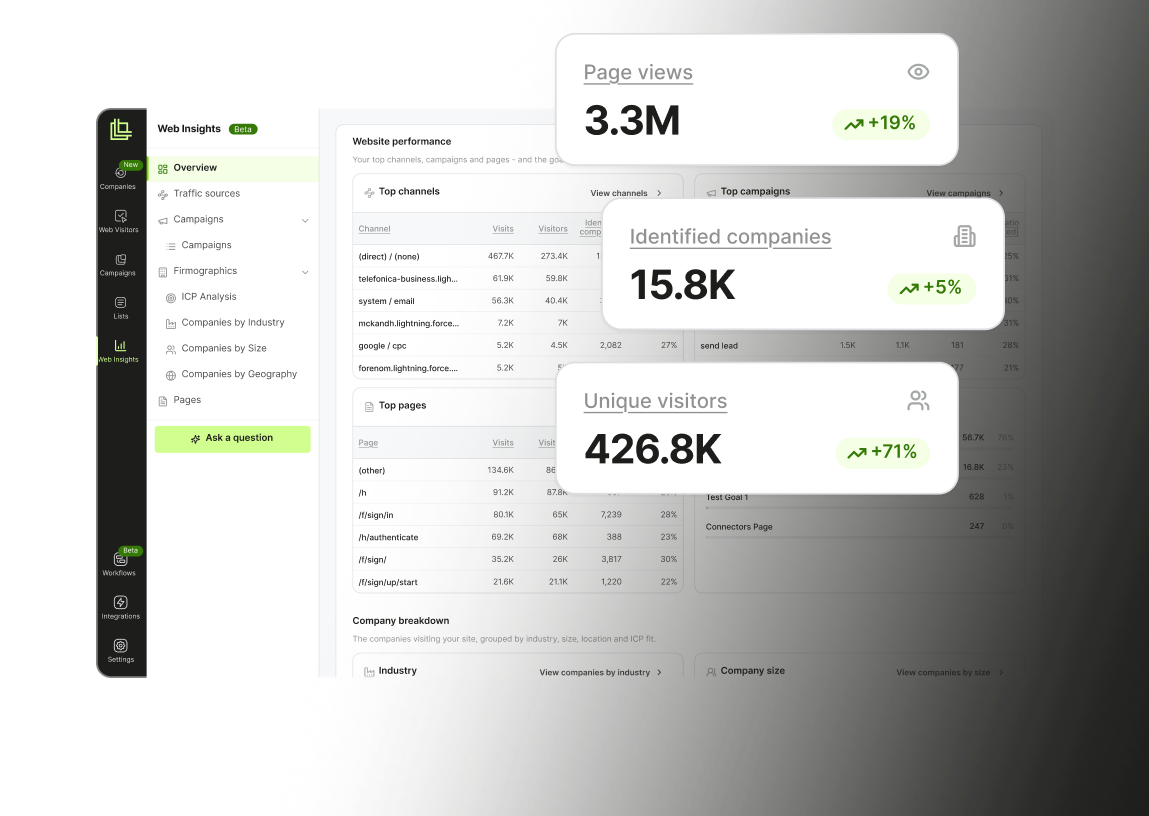
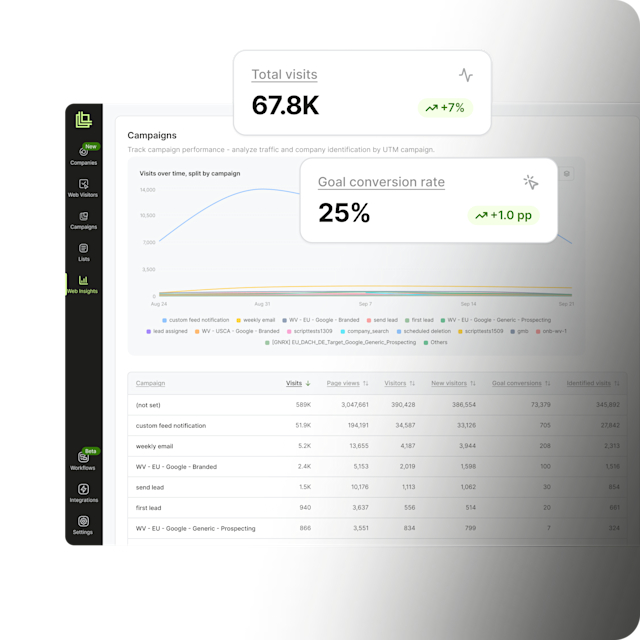
Free website visitor identification can. It matches the visit to the business behind it, so instead of 1,400 sessions this month you get a list of company names.
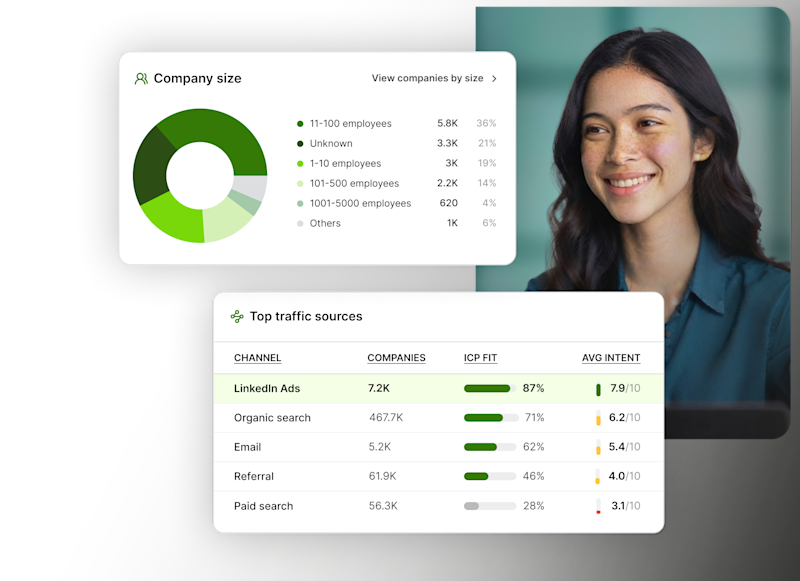
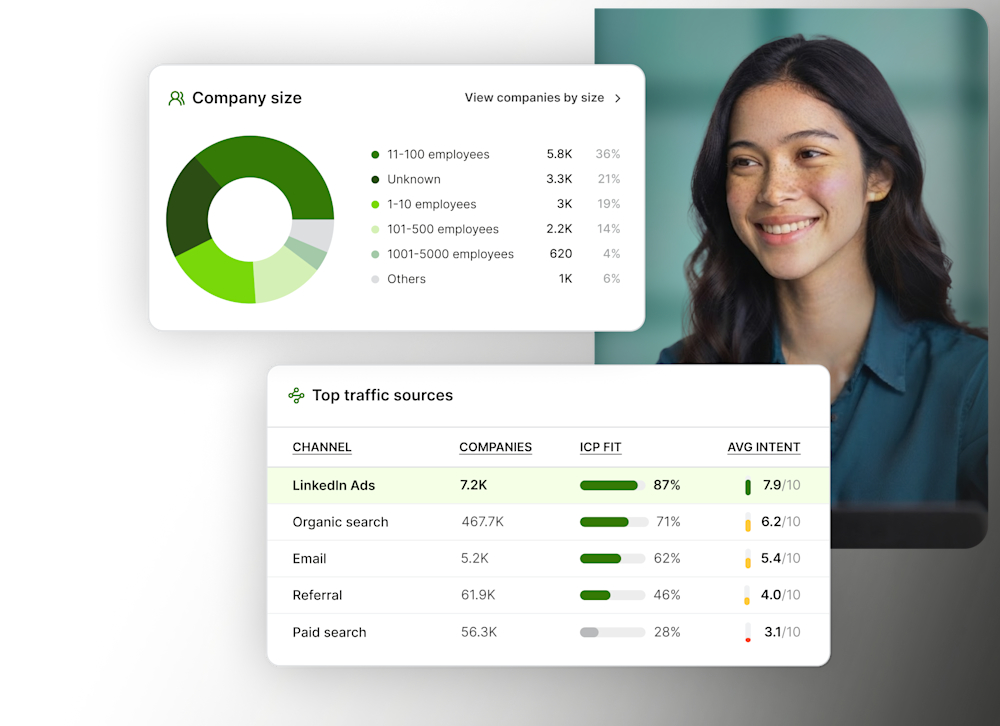
Leadfeeder tells you which companies are interested in your products, even if their employees are working from home. Discover exactly what they are looking for and engage with the right leads, at the right time, with a message that captures their interest.
Just a work email. No credit card.

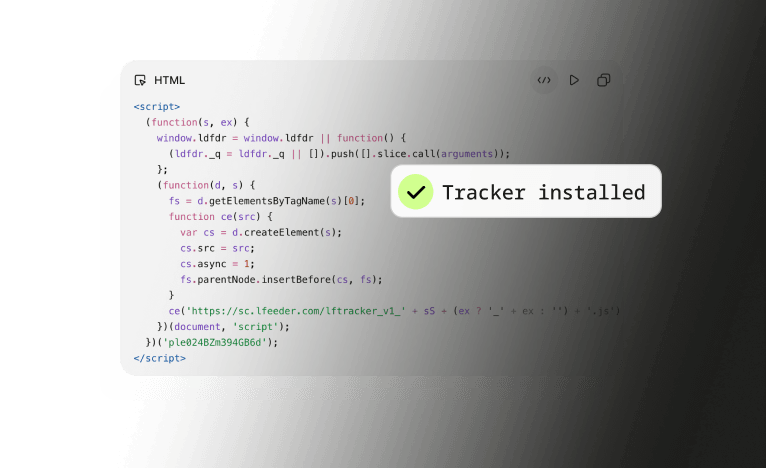
One small script identifies companies visiting your website. Once it's live, you’ll see companies full profiles and the pages they viewed, for your first 14 days

Company names start landing in your feed, along with where they're based.

Lite is our free plan. It's a proper working version of Leadfeeder, and it does have limits. Here's exactly where they sit, so nothing catches you out later.
Lite tells you which companies are interested. That's the whole job, and for a lot of teams it's enough on its own.
Your data stays put. Nothing is deleted when you move between plans. Lite limits what you can see, not what we keep.
Lite covers identifying the companies on your site. Leadfeeder goes further
Our servers are hosted on AWS in Ireland.
Leadfeeder shows you the businesses visiting your site, not individuals.
Data is encrypted in transit and at rest.
Based on the European Commission's Standard Contractual Clauses.

“If someone has been dormant for three months and suddenly comes back to the site, that’s the moment you want to reach out. Without Leadfeeder, you’d never know. I’d say prospecting is about 90% faster than before. It’s just a few clicks — with the right context already there.”
Aleksi Montonen
Chief Revenue Officer

“We doubled our summit registrations. Instead of spending hours trying to figure out who visits our site, we now spend just a couple of hours a week on data collection—and focus the rest on actual outreach.”
Stefano De Carlo CEO
AutomatiKing


“It is a great tool for sales and marketing. Leads that otherwise may have gone unnoticed can now be tracked. It's a good thing that there are many connections for CRM systems, especially Hubspot.”
Tiina Salminen
COO, Snuup


“Leadfeeder helps us get the timing right—so we can support our customers when they need us most, and help create safer, more ergonomic workplaces for them.”
Christine Holmström
Group Marketing Manager
What is free website visitor identification?
Software that shows you which companies visit your website, at no cost. It matches each visit to the business behind it, so traffic that never filled in a form still tells you something useful. Our free plan, Lite, does this for the last 100 companies visiting your website in the past 7 days.
Is Lite really free, or does it run out?
Really free. Lite has no end date and no card on file, so there's nothing to cancel and nothing that can be charged. Stay on it as long as it's useful.
Do I get a free trial as well?
Yes. Every new account starts with 14 days of full access to everything Leadfeeder does. After that you move to Lite, free, with no card involved.
Do I have to install anything?
Yes — one tracking script via Google Tag Manager or directly in the <head> of you website. It takes about five minutes and you can see companies visiting your website instantly. The script is what identifies the companies landing on your pages, so nothing works without it.
Can I see which pages a company looked at?
Not on Lite. Lite gives you the company name and location. Page-level detail is a paid feature.
Can I connect my CRM?
Not on Lite. Leadfeeder feeds your CRM rather than replacing it, and that's usually the first reason teams move to a paid plan.
Is this GDPR compliant?
Yes, Leadfeeder is GDPR complaint. Leadfeeder identifies companies, not individuals, and all data is processed in the EU. When you add the tracker to your site you're the data controller and we're the processor. Full detail is on our GDPR page.
Can I see who visited my website?
Yes, at company level. Leadfeeder matches each visit to the business behind it, so you get a list of company names and locations rather than anonymous sessions. On Lite that is the last 100 companies from the past 7 days, free.
How do I see who is visiting my website for free?
Sign up with a work email, add one small script to your site, and companies start appearing in your feed. About five minutes, no credit card, no end date.
Is this the same as free website visitor tracking?
Not quite. Website visitor tracking usually means analytics: sessions, page views, heatmaps, where traffic came from. Visitor identification names the company behind the visit. Most B2B teams run both, and this page is the second one, free.
Free plan, as many users as you like, no credit card and about five minutes to set up