Salesforce
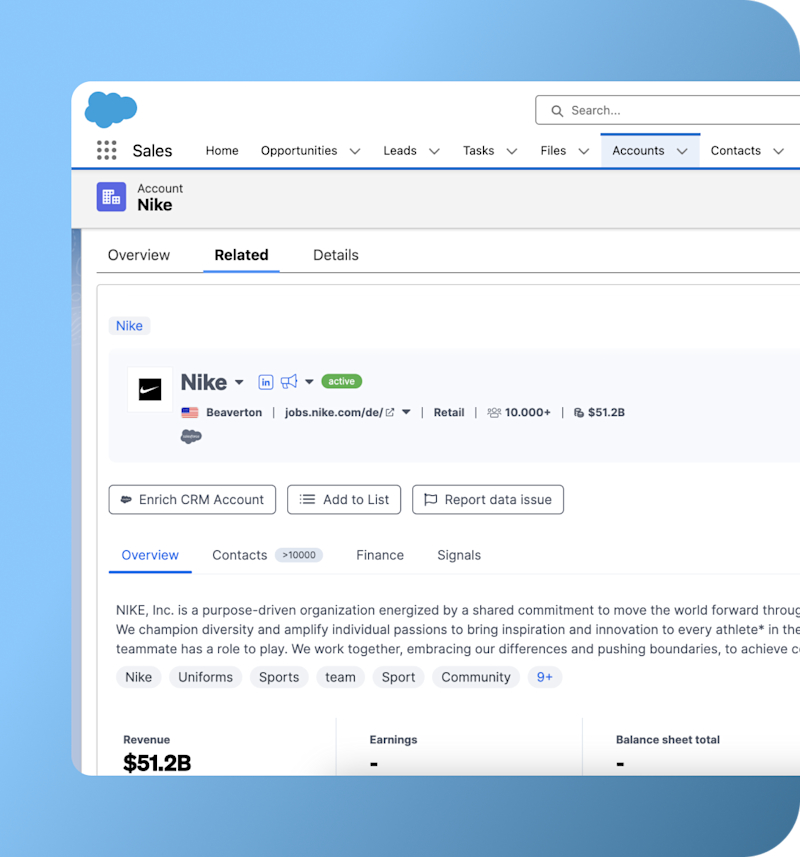
Automatically or manually create and update companies, contacts, opportunities, and tasks.
Integrate website visitor and company data straight into the tools your team already uses every day. Native integrations for the major CRMs, plus Slack, Google Ads, analytics and 5,000+ apps through Zapier.
View Embedded Company Profile and reducing manual work as well as speed up qualification.

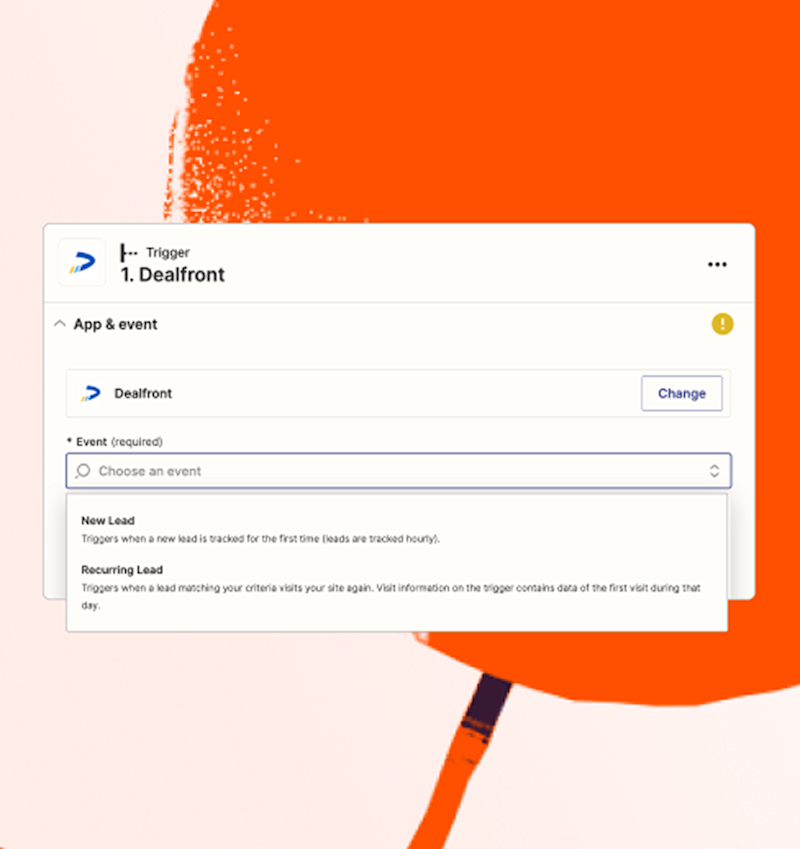
Don’t see your favorite tool listed? Use Zapier to automatically send Leadfeeder data to over 5,000 apps.

Since Leadfeeder data is fed directly into Clay, users can now see which companies visit their website, which pages they view, and how often they return.


Instantly send relevant insights to your company's messaging tool, so your sales reps have all the information they need to drive success.
Automatically or manually create and update companies, contacts, opportunities, and tasks.

Transfer the Leadfeeder data we have on every connected company or contact directly to your CRM.

Transfer company data, deals, and activities directly from Leadfeeder to Hubspot.
Enrich company and contact data, directly add new contacts to your CRM and create prospect lists.
Push the Leadfeeder data we have about each connected company or contact directly into your CRM.

View Embedded Company Profile and reducing manual work as well as speed up qualification.
Identify companies using specific technologies (e.g., SAP) through job postings.

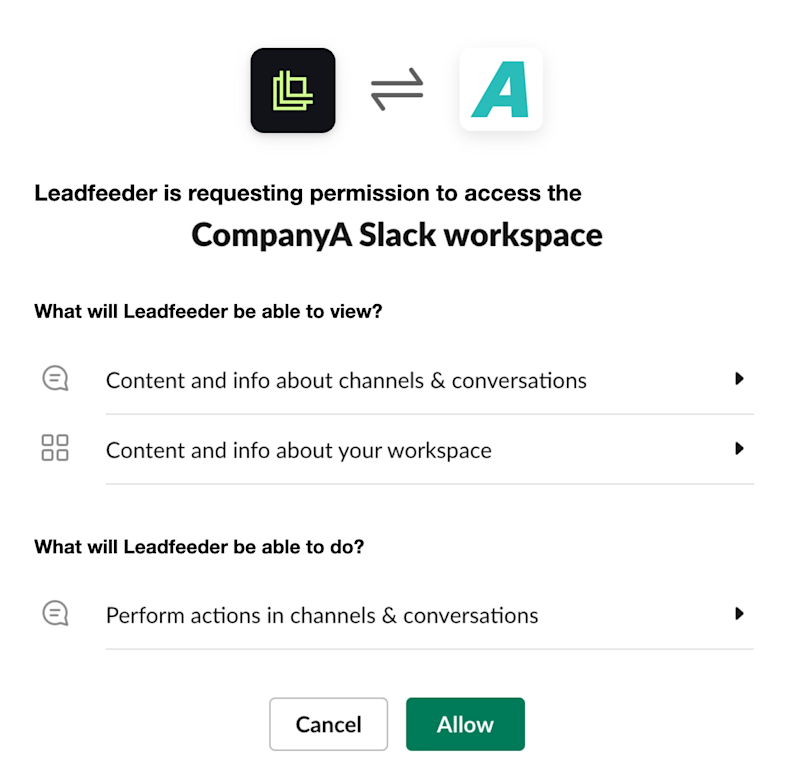
Automatically send identified companies in Leadfeeder to specific Slack channels.
Integrate Leadfeeder with Microsoft Teams to send company profiles directly to any channel.

Send identified companies to a Chat after Google Chat is connected.
Identify Google Ad campaign visits using Google Analytics integration with Leadfeeder.

Turn Leadfeeder's data into easily understandable, visual a and sharable reports

Export company and visit data to a live Google Sheet for custom reporting and analysis, no code required.
Enrich the companies identified visiting your website with useful and actionable Google ads campaign data.
See which companies are engaging with your LinkedIn campaigns, and sync your best-fit Leadfeeder Lists straight to LinkedIn Matched Audiences.

Send companies data from Leadfeeder to Google Sheet or your CMS with custom Zaps
See exactly who has visited your website, from your email marketing campaigns.

See who clicked from your email campaigns and how they engaged on your website.

Uncover valuable insights about the customers and prospects that have interacted with your website.
If your tool is not listed, you have three routes.
Use Zapier to connect Leadfeeder to 5,000+ apps with no code


“We doubled our summit registrations. Instead of spending hours trying to figure out who visits our site, we now spend just a couple of hours a week on data collection—and focus the rest on actual outreach.”
Stefano De Carlo CEO
AutomatiKing


“Using Leadfeeder, we can examine our specific target markets and discover new sales opportunities. Our sales team is thrilled about the data quality that they receive from Leadfeeder Target.”
Jessica Bo Siedschlag
Product Management ADDISON @ Wolters Kluwer


“Not only does sales benefit, but marketing and paid media do too. We now have insights into which companies are coming through our Google Ads, allowing us to refine our targeting and maximize our ad spend.”
Anđela Čović
Head of Marketing


“It is a great tool for sales and marketing. Leads that otherwise may have gone unnoticed can now be tracked. It's a good thing that there are many connections for CRM systems, especially Hubspot.”
Tiina Salminen
COO, Snuup
Can Leadfeeder identify companies whose employees work remotely?
Yes, unlike some of our competitors, Leadfeeder can identify the companies even if their employees work remotely.
When people work remotely, they usually use dynamic IP addresses that change ownership frequently, making them more difficult to track. Our IP database receives a constant stream of updates from multiple data sources to stay up to date when ownership of IP addresses changes.
This allows us to identify companies, even if their employees work from home.
How is Leadfeeder data kept accurate and up to date?
Leadfeeder automatically removes bots, ISPs, and other low-quality traffic sources, so you only get a list of high-quality identified companies. Unlike other tools, you also have the option to remove unwanted companies yourself. This makes Leadfeeder data quality superior to others. Our unique machine learning algorithm creates a fresh and accurate version of the IP-to-company database every day. It uses our proprietary data and combines it with millions of external signals and public IP registration databases. Every month around 20% of the database changes, so updating it on a daily basis is important.
Is Leadfeeder GDPR compliant?
Leadfeeder is a fully GDPR-compliant solution. It collects behavioral data of the companies visiting your website, including the pages viewed, where they came from, and how long they spent on your site. IP addresses are collected to determine the company and its geographic location. By default Leadfeeder only shows company visits, not individuals. Leadfeeder only tracks individuals when you opt in and when the individuals identify themselves on your website (via form submissions or email integrations). Leadfeeder also enriches company visit data with publicly available business contact data.
What happens at the end of my free trial?
With the 14-day free trial of Leadfeeder, you get full access to all products on the Leadfeeder Lite plan, with no commitment or credit card required upfront. This includes full access to Leadfeeder along with Target Basic. If you purchase a subscription during or at the end of your trial, you will continue to have access to all these products and features at the end of your trial. If you do not purchase a subscription, you will automatically be downgraded to the free version of Leadfeeder, which has limited Leadfeeder and Target features.
Who is Leadfeeder for? Sales or marketing?
Both sales and marketing! Sales teams use Leadfeeder to discover buying intent and find ready-to-buy sales leads. They can also build better sales pitches by knowing exactly what interests their leads on the website. Marketing teams use Leadfeeder to identify quality, prioritize companies interested in their products and pass them on to the sales team. They can also measure the impact of their online activities and campaigns and see which of their companies are engaging on the site, and the type of traffic sources that bring them there.
 Free 14-day trial
 No credit card needed
  Instantly see your leads