If you’re on the hunt for a CRM that’s a good Pipedrive alternative, you’re in the right place.

Share post

Looking For a Pipedrive Alternative? 10 Top Options to Consider

Looking for Pipedrive alternative? Look no further!

60-Second Summary

We reviewed ten strong alternatives to Pipedrive, comparing feature sets, pricing, integrations, and AI capabilities across vendors like Salesforce, HubSpot, Microsoft Dynamics, Zoho, and Creatio. This brief captures the core trade-offs and practical guidance to help you pick the right CRM for your business.

  • Key takeaways: Enterprise platforms (Salesforce, SAP) excel at customization and analytics but cost more; mid-market options (HubSpot, Microsoft) balance features and integrations; budget-friendly picks (Zoho, Capsule, Nutshell) offer essentials with lower TCO.

  • Standout strategies and tactics: Use AI features for lead scoring and forecasting, adopt no-code automation (Creatio) to speed workflows, and integrate visitor-identification tools like Leadfeeder to prioritize high‑intent prospects.

  • Real-world lessons and frameworks: Evaluate vendors against a simple framework—features needed, reliability & scalability, integrations with your tech stack, data security, onboarding/support, and ROI—then validate with trials.

  • Quick selection checklist: Match CRM complexity to team size, prioritize integration and support, compare total cost (including premium AI tiers), and pilot with Leadfeeder-enabled workflows to surface warm leads before committing.

*This summary was created with AI assistance, using our original content.

There’s no doubt that Pipedrive is an excellent platform, but there’s no harm in checking out what else is available, either. There’s a wide variety of options, after all, and it’s perfectly possible that another vendor might offer different features or functionality that would be an ideal fit for your company.

That’s why we decided to review what’s out there and give you the lowdown on ten CRM solutions we think might be just what you’re looking for.

1. Salesforce

The first name on our list is also one of the best-known, with over 150,000 companies worldwide using its suite of CRM solutions. Salesforce integrates with Leadfeeder seamlessly, allowing you to do a number of useful things, like excluding companies from your prospecting lists if they’re already listed in your Salesforce account.

Salesforce offers a variety of pricing options, from the $25 per user, per month starter tier, which provides only basic contact, account, and lead management functionality. 

Its premium option is the Unlimited tier, which includes a huge number of AI-powered features, including sales intelligence, lead scoring, email insights, and the Buyer Assistant. All for the princely sum of $330 per user, per month. If you’re after something even more impressive and your budget will stretch to $500 per user, per month, you can opt for the Einstein 1 Sales package. 

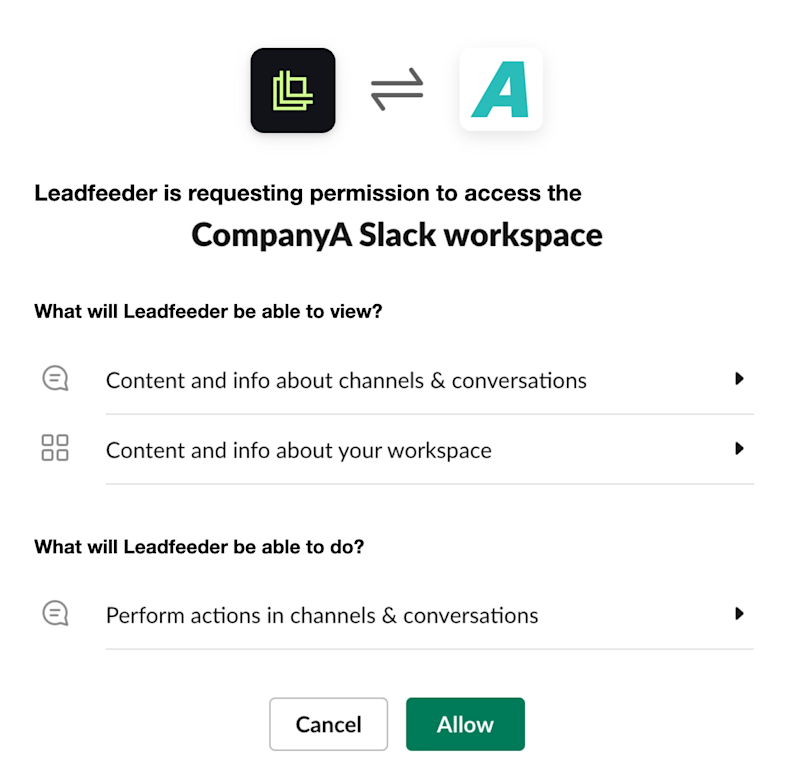
This includes everything on the Unlimited tier but also gives you access to the Sales Planning, Programs, and Collaboration features. This allows you to build data-driven sales plans inside your CRM and integrates directly with Slack so you can share real-time CRM data and intelligence across your team.

Pros of Salesforce

  • Provides a wide range of customization options

  • Dashboards and reports are straightforward to navigate

  • AI-powered Einstein Analytics capability is excellent for obtaining deeper insights

  • Sales tracking, lead management, and reporting functions are all well integrated 

Cons of Salesforce

  • More expensive than many competitors

  • Customer support could be more responsive

2. HubSpot

Another big name in the CRM sector, HubSpot Sales Hub, offers a wide range of features, including contact and account management, pipeline management, email marketing automation, and social collaboration. It offers a free option with unlimited users—but it’s fairly basic, covering only the rudiments of account and task management. 

The basic paid version starts at $20 per user, per month, but most companies will probably need to sign up for the $100 per user, per month Sales Hub Professional package to access all the CRM features they rely on.

If it’s integrations you’re after, HubSpot is pretty strong here, with over 1,700 integrations ready to go with third-party apps including Slack, LinkedIn Ads, Mailchimp, and Calendly. 

And, of course, you can also integrate HubSpot with Leadfeeder to streamline your workflows even more efficiently.

Pros of HubSpot

  • Supports easy data capture thanks to a large library of integrations

  • Dashboard is intuitive to use

  • Centralized data allows easier collaboration between teams

  • Good KPI tracking and reporting functionality

Cons of HubSpot

  • More expensive than many competitors

  • No flexibility on annual billing

3. Microsoft Dynamics 365

The next Pipedrive alternative you might want to consider is Microsoft Dynamics 365. Note that this isn’t a piece of specialist CRM software. Instead, it’s a full suite of business applications that includes not only CRM functionality but also enterprise resource planning (ERP), operations, finance, and project service automation.

If your organization is already set up to rely heavily on Microsoft products, this one is well worth considering. It’s designed to integrate very well with other Microsoft software, so you’ll probably find it relatively straightforward to plug into your existing tech stack.

On the other hand, it puts less emphasis on third-party integrations, so it might not be the best fit if you use a variety of platforms from other vendors. Either way, it provides robust CRM functionality and extensive customization options, so if this is your preferred choice, you shouldn’t have any trouble tweaking the settings to suit your operational needs.

Pros of Microsoft Dynamics 365

  • Integrates well with other Microsoft products

  • Excellent analytics features help identify market trends

  • Strong security features, including encryption and access controls

  • AI-powered automation allows you to personalize the customer experience effectively

Cons of Microsoft Dynamics 365

  • Not very many third-party app integrations

  • The complexity of advanced features may mean a steep learning curve for beginners.

4. Zoho CRM

Any company looking for a more cost-effective solution should consider checking out Zoho. While its CRM platform is comprehensive enough to suit both smaller and larger businesses, it recognizes that many companies prefer flexibility in pricing. You can choose monthly or annual billing, and you won’t be locked into a long contract.

There’s also a free edition for up to three users, and you can take advantage of a free trial of the paid version to see whether it’s a good fit for your needs. There are four paid plans, topping out at $52 per user, per month for the Ultimate package.

The Zoho interface is user-friendly, and even the basic Standard paid plan comes with advanced filters, sales forecasting, and KPI tracking. If you need email integration, you can access that on the $23 per user, per month Professional tier, which also features Google Ads integration, unlimited records, and inventory management functionality. 

Pros of Zoho CRM

  • Support for 28 languages makes it a good choice for international teams

  • Less costly than some of the bigger names

  • The pay-as-you-go model allows for monthly billing

  • Offers dedicated onboarding services for SMEs and enterprises

Cons of Zoho CRM

  • A large number of features can be overwhelming for beginners

  • Steep learning curve at first 

5. SAP Sales Cloud

SAP is a long-established name in business software with a pedigree dating back over 50 years. It boasts clients in over 157 countries and offers a huge range of enterprise applications from supply chain management to procurement software.

Sales Cloud is its cloud CRM solution, and it doesn’t disappoint. As well as all the usual account and pipeline management tools you’d expect, it also has embedded AI capabilities to help you with tasks like assisted outreach and guided selling.

Where SAP really shines is in its analytics functionality. It allows you to prioritize leads based on insights derived from performance, accounts, and previous interactions. These insights are integrated directly into the pipeline manager, and you can set the software to use them to generate sales forecasting reports and data visualizations. 

Pros of SAP Sales Cloud

  • Includes sophisticated analytics functionality

  • Integrates well with other SAP products

  • Provides comprehensive customer management tools to help plan personalized customer journeys

  • Can be tailored according to industry-specific needs

Cons of SAP Sales Cloud

  • A complex interface can be difficult to use at first

  • Some customization options may require specialist knowledge to use effectively

6. SuperOffice CRM

The only product on this list from Norway, SuperOffice CRM, is a great all-round CRM solution that claims to have customer relationships at its core.

What does this mean in practice? Well, you’ll benefit from all the contact and pipeline management tools you’d expect, along with customer contract management, email marketing automation, quote and order management, and analytics and reporting features.

Unsurprisingly for a European product, it comes fully compliant with GDPR regulations and supports 15 languages.

As for customization options, you can generate your own custom objects, fields, rules, and views as well as select from a library of preset workflows and templates. This should be enough for most businesses, but it might not be quite what you need if you prefer more intricately customizable solutions. 

Pros of SuperOffice CRM

  • User-friendly interface with intuitive controls makes it easy to get started

  • Responsive customer service means there’s always help on hand

  • Handy Sandbox area allows admins to test changes before deployment

  • Users can transact business with the same content in multiple languages and currencies

Cons of SuperOffice CRM

  • Selection and export functionalities could be smoother

  • Not as customizable as some competitors

7. Monday CRM

Monday.com is a business software company that offers four core products: A project management tool, a development platform, an IT support platform, and the CRM we’ll be discussing here. Although it’s therefore not a CRM specialist as such, the fact that it focuses on doing a few things well has its advantages.

Specifically, a lot of thought has gone into Monday CRM’s dashboard. It features an intuitive layout that’s easy to negotiate, even for first-timers. It also provides over 200 preset templates and more than 100 integrations with other tools, making it fairly straightforward to get up and running quickly.

In addition, it features automated email sequences to make following up on leads simple and includes AI-powered email composition and advanced HTML editing tools for fine-tuning your messaging. 

There are also excellent sales forecasting and activity-monitoring tools, and the software lets you track team wins and set goals for individual team members. Overall, then, a pretty comprehensive and practical package.

Pros of Monday CRM

  • The highly intuitive user interface is beginner-friendly

  • Advanced email analytics functionality to unearth valuable insights

  • AI-assisted email composition function saves you time

  • Excellent reporting and forecasting tools assist in precision planning

Cons of Monday CRM

  • Time tracking feature not available at lower pricing tiers

  • Not available for fewer than three users

8. Capsule CRM

Another excellent, lower-cost option is Capsule CRM, which is particularly targeted at small-business clients focused on growth but also offers a comprehensive enterprise solution for larger companies.

Because its platform is primarily focused on growth, you’ll find that it concentrates on the kind of customer contact and management challenges that smaller companies tend to encounter quite often. For instance, the system will nudge you to follow up with clients you haven’t connected with for a while.

Analytics-wise, there are enough options for most small business needs, although if you’re looking for deep-level insights and sophisticated reporting features, you might be better off considering a different solution.

Overall, though, it’s a solid offering that’s especially well-suited to start-ups and smaller companies, so it’s definitely worth a look. It offers a 14-day free trial, so you can easily take it for a test drive to see if it's a good match for your needs.

Pros of Capsule CRM

  • More affordable than some of the big names

  • The interface is easy to navigate, even for non-experts

  • Responsive customer service makes it easy to access support

  • The mobile app allows you to manage tasks on the go

Cons of Capsule CRM

  • Not quite as customizable as some competitors

  • Analytics functionality is relatively basic

9. Nutshell CRM

Nutshell is a combination of a CRM and an email marketing platform that’s primarily targeted at smaller businesses. As such, it’s intended for teams responsible for handling both sales and marketing, rather than for those specializing in one or the other.

That said, it provides all the features you’d expect to find in a standard CRM, including pipeline management, sales automation, sales forecasting, and reporting tools. You can capture lead info with easily customizable forms and create custom audiences for targeted emails. 

It also includes integrations with over 100 third-party applications, including Google Workspace, Slack, PandaDoc, and MS Teams. And if you need help, it’s good to know that all Nutshell customers have access to free chat support from human agents.

Pros of Nutshell CRM

  • Detailed reporting tools are useful for sales planning

  • No user limits or storage caps

  • Intuitive interface that’s easy to use

  • Built-in email marketing functionality simplifies messaging tasks

Cons of Nutshell CRM

  • Customization options are relatively limited

  • Not as immediately scalable as some other CRMs 

10. Creatio CRM

Rounding out our list of the top ten Pipedrive alternatives is Creatio CRM, which positions itself as an AI-native automation platform. It’s a no-code platform that allows you to create custom workflows. The pricing structure is a little more complex than that of most CRMs. 

You have to buy a package as an entry point (starting from the Growth tier at $24 per user, per month, up to the Ultimate tier at $85 per user, per month), but to use the AI features, you also need AI tokens. You’ll be allocated some with your initial package, but if you need more, you’ll have to purchase them as an add-on.

If you’re used to working with another CRM interface, you might find Creatio somewhat unfamiliar at first. The dashboard takes a little getting used to, and you may need to poke around a bit to find what you need. For instance, there’s no user management option on the sidebar. If you want to add a new user, you do this via the Settings menu instead.

Once you’re familiar with the layout, you’ll find the functionality impressive. Creatio provides very detailed analytics that you can customize with great precision, and the advanced AI assistant greatly simplifies tasks ranging from data analysis to workflow execution.

Pros of Creatio CRM

  • Highly flexible and customizable platform to suit all kinds of organizations

  • An AI Assistant makes accomplishing most tasks much easier

  • Machine learning protocols to improve the quality of data analysis

  • Responsive customer support

Cons of Creatio CRM

  • Relatively expensive and complex pricing structure

  • Not available for fewer than five users

tips-to-select-a-crm

CRM Comparison Table: Top Pipedrive Alternatives

Choosing the right CRM can be overwhelming, especially with so many strong alternatives available. While each platform listed above offers robust capabilities, they differ significantly in terms of features, usability, and pricing structure. 

To make your evaluation easier, here’s a side-by-side comparison of the top Pipedrive alternatives, based on their key features and current pricing.

Name

Key Features

Pricing

Salesforce

Highly customizable CRM, AI-powered Einstein analytics, advanced reporting, strong lead and sales tracking

Starts at $25/user/month; enterprise tiers can exceed $300/user/month

HubSpot Sales Hub

All-in-one CRM with marketing automation, intuitive dashboard, strong integrations (1,700+ apps), centralized data

Free plan available; paid plans start at $20/month; enterprise tiers can exceed $1,000/month

Microsoft Dynamics 365

CRM + ERP suite, deep Microsoft integration, AI-driven automation, advanced analytics, and security

Starts at $65/user/month; advanced plans up to $150/user/month

Zoho CRM

Cost-effective CRM, sales forecasting, KPI tracking, multilingual support (28 languages), flexible billing

Free plan available; paid plans range from $20 to $65/user/month

SAP Sales Cloud

Enterprise-grade CRM, advanced analytics, AI-assisted selling, strong pipeline insights, and forecasting

Custom pricing (enterprise-level, quote-based)

SuperOffice CRM

Customer relationship-focused CRM, GDPR compliance, multilingual support, customizable workflows, and templates

Custom pricing (quote-based, varies by region and package)

Monday CRM

Visual and intuitive dashboard, 200+ templates, automation, AI email tools, strong reporting, and forecasting

Starts at $12/user/month; up to $28/user/month; enterprise custom pricing

Capsule CRM

Simple and affordable CRM, contact management, task automation, mobile access, ideal for small businesses

Free plan available; paid plans from $18 to $72/user/month

Nutshell CRM

CRM + email marketing combo, pipeline management, reporting tools, unlimited users/storage, easy integrations

Starts at $16 to $42/user/month

Creatio CRM

AI-native CRM, no-code workflow automation, advanced analytics, customizable dashboards, and processes

Starts at $25/user/month; higher tiers up to $85/user/month plus AI add-ons

Understanding Pipedrive CRM software

Pipedrive is a popular customer relationship management (CRM) solution that has already helped over 100,000 clients grow their business. 

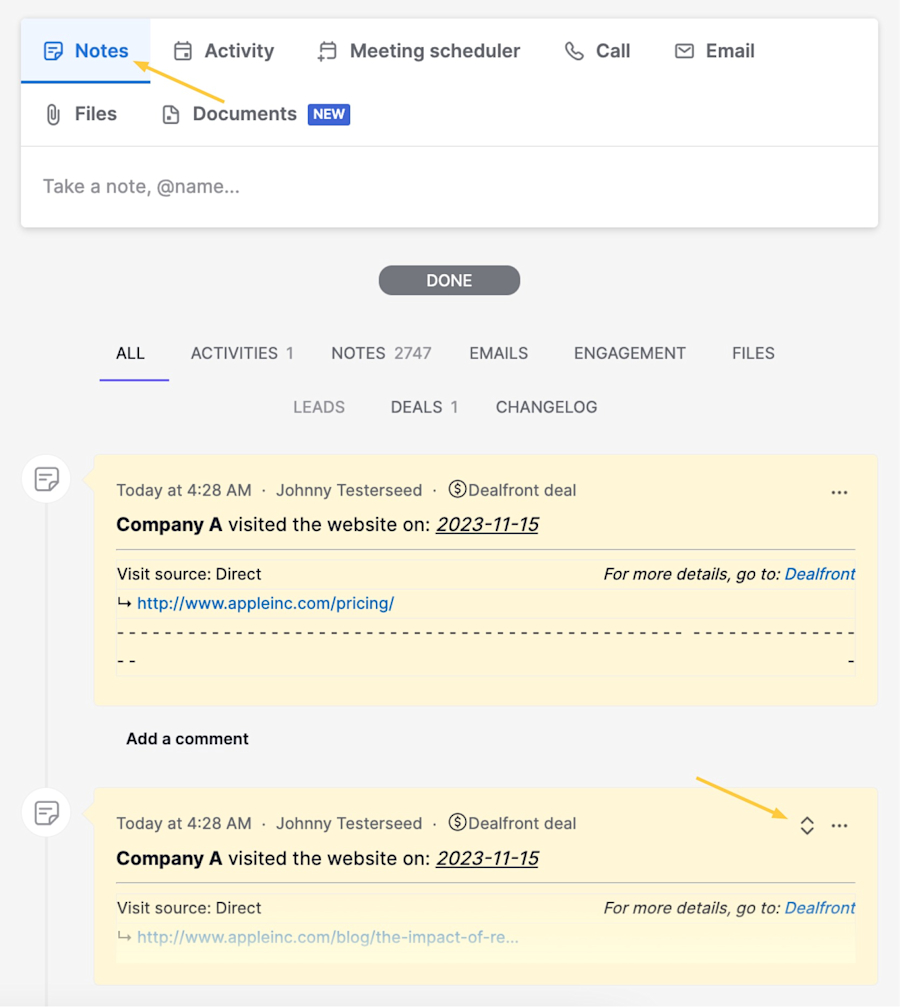
It allows companies to manage leads and track them through their sales pipeline using a host of useful features, including automated follow-ups, real-time reporting, and prospecting forecasting. If you’re interested in using Pipedrive, you might be pleased to know that there’s a Leadfeeder and Pipedrive integration

This allows you to streamline your workflow even further by making it straightforward to add contacts to existing deals, sync LinkedIn contacts with Pipedrive, and automatically create CRM activities for your sales team when target companies visit your website.

Here’s a quick overview of the advantages and potential drawbacks of using Pipedrive:

Advantages of Pipedrive

  • User-friendly interface makes it easy to get started.

  • Includes access to useful video tutorials.

  • Offers integrations with more than 400 third-party tools.

  • You can schedule an onboarding consultation to help set up your contacts database.

  • Simple to sync the Sales Inbox with your existing email tool.

Potential Pipedrive drawbacks

  • Customer support options are limited on lower-priced tiers.

  • Could have more options for customizing displays in the Leads and analytics sections.

Factors to consider in any Pipedrive comparison

Of course, even though Pipedrive is a great option, it might not be the perfect fit for your business. If you’re considering looking into Pipedrive alternatives, here are the boxes you need to tick to find your ideal CRM:

1. Features and functionality

One of the most prominent ways CRMs distinguish their offering from competitors is in the array of features and functions they offer. While some focus on offering the basics and doing them well, others aim to add value by providing features with more niche appeal.

The key question you should ask yourself is “which features do I actually need?” If you run a small business or startup, you might only require basic CRM functions, such as lead management and a few integrations with your other tools. In that case, you probably don’t want to pay for functionality you’re not ever going to use.

On the other hand, if you’re choosing a solution for a larger enterprise, it’s likely you’ll need a more comprehensive suite of features like unlimited reporting and advanced analytics tools. Premium tiers that include these elements are readily available from several providers.

2. Reliability and scalability

When you’re making a commitment to purchase new sales software, reliability is another crucial factor to consider. Any extended period of downtime can disrupt your business, so always ask a provider to disclose their uptime stats before you buy their product.

In addition, check reviews on third-party sites to see what existing customers say about the software's reliability. That way, you’ll get a genuine insight into the customer experience.

If you’re growing your business, you’ll also need to think about how well the solution you choose will adapt to your future needs. It’s best to go with software that’s easily scalable, so you don’t have to add new accounts as you need them.

3. Integrations with other tools in your tech stack

There's no point implementing a CRM that doesn't play well with your existing tech stack. The last thing you want is to hit operational problems when the whole purpose of upgrading to a new CRM solution is to help your business run more efficiently. The real cost of a bad fit often shows up later, when your data is fragmented, and your team is wasting time stitching it back together. As Ken Roden, executive advisor and GTM strategist, put it after working with a B2B sales team:

"Their CRM data was full of gaps, and the data was dirty - they weren't able to actually properly blueprint an account for any type of campaign. It would take about two hours per account just to piece together everything they were looking for." - Ken Roden

That means you need functional CRM integrations that genuinely streamline your workflows. Some providers offer free trials so you can see how well everything works in practice before you sign up. Usually, you'll only get about 14 days to try it, but it's well worth considering.

4. Data security and privacy

CRMs, by their very nature, handle a large amount of sensitive customer data. This makes security and privacy paramount when you’re weighing up different CRMs.

Of course, because it’s so important, even the more basic CRM solutions tend to include excellent security features. Vendors know that failing to provide this would constitute a fatal flaw in their offering. The CRM market is extremely competitive, and being sloppy about security would be tantamount to gifting business to their rivals.

So, while security and privacy are definitely vital to bear in mind, you’ll probably find it’s not a significant differentiator. That is, unless your business operates in a field that has very specific security or privacy needs. For instance, a healthcare company might need a CRM solution that is HIPAA-compliant by default.

5. Onboarding and user support

When you buy a CRM solution, chances are you’re hoping to get it up and running as quickly as possible. Some vendors make it easy for you by providing comprehensive onboarding guidance to help you get started. Ask whether this is available for your chosen solution before you commit.

Also, check what the ongoing user support options are like. Providers can be surprisingly variable on this. Some offer only basic support for clients on lower pricing tiers, with additional options like live chat or phone support only available to premium customers. Others provide a variety of options for most clients.

Perhaps less surprisingly, some of the bigger names tend to fall into the former category, prioritizing support for larger enterprise clients. So, this is something to watch out for, particularly if you’re looking for a small business CRM solution.

6. Pricing plans and ROI

Price has to be a factor in any business decision. You’ll find that most CRM software pricing is calculated on a per-user, per-month basis. That amount will also vary depending on whether it’s billed annually or monthly. 

However, the baseline cost of any CRM solution isn’t the only crucial factor. Much more important is whether it delivers a good return on your investment. When making your choice, remember that the best way to ensure it does is to opt for a solution that is the perfect fit for your unique business model.

Make your chosen CRM work smarter with a Leadfeeder integration

Hopefully, this has given you useful insights into some of the best alternatives to Pipedrive currently on the market. All of them have their strengths, and it’s worth taking the time to consider how well a particular CRM fits your specific business needs before making a commitment to buy.

Whichever solution you pick, remember that you can integrate Leadfeeder with your CRM to take advantage of the website visitor identification functionality Leadfeeder provides. 

The data syncs in both directions, so you’ll be alerted in near real-time when companies you’re tracking visit your site or perform certain trigger actions. What’s more, you’ll be able to find new warm leads much faster because Leadfeeder will bring high-intent leads to your attention. 

That’s just one example, too. Leadfeeder’s whole suite of solutions integrates with a range of CRMs to help you build seamless sales processes. If you’d like to know more about how Leadfeeder can help you get the most out of your CRM, why not reach out today and talk to one of our experts?

Disclosure: This comparison was researched and published by Leadfeeder, a product of Dealfront Group GmbH. As a competitor in this space, we have a commercial interest in this topic and have aimed to present an objective, balanced analysis. All third party competitor pricing, features, and claims reflect publicly available information at the time of writing. Product details change frequently. We encourage you to confirm current information directly with each provider before making a purchasing decision. Trademarks and brand names referenced in this article belong to their respective owners and are used solely for identification.

Bernardo-profile-pic

Director of Product Marketing @ Leadfeeder

Bernardo Véstia is Director of Product Marketing at Leadfeeder, where he leads product positioning, messaging, and go-to-market strategy for the platform. With more than 15 years of experience across SaaS, edtech, ecommerce, and travel technology, he specializes in translating complex products into clear market positioning and differentiated value propositions.

Bernardo has led product marketing, growth, and acquisition initiatives across global markets, working closely with product, sales, and marketing teams to define competitive positioning and market strategy. His experience evaluating marketing technology and shaping product narratives informs his perspective on how B2B teams assess tools, understand platform capabilities, and choose the right solutions for their go-to-market stack.

Related articles