Instant lead prioritization
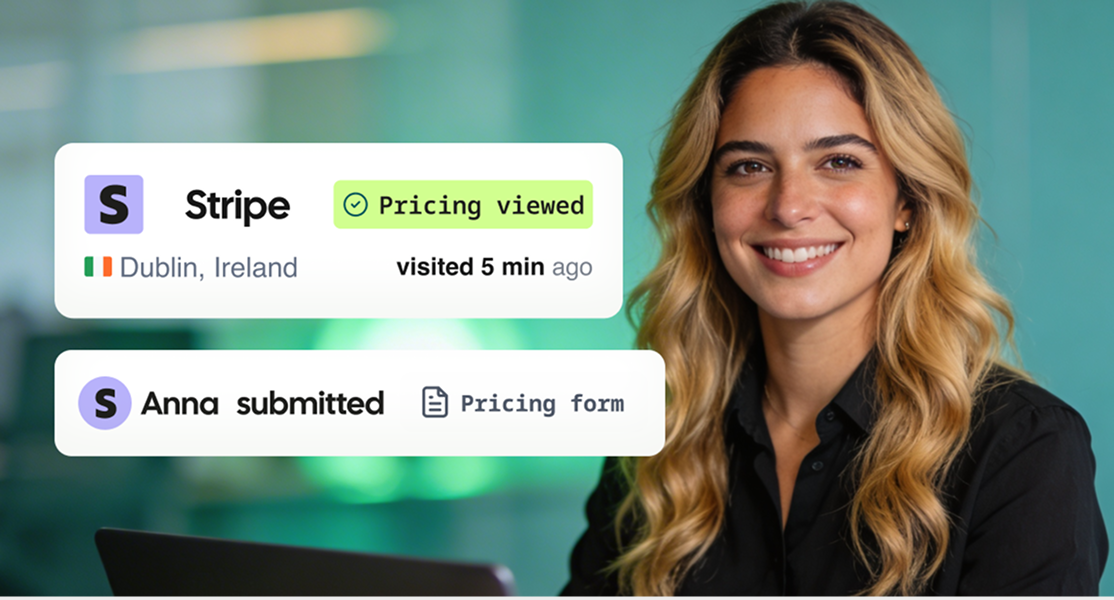
Spot the right accounts the moment they engage, with no digging or delay.
LEADFEEDER AI
AI that connects buyer fit, intent, contacts, and signal alerts so Marketing and Sales can focus on the accounts most likely to convert.
14-day free trial. No credit card required.

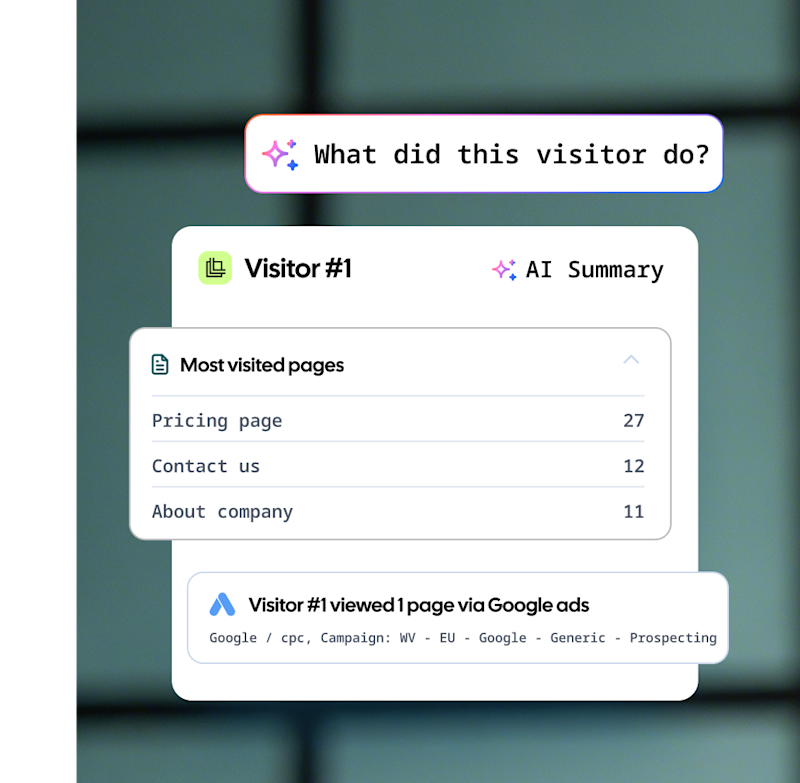
See who’s on your site, what they care about, and how they found you — with insights to act fast.
Just ask 👉
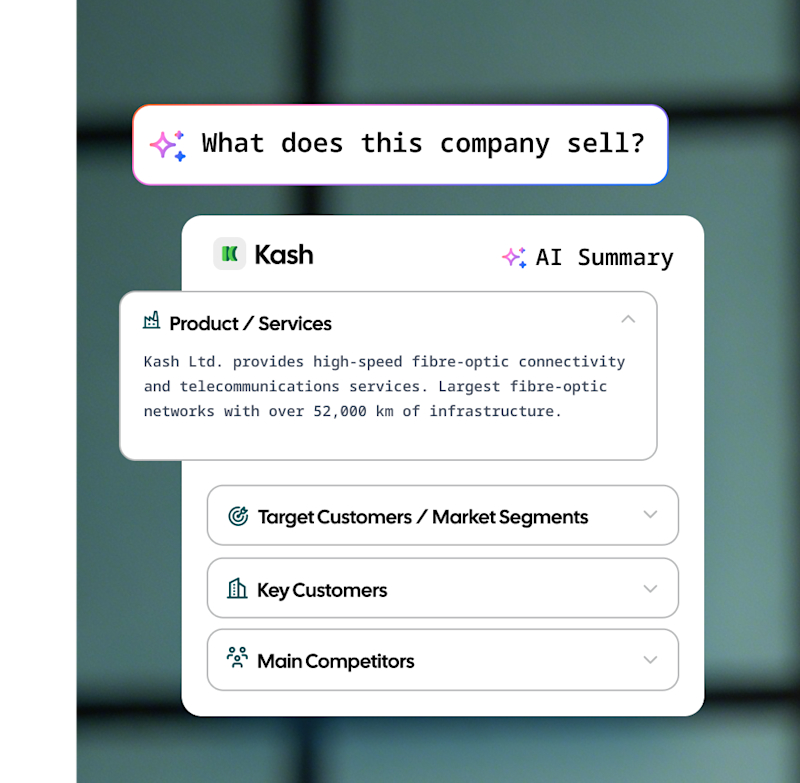
Know if a company fits your ICP by asking anything — and get a clear, well-rounded answer in seconds.
Just ask 👉
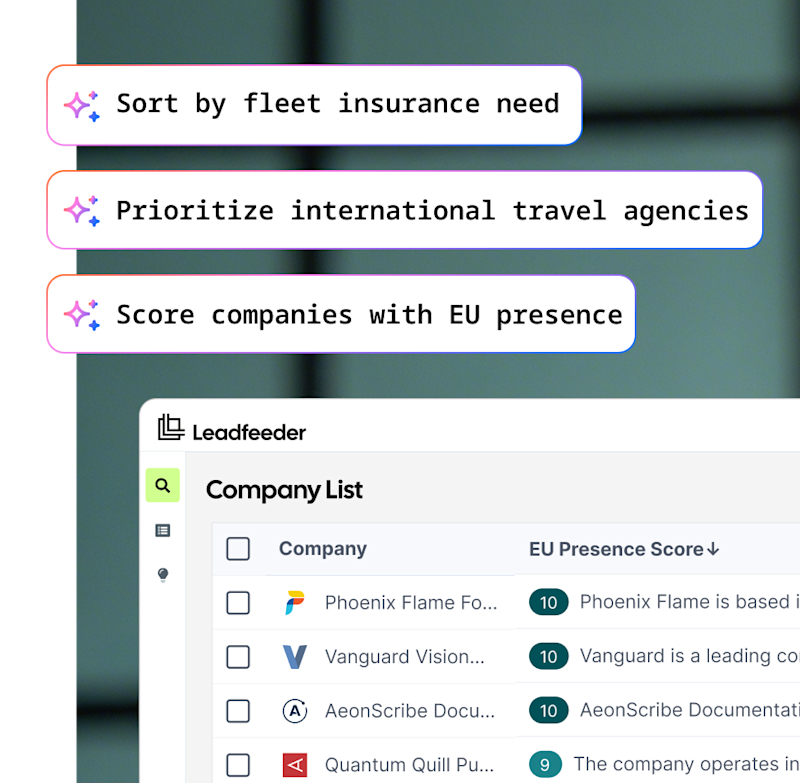
Prioritize accounts using your own rules. Score and sort any list to surface best-fit companies fast.
Just ask 👉
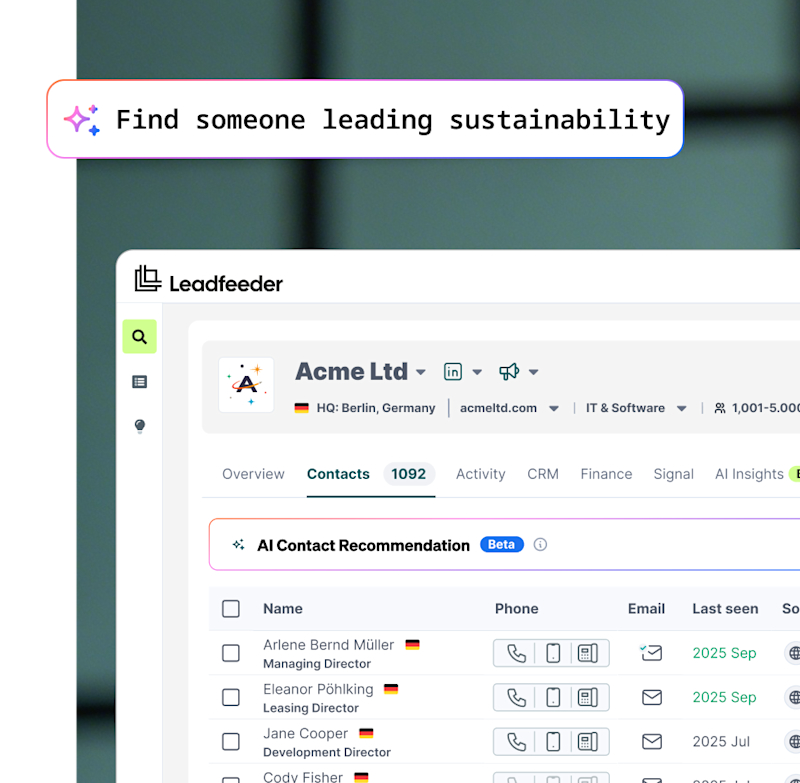
Find the right person to reach, even if job titles don’t match. Just describe the role, and AI does the rest.
Just ask 👉
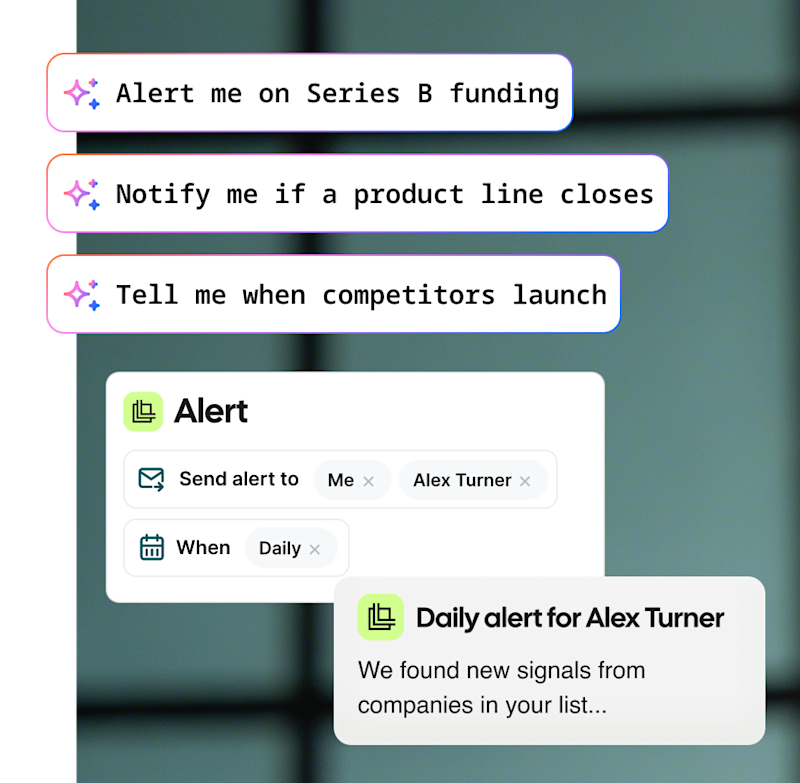
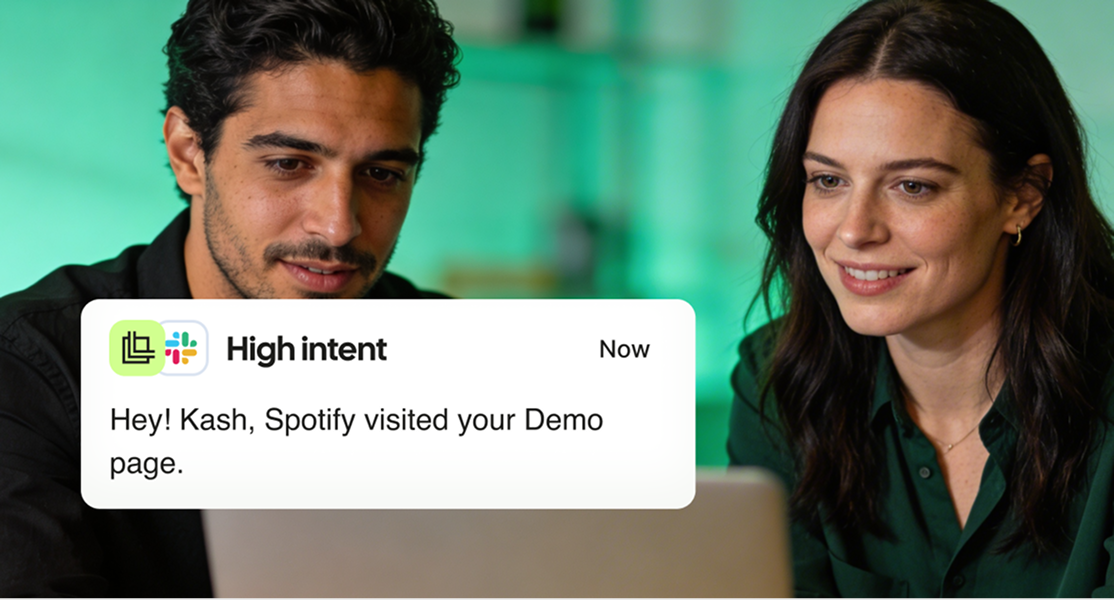
Never miss a buying signal. Get instant alerts when target accounts hit the triggers you care about.
Just ask 👉
Spot the right accounts the moment they engage, with no digging or delay.

Quickly score and prioritize accounts using prompt-driven AI, tailored to your criteria.

See what companies want and engage at the right time with the right message.

Identify the people who matter, even without job titles or org charts.

Get full company context and contacts in seconds, not hours of manual research.

Stay updated on news and changes in target accounts, with no missed signals.
Intent and timing signals surface instantly — ready for action.
Contacts and context appear instantly, with no manual research.
Insights are highlighted automatically, not lost in raw data.
Companies are scored and prioritized instantly from your input.
Relevant alerts arrive automatically, enabling faster engagement.
Timing and intent stay hidden — hard to know when to act.
Reps spend hours digging for company data and contacts.
Insights remain buried in spreadsheets and raw data.
Lead prioritization is manual, inconsistent, and slow.
News and updates are tracked manually, with signals missed.
Don’t see your favorite tool listed? Use Zapier to automatically send Leadfeeder’ data to over 5,000 apps, including CRMs, spreadsheets, BI tools, and more.
Salesforce
CRM
Pipedrive
CRM
MS Dynamics
CRM
Hubspot
CRM
Zoho
CRM
Looker Studio
Analytics
Gong
Analytics
Google Ads
Analytics
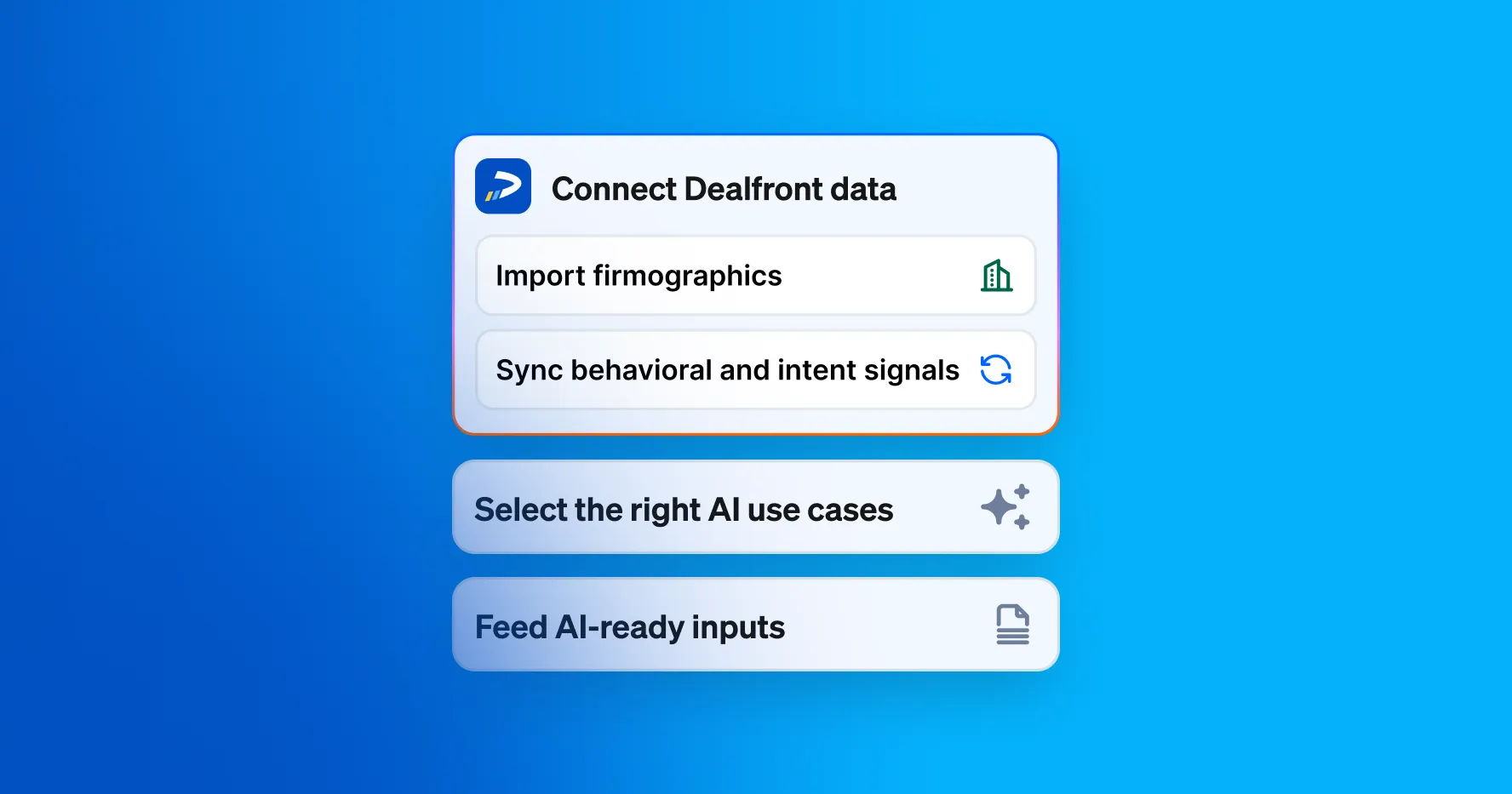
Prioritize smarter with AI summaries of behavior, source, and engagement - then score ICP-fit accounts for focus. See what’s working in real time, and share insights with Sales to align on quality and convert demand faster.
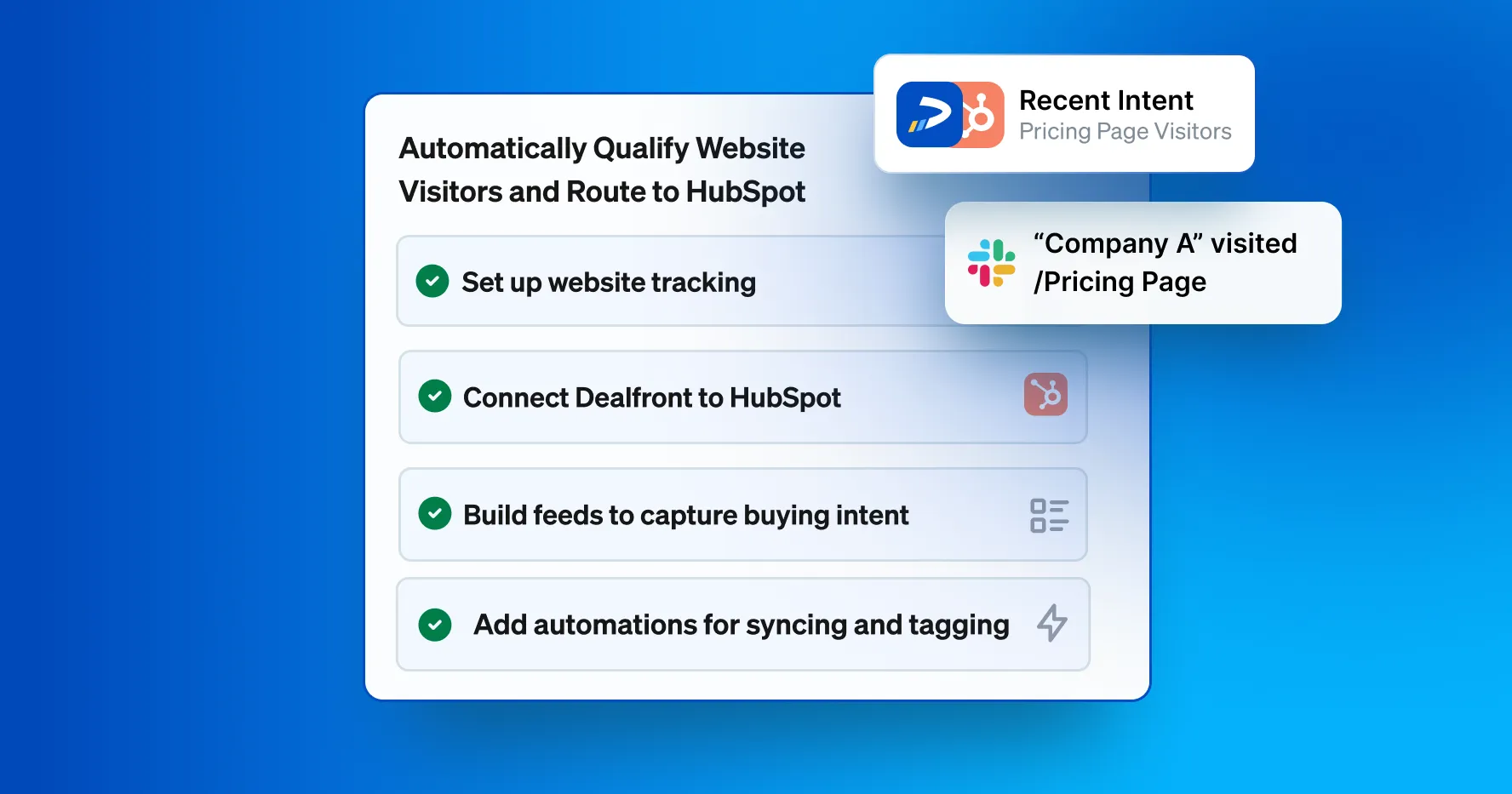
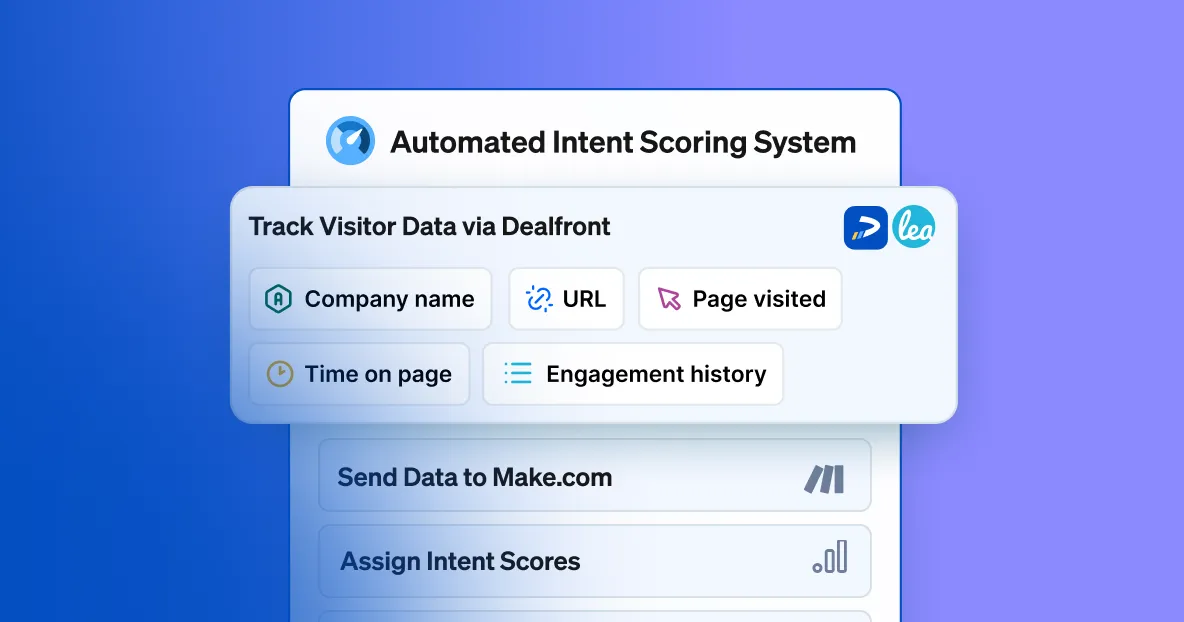
Prioritize the leads most likely to convert, enrich them with the right contacts, automatically sync them to your CRM and trigger the next best action.
Who are these features designed for?
Marketing (prioritize high-fit, high-intent accounts), Sales/SDRs (qualify faster, reach the right contact), and RevOps (shared, always-on context across every lead).
Is training required to use it?
No. It’s intuitive and embedded in your workflow, with default prompts so you can start immediately.
Which CRMs are supported?
Salesforce, HubSpot, Pipedrive, and Microsoft Dynamics.
Do I need enrichment credits to use this?
No. Free single-record sync lets you push company or contact data to your CRM without consuming enrichment credits.
Can I ask my own questions in AI Company Insights?
Yes. Ask anything (e.g., market fit, customers, tech stack) and save custom prompts so you can reuse them.
How many companies can I enrich at once?
Up to 50,000 per list. For larger lists, split them before running enrichment.
Can AI List Enrichment score based on multiple criteria?
Yes. Combine firmographics, behaviors, and attributes—your prompt defines the scoring logic.
What does AI List Enrichment output?
Each company receives a 0–10 score showing fit to your criteria, with an explanation for transparency. You can add additional score columns if needed.
Can I adjust or rerun my scores?
Absolutely. Edit your prompt and rerun for the whole list or only new additions at any time.
How will I receive alerts, and can I manage them?
Email alerts are sent at the cadence you choose. Use Preview to test your prompt first, and Manage alert to update, pause, change recipients, or delete. (One alert per user per list.)