

60-Second Summary
Integrating your CRM with Leadfeeder’s Sales Intelligence streamlines prospecting, enriches contact and company data, and automates repetitive tasks so sales teams can focus on closing deals. The integration supports six high-impact use cases—from bulk syncing and LinkedIn enrichment to intent-triggered opportunities and account-based retargeting.
Key takeaways: Leadfeeder + CRM integration boosts data accuracy, centralizes enriched company/contact profiles, reduces manual entry, improves compliance, and increases conversion by surfacing high‑intent website visitors.
Standout strategies & tactics: Use bulk sync to add prospects at scale, enrich LinkedIn profiles via the Chrome extension, exclude existing CRM records to avoid duplicates, auto-create opportunities from website intent, and retarget open deals with Promote display ads.
Real-world lessons & frameworks: Adopt an identify → enrich → sync → act loop: detect intent with Leadfeeder, enrich contacts, push them to your CRM in bulk, then engage immediately (sales outreach + targeted ads) to shorten sales cycles and align sales and marketing.
*This summary was created with AI assistance, using our original content.
One way to leverage technology is to integrate your Customer Relationship Management (CRM) system with Leadfeeder. This powerful combination can transform the way you work, streamlining your workflows, saving valuable time, and helping you to close more deals.
In this article, we’re going to look at six ways you can transform your sales prospecting process using Leadfeeder’s Sales Intelligence solution with CRM integration.
Introducing Leadfeeder’s Sales Intelligence solution
Leadfeeder’s Sales Intelligence solution is designed to help you identify and land your dream customers. This cutting-edge solution empowers businesses with actionable data and insights.
The precise B2B company and contact data, segmented by 100+ filters, enables sales teams to quickly find and reach decision-makers. In just a few clicks, you can identify high-potential leads, understand market activity, and make informed, strategic decisions.
The Sales Intelligence solution gives access to three of Leadfeeder’s platform tools: Companies, Company Profiles/Connect, and Datacare.
Companies: A B2B company and contact database with 100+ unique filters to refine and segment your search results.
Company Profiles/Connect: In-depth B2B company data from trade registers, company websites, news, and social media.
Datacare: Review, cleanse, enrich, and optimize your imported data records.
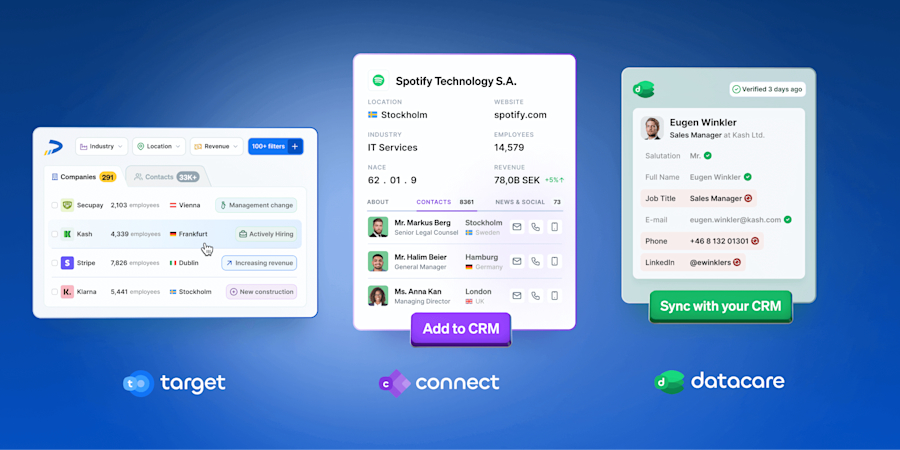
If you’re looking to find the right prospects, accelerate your sales pipeline, and land your ideal customer in record time, then Leadfeeder’s Sales Intelligence solution is the B2B technology you’ve been missing.
The power of CRMs
A Customer Relationship Management (CRM) system helps you manage and analyze customer interactions and data throughout the customer lifecycle. Its purpose is to improve customer relationships, aid in retention, and drive growth through organization, automation, and synchronization.
CRMs aim to align and inform all departments to better serve the customer, including sales and marketing, customer success, and support.
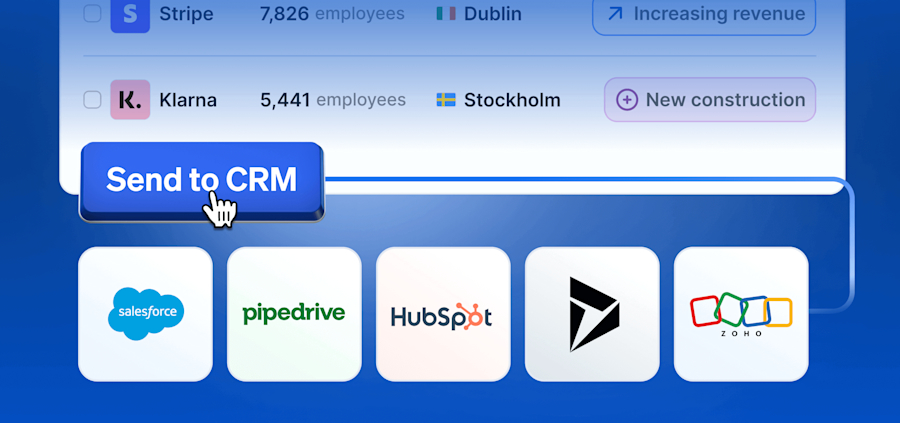
Leadfeeder supports two-way native CRM integration with some of the leading CRM providers. Our platform integrates with: HubSpot, Salesforce, Microsoft Dynamics 365, Pipedrive, and Zoho.
The benefits of integrating your CRM with Leadfeeder
Your CRM is only as powerful as the data you send to it. Integrating your CRM with Leadfeeder offers numerous benefits.
1. Improved Data Accuracy and Quality
Manual data entry is prone to errors, whereas automated data entry leads to much more accurate customer information to work from. Information can also be kept up to date more quickly. Data cleansing is typically time-consuming, but automatically syncing the most up-to-date information supports a clean CRM environment. CRM automation frees up sales teams to focus on what they do best – selling.
2. Enhanced Customer Insights
Comprehensive Company Profiles provide a more detailed view of which prospects to sync, and offer further insights for existing customers. With this added detail, you can better segment your data, leading to more precise, relevant customer segments and, therefore, more targeted marketing and sales efforts.
3. Improved Sales and Marketing Effectiveness
Better data in your CRM allows for better lead scoring models, helping sales teams prioritize the most promising leads, those that are more likely to convert, thus increasing efficiency and effectiveness. Detailed customer data also enables more personalized interactions across marketing and sales.
With enhanced insights into customer preferences and behaviors provided by Leadfeeder, sales teams can tailor their interactions and offers to better meet customer needs, and marketing can build more effective campaigns, increasing engagement and conversion rates.
4. Simpler Compliance and Risk Management
Holding the most accurate and up-to-date data you can can help with compliance with data protection regulations. Automating this with CRM integration makes compliance much less labor-intensive.
5. Stronger Customer Experience
Integrated data ensures that customer information is consistent across all channels, regardless of department, providing a seamless customer experience. With detailed customer data, sales teams can proactively provide support rather than waiting for customers to come to them. The end goal is for increased customer satisfaction and loyalty.
6. Greater Collaboration
By centralizing your customer data and insights, all departments can gain full visibility, enabling them to work together more effectively. Sales, marketing, and customer service can become more aligned and start working towards common goals.
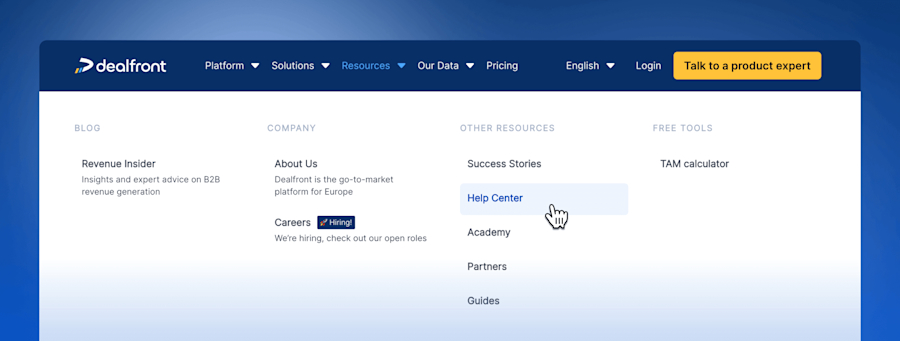
We won’t discuss the integration process in this article; for technical details, please visit the Leadfeeder Help Center for step-by-step written and video guides.
Six ways to transform your sales prospecting process with Leadfeeder’s CRM Integration
To increase your productivity instantly, we’ve identified the top six use cases that can be achieved when integrating your CRM with Leadfeeder’s Sales Intelligence solution.
Take a look at our top six use cases below to understand how to get the most out of your integration. For step-by-step instructions on how to achieve each of these use cases in the platform, follow the ‘Show me how’ link at the end of each to go to the guide in the Leadfeeder Help Center.
Add new companies and contacts to your CRM in bulk
Seamlessly add contacts from LinkedIn to your CRM
Add additional contacts to your existing CRM opportunities
Exclude existing companies/contacts from Companies searches
Automatically create CRM opportunities when target companies visit your website
Automatically retarget open deals from your CRM with display advertising
Use Case 1: Add new companies and contacts to your CRM in bulk
The problem: Sales and marketing teams often find that adding new prospects to their CRMs is a time-consuming process requiring export of the data, followed by manual updates to this file to correct any errors, all before you even start importing to your CRM. This often results in highly valuable team members wasting time on administrative tasks instead of actively engaging with these prospects.
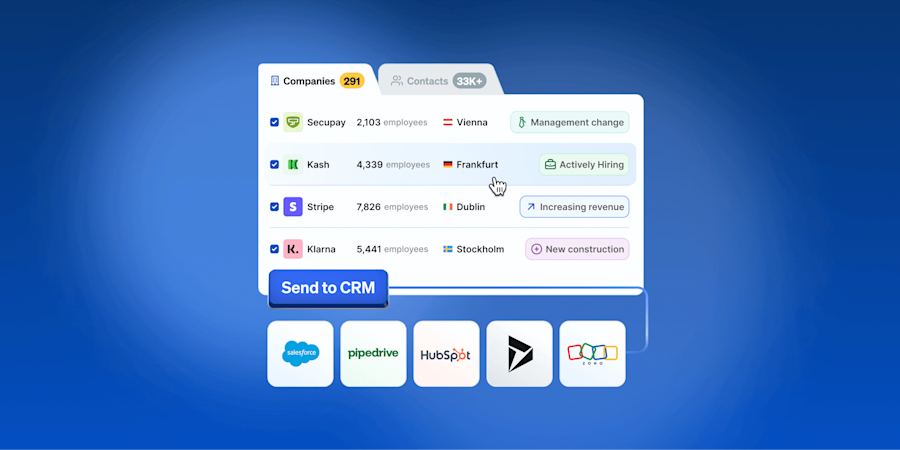
The solution: Integrating your CRM with Leadfeeder enables your users to create new companies, contacts, and/or leads directly in your CRM, without creating duplicate records. The key part here is that you can upload contacts in bulk.
Once you’ve narrowed down your search to companies or contacts of high relevance, you can bulk sync them all to your CRM. You can bulk sync by individual selection, by pages of records, or by the entire search results (up to 5,000 in one go).
What you’ll achieve: Boost your productivity by minimizing the time spent on adding new prospects to your CRM/sales pipeline. Show me how
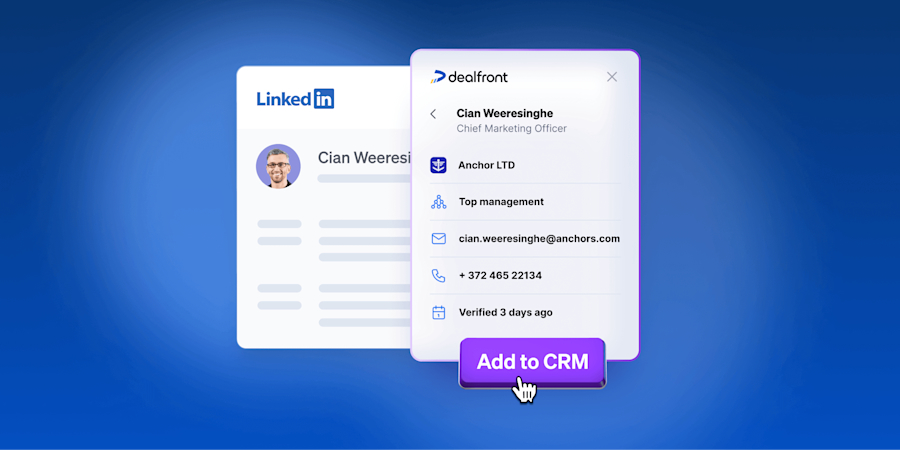
Use Case 2: Seamlessly add contacts from LinkedIn to {CRM Name}
The problem: Many sales professionals use LinkedIn as a core part of their outreach process. While it’s invaluable for finding key contacts at a company, it doesn’t provide contact details by default. Once a salesperson has found their desired contact, they must manually research and extract the contact's details from their LinkedIn profile.
This then needs to be matched to contacts in other tools to source the correct contact information. Lastly, this contact data must be manually entered into a CRM. It’s very easy to make human errors at various stages of this process, leading to less accurate contact data and a lot of time spent searching rather than selling.
The solution: With a Sales Intelligence subscription, Leadfeeder’s Chrome Browser Extension displays the contact details for the LinkedIn profile you’re browsing, right there on the same screen. These can be added to your CRM directly from your browser window. This seamless integration eliminates the need for time-consuming manual contact research and data entry.
What you’ll achieve: Effortlessly extract contact details from LinkedIn profiles and send them directly to your CRM with just one click. Show me how
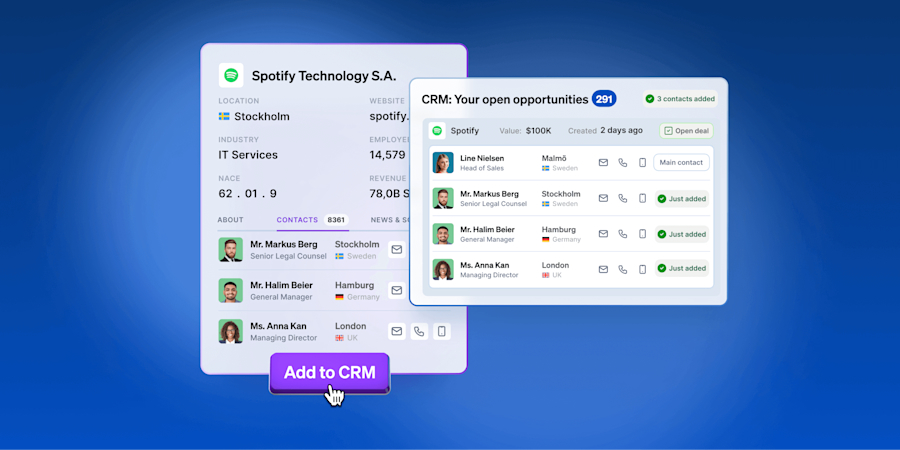
Use Case 3: Add additional contacts to your existing CRM opportunities
The problem: B2B sales typically involve multiple stakeholders, but it’s rare for a sales team to have all the potential contact details needed to close a deal. By having limited visibility into your existing CRM opportunities, you can miss engagement opportunities and reduce your closing success rate. This is an inefficient use of your resources.
The solution: With CRM integration, in Companies, you can search for relevant contacts at companies who are tagged as open CRM opportunities in your CRM. You can sync the most up-to-date contact details of contacts you already hold some details for, or identify and sync additional stakeholders at the company whose details are completely new to you.
What you’ll achieve: Increase your deal closure rate by identifying and adding contact details for all relevant stakeholders to your CRM open opportunities. Show me how
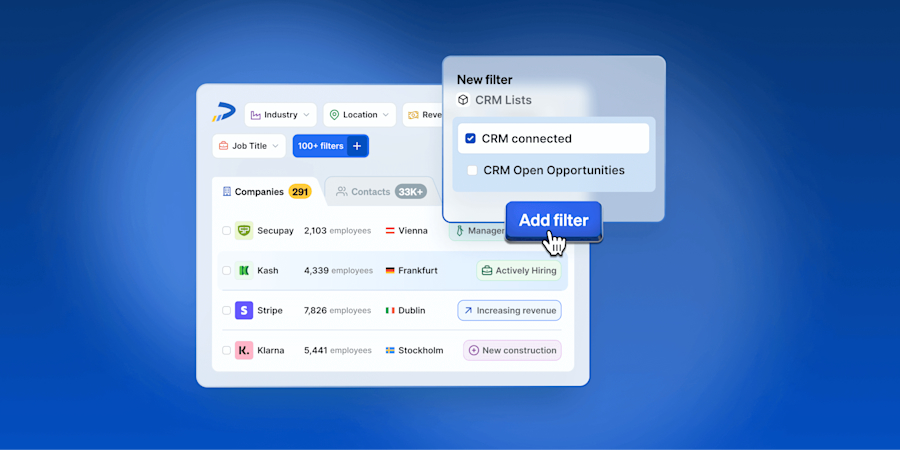
Use Case 4: Exclude existing companies/contacts from Companies searches
The problem: When sales teams are searching for companies and contacts, they often run into the issue that they can’t exclude those they already know about. Or, if they can, they have to follow a lengthy manual exclusion process that involves matching records. This takes up too much of a salesperson’s time, and not only that, but it can still create duplicates.
The solution: Leadfeeder’s CRM integration addresses this problem by enabling users to exclude companies and contacts already in their CRM from new searches in Companies.
What you’ll achieve: Streamline your prospecting efforts by excluding companies or contacts that are already linked to accounts in your CRM from your new search results. Show me how
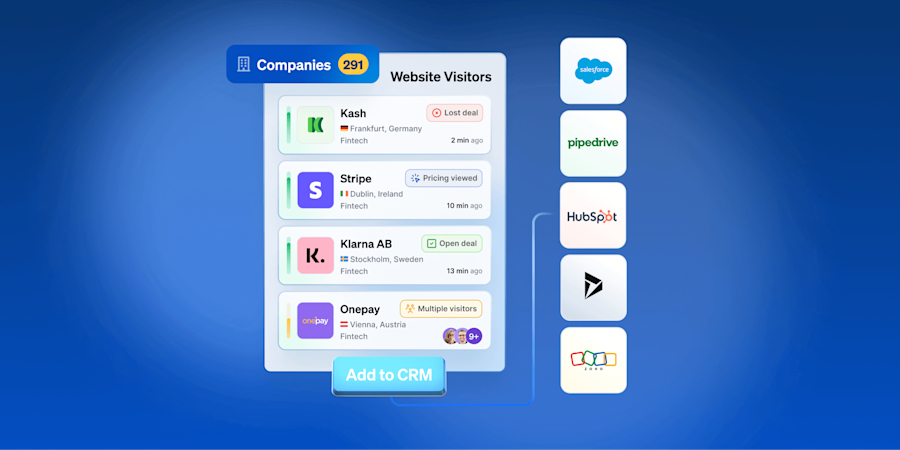
Use Case 5: Automatically create CRM opportunities when target companies visit your website
The problem: If salespeople are unaware when target companies are visiting their website, they can easily miss out on reaching out at critical moments. Not knowing when companies of interest are showing real intent makes the sales process less efficient.
The solution: By using Leadfeeder, our web visitor identification solution, in conjunction with Leadfeeder’s Sales Intelligence solution, and CRM integration, you can automatically create opportunities or tasks in your CRM whenever target companies show intent on your website.
Tracking website visits and integrating this data with your CRM ensures your sales team is instantly informed of potential leads to engage.
What you’ll achieve: Drive higher conversion rates by engaging with prospects when they show buying intent on your website. Show me how
Use Case 6: Automatically retarget open deals from {CRM Name} with display advertising
The problem: When sales creates an opportunity, marketing typically stops advertising to these target accounts. However, many of these accounts will never become customers, and prospective companies fall through the cracks.
The solution: Leadfeeder’s CRM integration automatically creates an audience from your list of open CRM opportunities. You can keep your brand or solution top of mind with advertising campaigns targeting them, nurtured leads, and prospects. Leadfeeder’s built-in B2B display advertising tool, Promote, makes this process super simple.
What you’ll achieve: Convert more prospects into customers by advertising to the same companies your sales teams are actively pursuing. Show me how
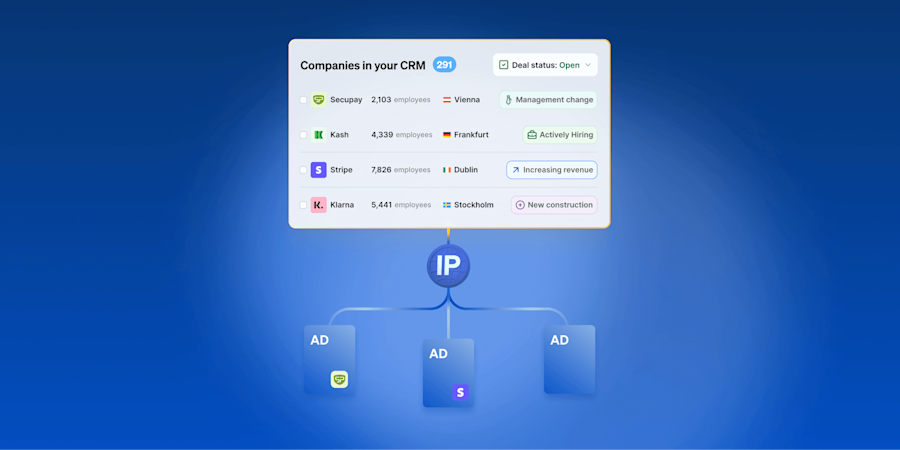
Elevate your growth with Leadfeeder’s CRM integration
Using your integrated CRM with Leadfeeder’s Sales Intelligence solution is a game-changer for businesses looking to elevate their sales and marketing strategies and performance. By leveraging accurate data to generate actionable insights, you can create streamlined processes that lead to greater efficiency, improve customer experiences, and drive company growth.
As new technologies continually come to market and can be integrated with one another, ending the need to work in silos will become an increasing requirement. Leadfeeder’s powerful CRM integration possibilities put you one step ahead of the competition in a matter of clicks.
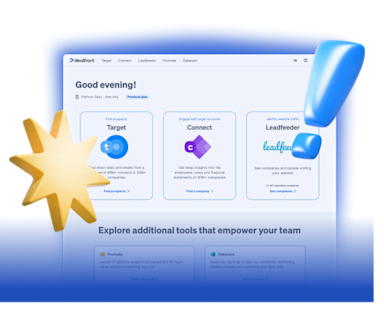
Our platform, your revenue engine
Leadfeeder combines the tools and stages of the sales and marketing process into one single platform.
Discover our PlatformDiscover more about our Sales Intelligence solution in a no-obligation demo with our sales team. They’ll happily walk you through how it all works and might even have some other creative ideas of their own!
If you’re full of ideas on how to incorporate Leadfeeder into your outreach plans, sign up for a free 14-day trial in minutes. You’ll find everything you need to know about getting started with Leadfeeder in our dedicated Help Center Collection.
Streamline your workflows, save time, and close more deals with CRM integration from Leadfeeder.