
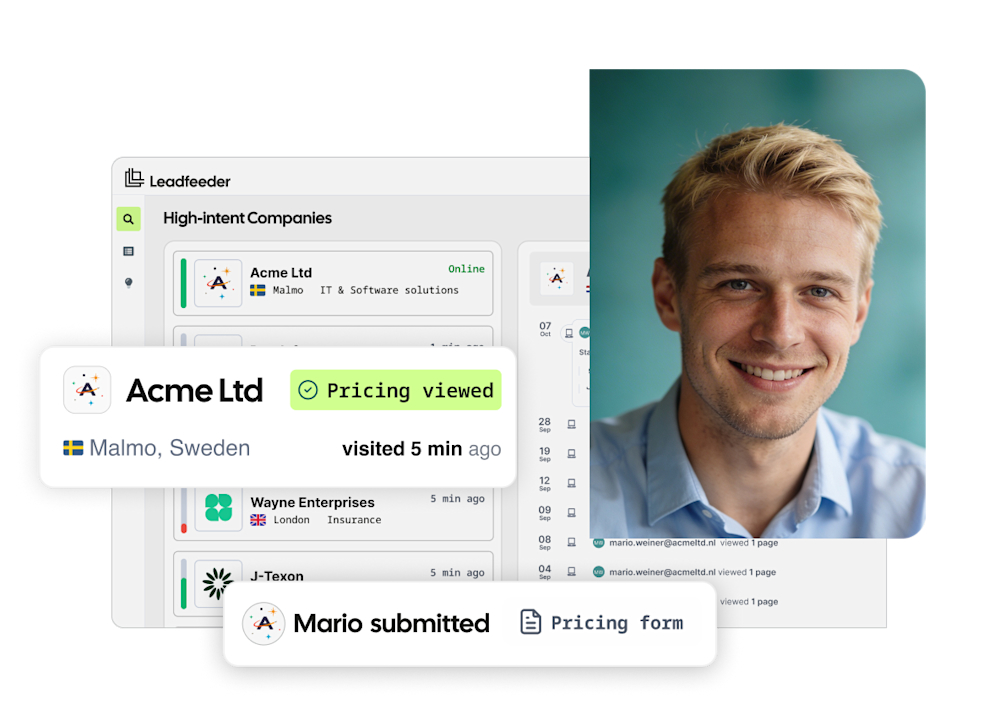

Identify anonymous visitors
Most companies on your site never fill in a form. We tell you who they were, and what they looked at.
We identify the B2B companies visiting your website and automatically send high-fit accounts to your CRM, so marketing and sales can act on real buying intent.
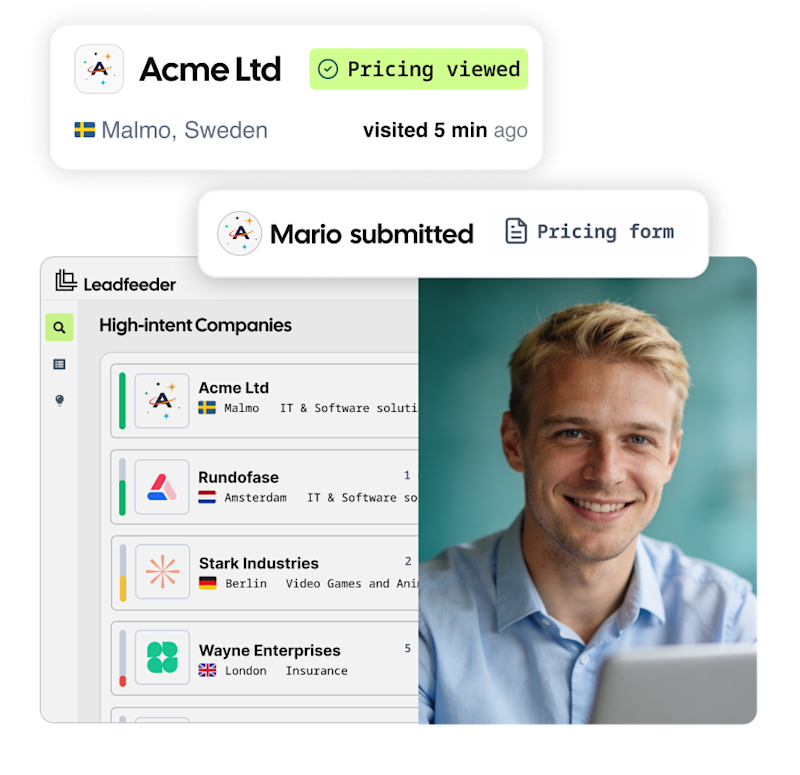
Leadfeeder is B2B website visitor identification software that shows which companies visit your site, what they view, and when to reach out, so you can start more relevant sales conversations at the right time.
Most companies on your site never fill in a form. We tell you who they were, and what they looked at.

Not every visitor is worth chasing. See each company's ICP fit, so your team focuses on high-fit accounts instead of noise.

No manual exports, no hot accounts slipping through. Every company arrives in your CRM with its visit history attached.

Automatically send identified companies and their details to your CRM and sales tools. No manual exports, no hot accounts slipping through.
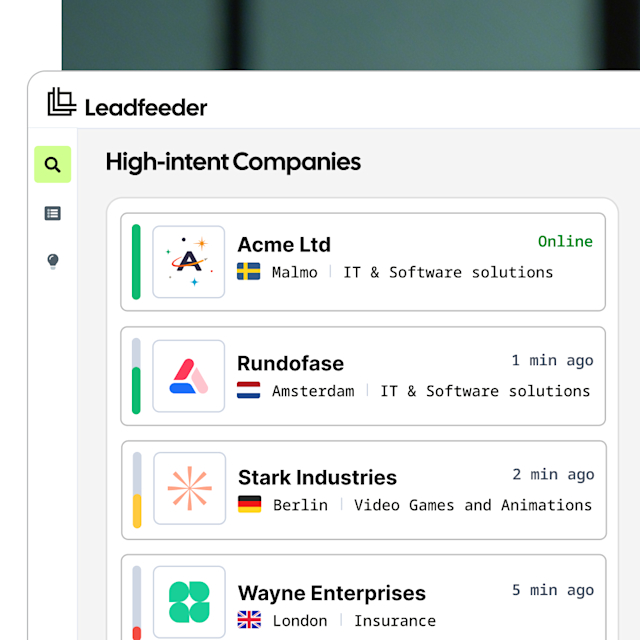
Leadfeeder identifies and reveals companies visiting your website using IP-based recognition, even when their team is working remotely.
Key Features: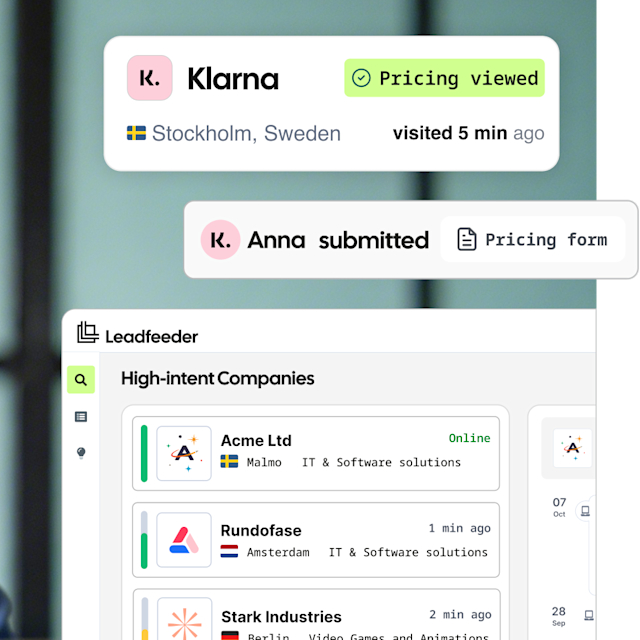
See exactly which pages each company visits, what content they engage with, and how close they are to buying — so you can identify B2B website visitors who are ready to talk.
Key Features:
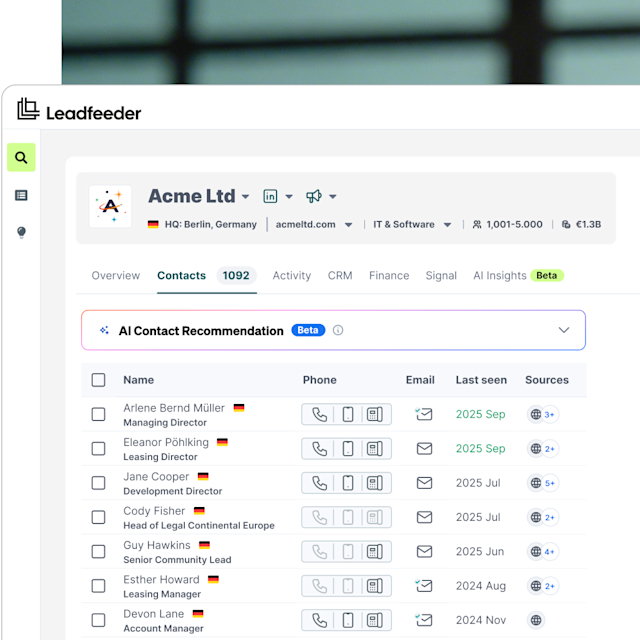
Determine the best person to contact from a company that visits your website.
Key features: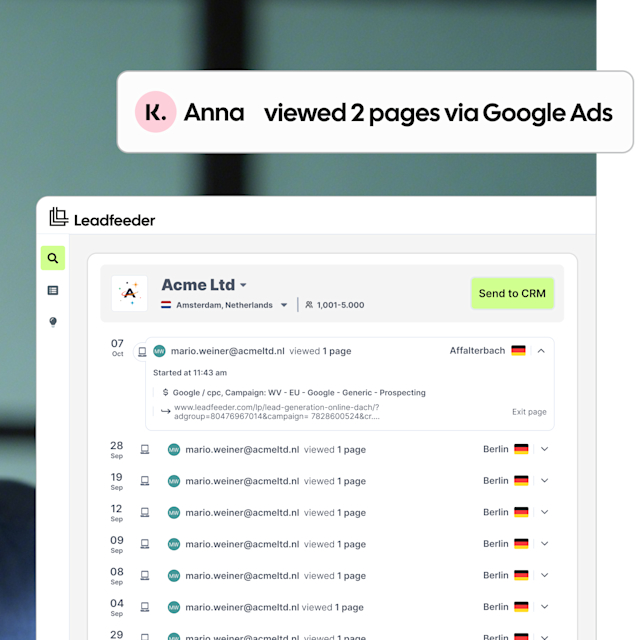
See which B2B companies engage with your ads, not just which clicks they generate.
Key features:We integrate seamlessly with your sales and marketing tools, streamlining workflows so your team can focus on closing deals and driving growth.
Salesforce
CRM
Pipedrive
CRM
MS Dynamics
CRM
Hubspot
CRM
Zoho
CRM
Looker Studio
Analytics
Gong
Analytics
Google Ads
Analytics
Reach your target accounts with B2B display ads. Target specific company IP addresses so your ads follow the right companies, even when their team is working remotely.
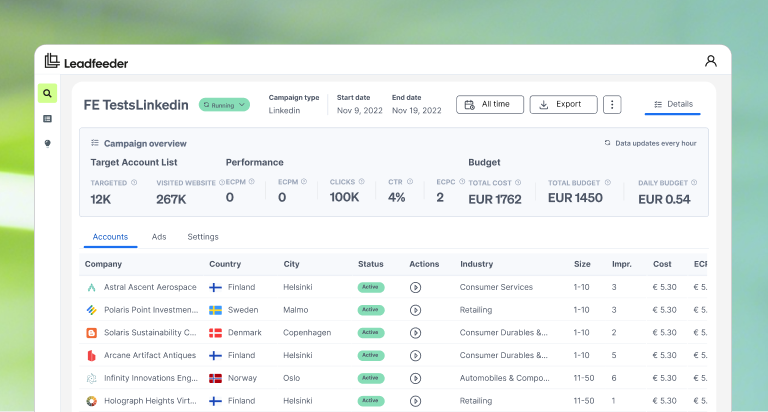
Connect Leadfeeder to your CRM, marketing tools, and sales platforms in a few clicks. Push visitor data where your team already works, without any manual exports.

See which company is behind websites, LinkedIn profiles, or webpages, directly in your browser. Get Leadfeeder intelligence wherever you research accounts.
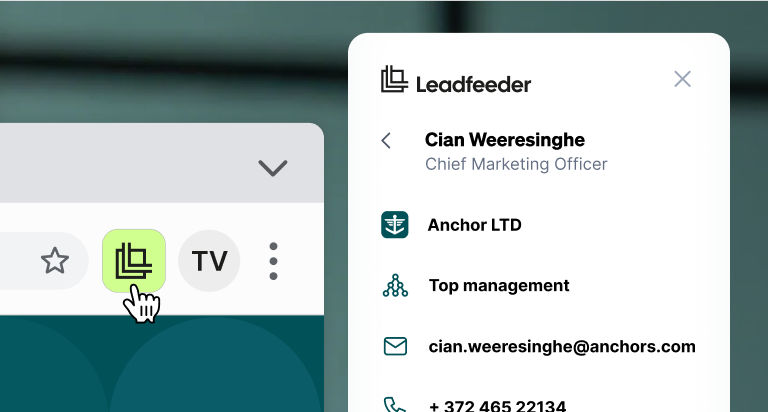

Create powerful feeds like companies visiting your pricing page or an Adwords campaign. Automatically add these feeds into your CRM or share with sales teams.

Your hottest leads are automatically placed at the top of your lead list, so you know where to focus your attention next.

As website visitor identification software, Leadfeeder gives you access to a robust database of contacts at the companies that visit your site.

Uncover the individuals visiting your website from email marketing campaigns and what they are viewing so you can see who is interested and personalize your pitch to them.

Discover visitors that have filled out forms on your website and display strong buying intent.

Get email or Slack alerts when specific companies visit your website. Follow up with perfect timing.


“If someone has been dormant for three months and suddenly comes back to the site, that’s the moment you want to reach out. Without Leadfeeder, you’d never know. I’d say prospecting is about 90% faster than before. It’s just a few clicks — with the right context already there.”
Aleksi Montonen
Chief Revenue Officer


“Leadfeeder helps us get the timing right—so we can support our customers when they need us most, and help create safer, more ergonomic workplaces for them.”
Christine Holmström
Group Marketing Manager


“We doubled our summit registrations. Instead of spending hours trying to figure out who visits our site, we now spend just a couple of hours a week on data collection—and focus the rest on actual outreach.”
Stefano De Carlo CEO
AutomatiKing


“During the first month of using Leadfeeder IP data, we have been able to target personalized content to seventeen times more site visitors than before. This is a tremendous improvement when compared with our previous results, and we anticipate that we will continue to achieve strong growth in the future.”
Titta Nummi
Head of Brand and Customer marketing (B2B)
How do I identify website visitors on my site?
Leadfeeder identifies the companies visiting your website in real time, including those who never fill out a form. By identifying website visitors at the company level, you can see which organisations are showing interest, what pages they browse, and when they’re most active. It takes less than five minutes to set up.
Does Leadfeeder work as a B2B website visitor tracking tool?
Yes. Leadfeeder is B2B website visitor tracking software that tracks the companies visiting your website in real time, identifying who they are, which pages they browse, and how often they return. Filter by firmographic criteria to focus on your ICP, set alerts when target accounts visit, and push everything to your CRM. All tracking is at the company level and processed in line with GDPR.
What is the best website visitor identification software?
The best website visitor identification software combines high match rates, real-time company-level identification, GDPR-compliant EU data, and native CRM integrations. Leadfeeder identifies up to 45% of your B2B visitors on a company-level and pushes high-fit accounts straight to your CRM, with a free plan to start.
Can I see who visits my website?
Yes, at the company level. Leadfeeder shows you which companies visit your website, which pages they view, and how often they return. Individual visitors are not shown by default. This is what makes the approach GDPR-compliant: we identify the company behind a visit, not the individual. You’ll only see a person’s contact details if they identify themselves, for example by submitting a form.
How does website visitor tracking work?
You add a single tracking script to your website. Leadfeeder then tracks each visit and matches the associated IP address against a continuously updated company database. Bots, internet service providers, and low-value traffic are automatically filtered out. What remains is a list of real companies and the pages they visited. Tracking works whether or not a visitor fills out a form.
How can I identify website visitors?
You can identify website visitors using a B2B visitor identification solution. Google Analytics only tells you how many people visited your website. Leadfeeder shows you which companies they came from. Once the tracking script is installed, you’ll start seeing identified companies along with details such as their industry, company size, location, and the pages they visited.
How much does website visitor identification cost?
Leadfeeder offers a free plan as well as paid plans based on the number of companies identified each month. You can try it free for 14 days with no credit card required. You’ll find all the details on our pricing page.
Can Leadfeeder identify companies whose employees work remotely?
Yes, unlike some of our competitors, Leadfeeder can identify the companies even if their employees work remotely. When people work remotely, they usually use dynamic IP addresses that change ownership frequently, making them more difficult to track. Our IP database receives a constant stream of updates from multiple data sources to stay up to date when ownership of IP addresses changes.
How is Leadfeeder data kept accurate and up to date?
Leadfeeder automatically removes bots, ISPs, and other low-quality traffic sources, so you only get a list of high-quality identified companies. Unlike other tools, you also have the option to remove unwanted companies yourself. This makes Leadfeeder data quality superior to others. Our unique machine learning algorithm creates a fresh and accurate version of the IP-to-company database every day. It uses our proprietary data and combines it with millions of external signals and public IP registration databases. Every month around 20% of the database changes, so updating it on a daily basis is important.
Is Leadfeeder GDPR compliant?
Leadfeeder is a fully GDPR-compliant solution. It collects behavioral data of the companies visiting your website, including the pages viewed, where they came from, and how long they spent on your site. IP addresses are collected to determine the company and its geographic location. By default Leadfeeder only shows company visits, not individuals. Leadfeeder only tracks individuals when you opt in and when the individuals identify themselves on your website (via form submissions or email integrations). Leadfeeder also enriches company visit data with publicly available business contact data.
Identify website visitors. Build real pipeline.
 Free 14-day trial
 No credit card needed
  Instantly see your leads