60-Second Summary
HubSpot integrations do more than save time — they connect tools, enrich data, and surface intent so teams can act faster and smarter. This guide highlights the top integrations B2B teams use to improve email, lead generation, SEO, and workflow efficiency.
Key takeaways: Integrations centralize and clean data, unlock anonymous visitor identification, improve lead qualification, and enable faster follow-up — turning HubSpot into a more powerful revenue engine.
Standout strategies & tactics: Prioritize two-way sync and field mapping (e.g., Mailchimp Data Sync), surface intent with tools like Leadfeeder, qualify via conversational tools (Drift), and automate scheduling and notifications with Calendly and Slack.
Real-world lessons & frameworks: Speed-to-lead and context win — feed enriched profiles and intent signals into sales workflows, attribute partner-sourced deals (Introw), and keep reporting unified for clearer ROI.
Tool shortlist & practical uses: Email: Mailchimp Data Sync, Clearout, Scope, Email Delivery Optimization; Lead gen: Leadfeeder, Instapage, Drift, Introw; Workflow/SEO: Slack, Calendly, Google Contacts, LinkedIn Sales Navigator, Google Search Console, Schema Helper.
*This summary was created with AI assistance, using our original content.
But integrations aren't just about saving time. They also unlock deeper insights, improve lead tracking, and connect your team's existing tools. From identifying anonymous website visitors to syncing conversations, campaigns, and CRM data, the best integrations turn HubSpot into a more powerful revenue engine.
With thousands of apps available in the HubSpot marketplace, figuring out which integrations are actually worth using can be overwhelming. In this guide, our HubSpot integrations list breaks down the most valuable options for B2B teams and how they can improve your marketing, sales, and lead generation efforts.
Note: Leadfeeder identifies which companies visit your website — even if they don't fill out a form. Sign up for a two-week trial and see who's visiting your site.
How can HubSpot CRM integrations drive B2B results?
You probably already know you can integrate simple platforms like X (formerly Twitter) with your social media scheduling tool.
But that's small potatoes. HubSpot is one of the most popular CRMs on the market, and they offer a ton of amazing integrations that will make your life easier — and your data more powerful.
Here are a few other ways integrations from HubSpot can make your life easier:
Automate data collection, organization, and cleaning.
Use personalized data shared from multiple platforms to send the right messages at the right time.
Improve lead qualification by sharing data between tools.
Give sales more context on leads.
Automate meeting scheduling.
Connect reports for a more holistic view of your marketing and sales.
So, what are the best integrations to help streamline your work?
Here are our favorites for B2B.
Top HubSpot marketing integrations for email
Email marketing remains one of the most effective channels for B2B, with 87 percent of B2B marketers saying email is their top free organic distribution channel. But it can also be time-consuming to manage.
Not anymore. Use these top HubSpot email integrations to streamline your data, personalize send times, and more.
The table below compares some of the top HubSpot integrations for email marketing, including their key features and current pricing, to help you find the best fit for your marketing stack.
1. MailChimp Data Sync
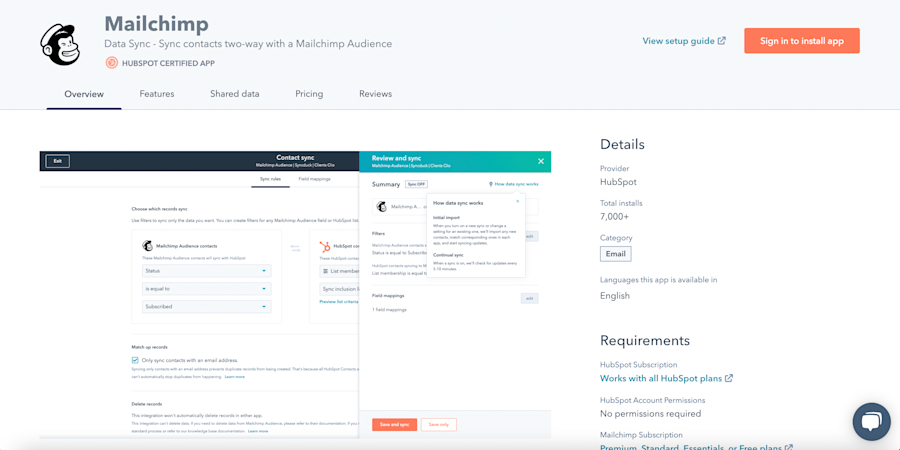
MailChimp has two integrations for HubSpot. This one shares contact information between the two platforms. But the data sync one does a little bit more.
It offers two-way sync, historical data syncing, and custom field mapping, so you can share more than just email addresses and names. Say goodbye to manual data entry!
2. Clearout Email Validation
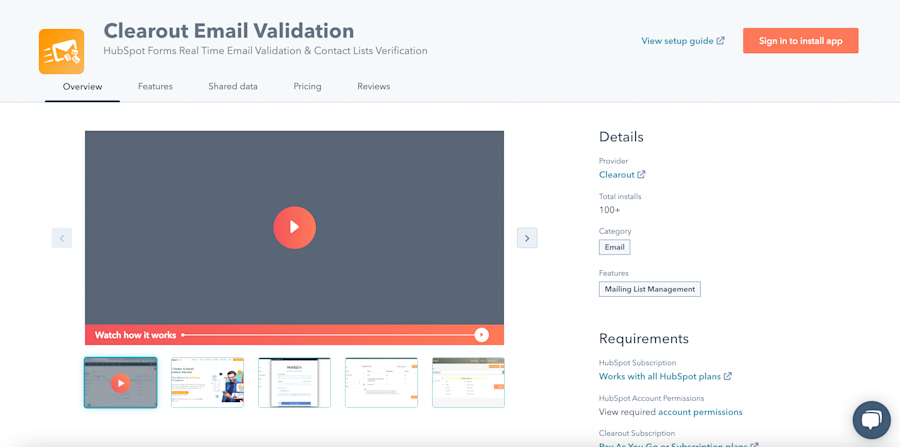
Clearout validates your email list by verifying addresses, removing spam, checking for typos, and finding emails from undesirable domains. The results? Less undeliverable emails, fewer spam marks, and better quality leads.
3. Scope
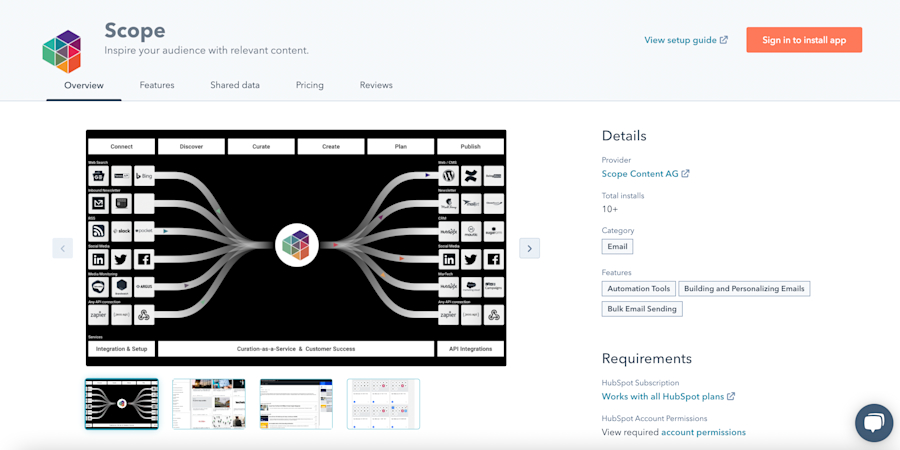
People want more personalization — but finding relevant content and communicating regularly can be tough. This Scope integration automates content sharing by finding fresh content, simplifying editing, and letting you share it via email quickly. You can even push content to multiple channels.
4. Email Delivery Optimization
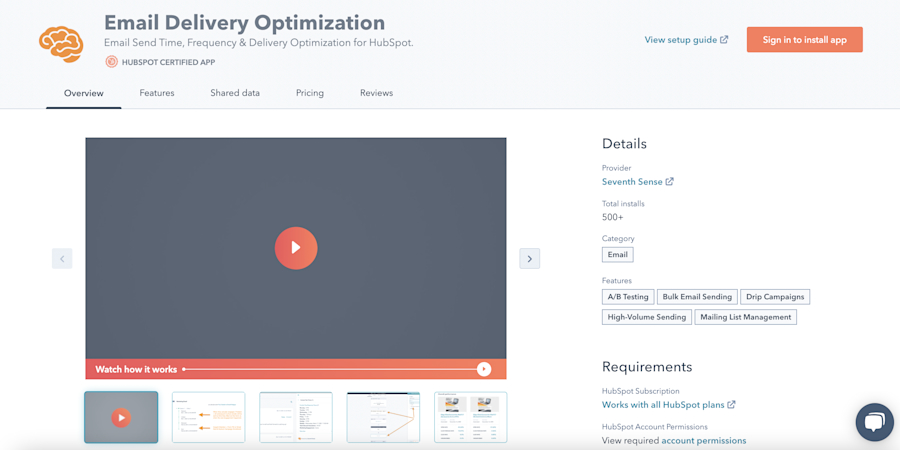
Not sure when to send that clever email campaign? Use the Email Delivery Optimization integration to maximize email ROI by automatically adjusting send times and frequency based on each person's past actions.
So John in San Francisco sees your email in the morning when he wakes up, while Susan in Florida sees your email just after lunch — even if those aren't the same time.
Top HubSpot sales integrations for lead generation
According to HubSpot data, lead generation is a top priority for marketers.
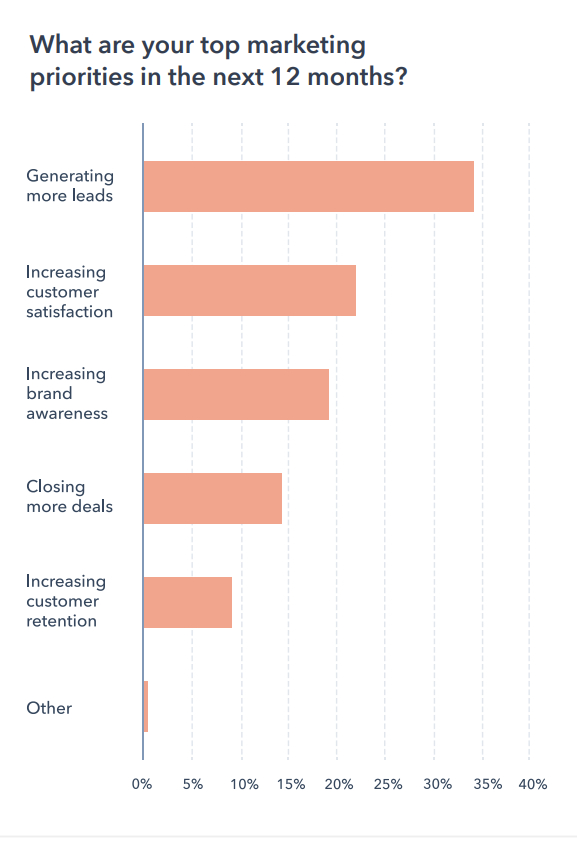
If only it were easier. Guess what? It can be. These HubSpot integrations help improve lead quality, so you don't just generate more leads—you generate more effective ones.
The table below compares some of the top HubSpot integrations for lead generation, including their core features and current pricing.
5. Leadfeeder
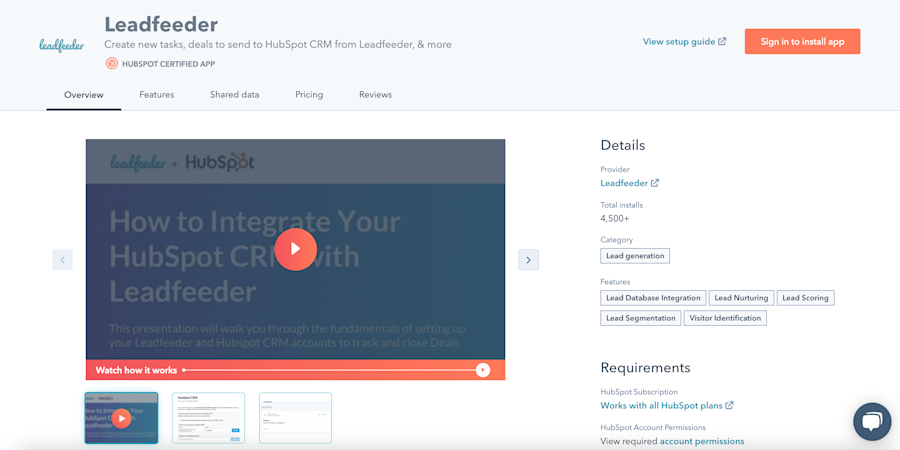
Hey, that's us. Yep, we integrate with HubSpot. Connecting our platforms lets us create new companies in HubSpot, connect to existing companies in your CRM, create tasks, deals, and more.
Set up automation to spot a hot new lead, create a new company in HubSpot, and assign a sales task to follow up. You get all the credit; we do all the heavy lifting.
6. Introw
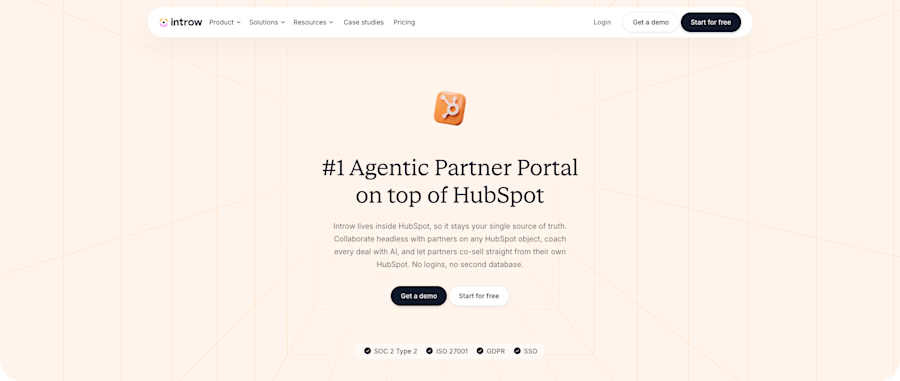
Introw is a PRM tool that turns your partner ecosystem into a lead generation channel. It gives partners a branded portal to register deals, share leads, and collaborate, no logins or spreadsheets required.
The Introw HubSpot integration syncs partner-sourced deals and contacts straight into your CRM in real time, so partner leads land in the same pipeline as the rest, with full attribution. Your sales team sees which partner sourced what, and nothing slips through the cracks.
7. Drift
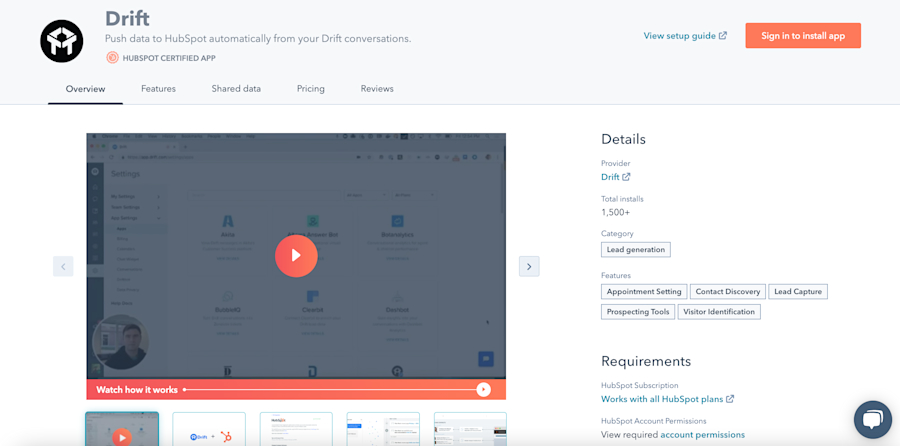
Drift is a conversational marketing tool that makes it easier to qualify site visitors. Integrating the two lets you easily add new contacts to your CRM and sync Drift conversations. This gives your sales team the info they need to craft the perfect outreach.
Top HubSpot integrations for SEO
Want to improve your SEO? These integrations make it easier to manage your SEO all in one place.
The table below compares some of the top HubSpot integrations for SEO, including their core features and current pricing.
8. Google Search Console
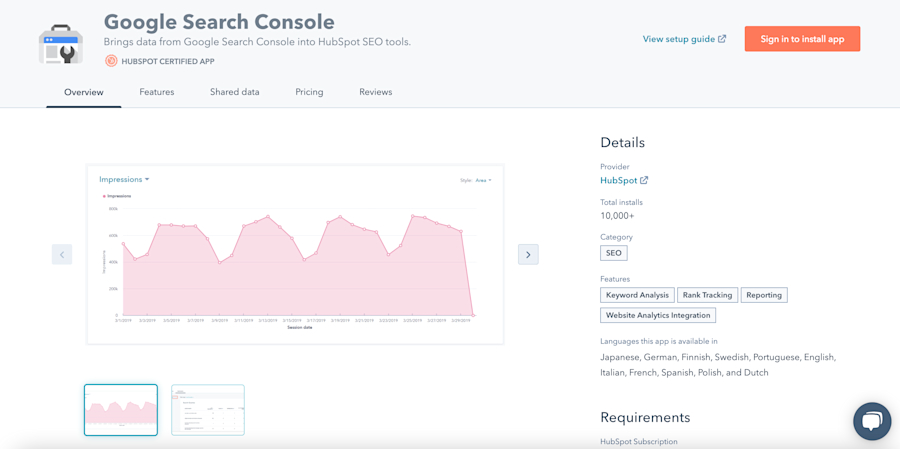
Share your SEO data, including Page Analytics and Query Analytics, with HubSpot. You'll be able to see the keywords or phrases people search for when your site appears in the search results, get new content ideas, and more.
9. Schema Helper
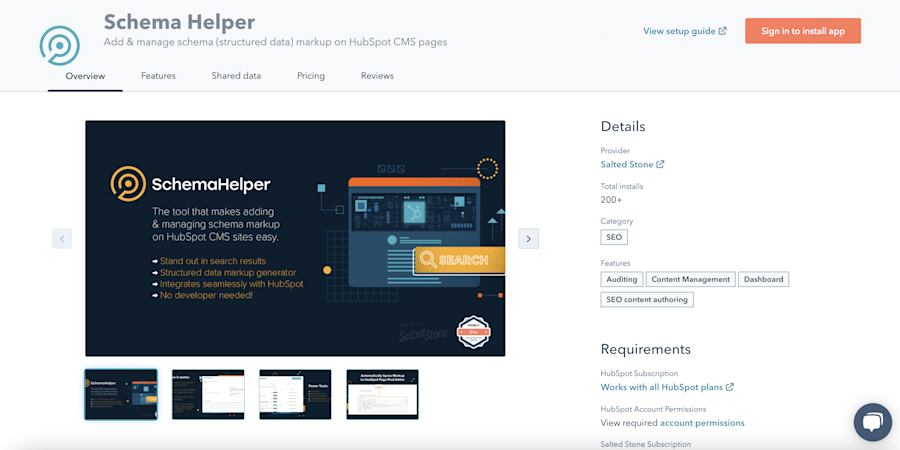
Help your content stand out in the search results by adding Schema structured data to blog posts on your HubSpot website. (Note: this only works if you use HubSpot's content management system.) This coding makes your page eligible for rich features (like lists) and featured snippets.
Top HubSpot integrations to improve your workflow
These days, there's a tool for everything. This is nice, but it can also get overwhelming to constantly switch back and forth between tools, copy over data, or remember to add events to your calendar. With these HubSpot integrations, you don't have to.
The table below compares workflow-focused HubSpot integrations, including their key features and current pricing.
10. Slack
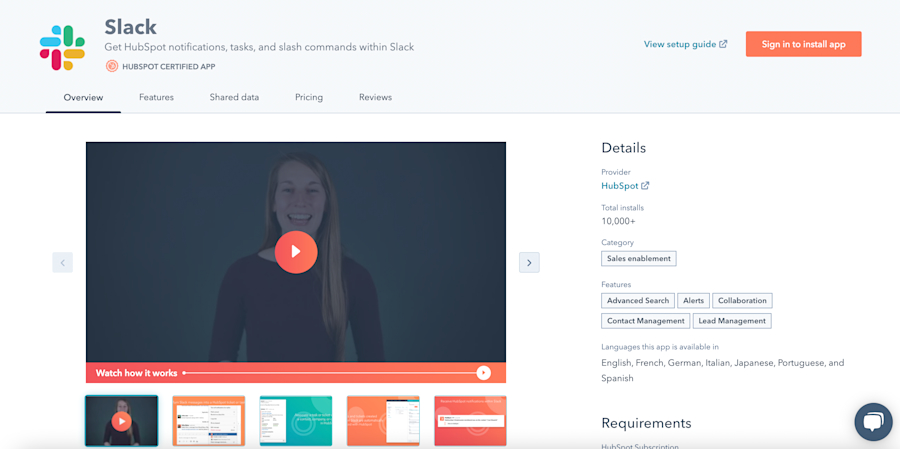
Everyone's favorite chat tool integrates with HubSpot. Create actions, deals, contracts, tasks, tickets, get Slack notifications, and so much more. (Seriously, this one does a lot!)
11. Calendly
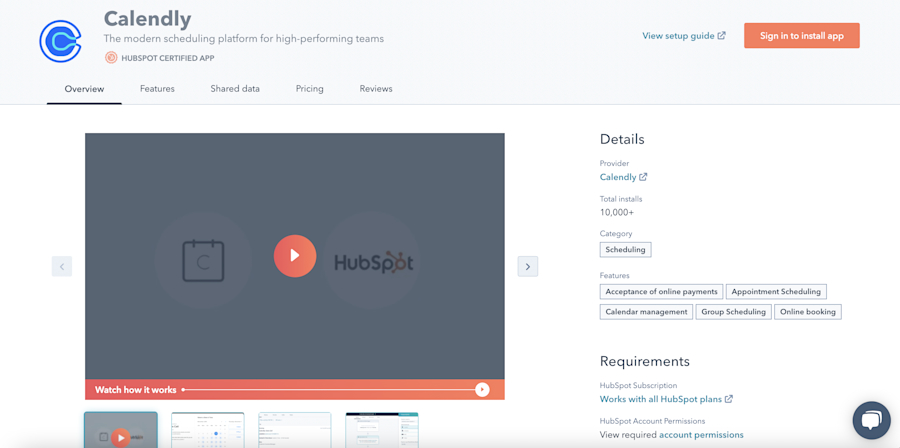
Use the Calendly integration to embed your scheduling link on your site and automatically create leads, contacts, and activities in HubSpot when a new meeting is scheduled. If you ask custom questions in Calendly, those will get added to HubSpot as well.
12. Google Contacts
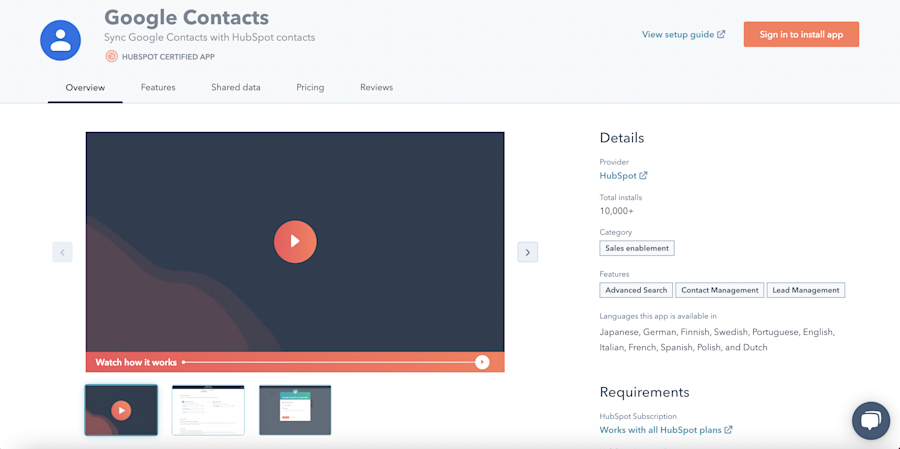
Save time on manual data entry with Google Contacts/HubSpot integration. Set up real-time, two-way data syncing so you never have to move data from your phone to HubSpot again. If you add a number to your work phone, Google will share it with HubSpot. Make changes in either system? It'll update automatically in both.
13. LinkedIn Sales Navigator
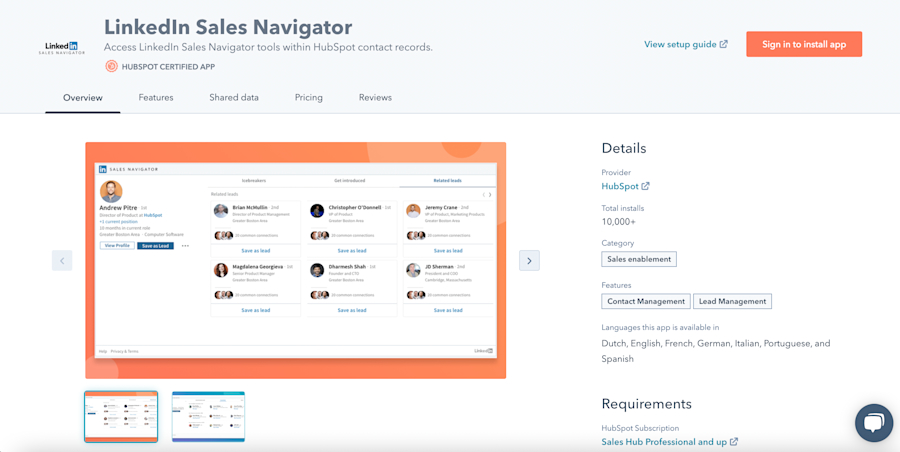
No more flipping back and forth between your CRM and LinkedIn to send messages. With LinkedIn Sales Navigator's integration, you can send InMail directly from the contact record, view shared connections, see other leads at the same company, and more.
HubSpot integrations save you time — and improve data quality
When it comes to B2B, speed is everything. The faster you can respond to a lead, the faster you can close the deal. HubSpot is powerful on its own, but these integrations make it that much better. No more importing spreadsheets, missed opportunities, or tasks falling through the cracks. Just more data, better leads, and more sales.
Note: Leadfeeder tracks and identifies which companies visit your site — and what they do when they get there. Sign up for a two-week trial and see who is creeping on your website.