Claude
Ask your website who's ready to buy, right inside Claude.
LEADFEEDER MCP SERVER
Connect Leadfeeder to the AI tools you already use, like Claude or ChatGPT. Ask, in plain words, which companies are interested in what you sell, and act on the answer without leaving the chat.
14-day free trial. No credit card required.
 Claude
Ask your website who's ready to buy, right inside Claude.
 ChatGPT
Bring your website's buying signals into ChatGPT
 Copilot
Use Leadfeeder data where your team already works.
From your AI tool's connectors or plugin settings, open the directory
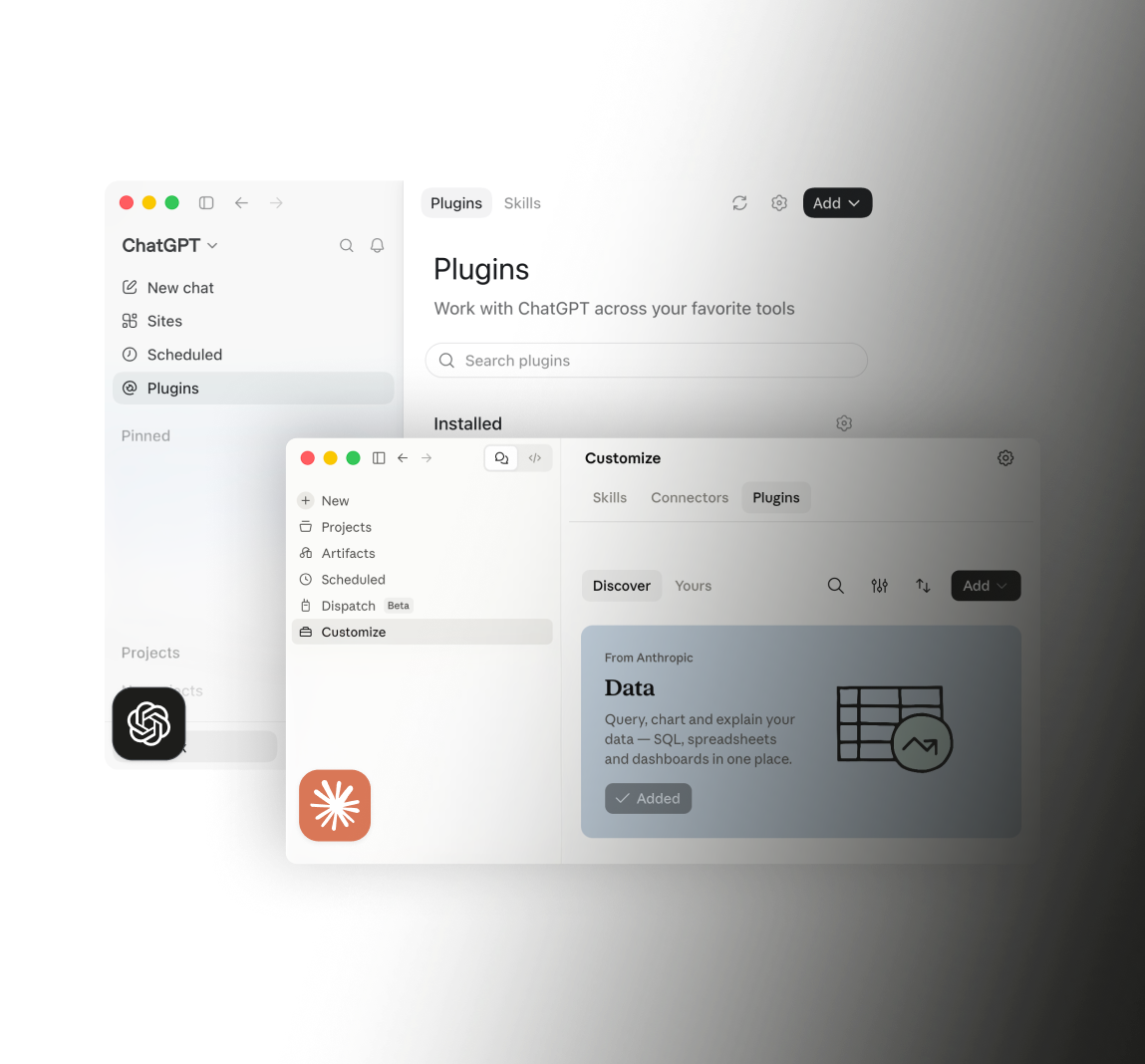
Search "Leadfeeder" and install the plugin
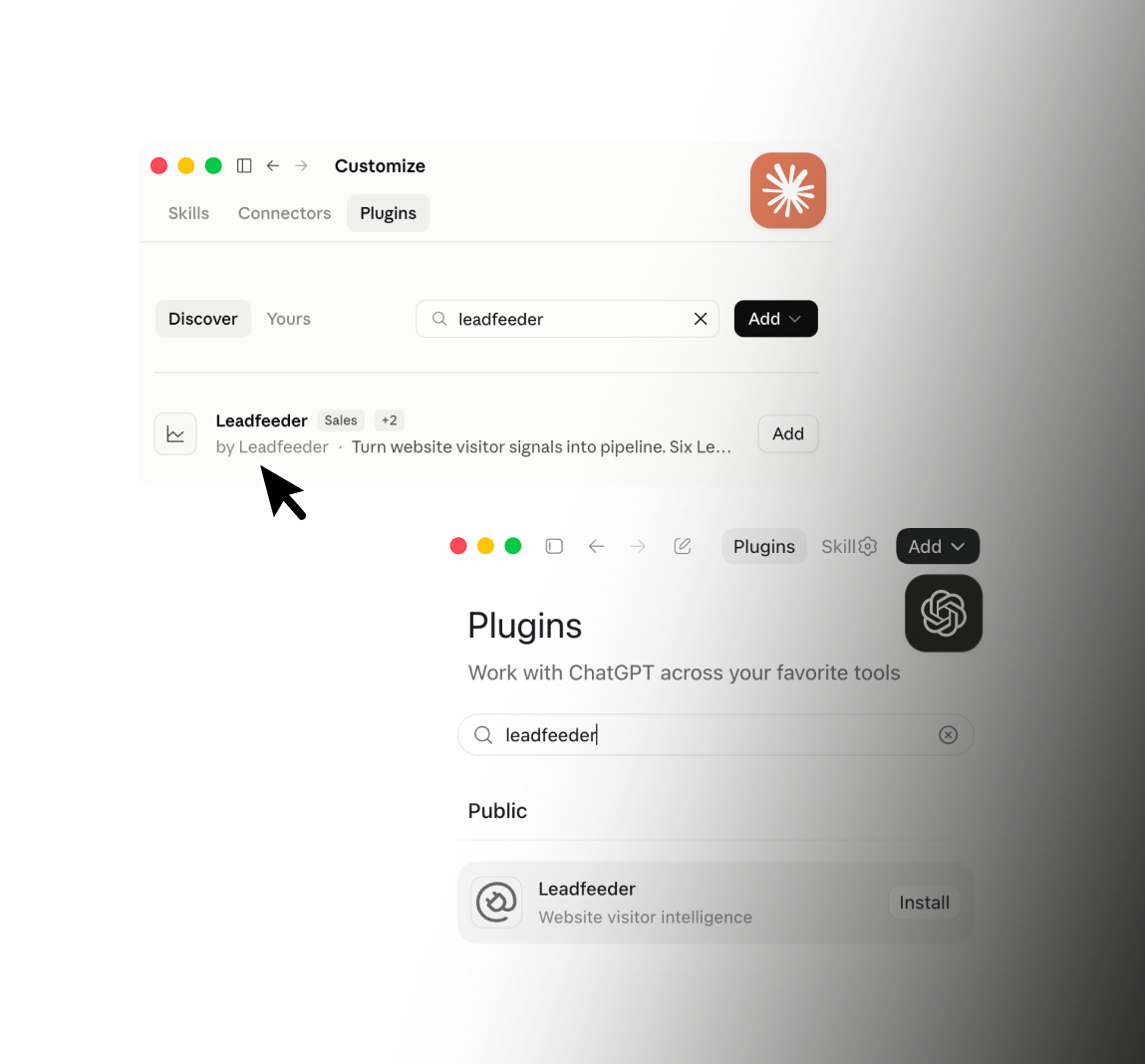
Log in with your Leadfeeder account (OAuth, no keys to paste), and you're ready to ask your first question
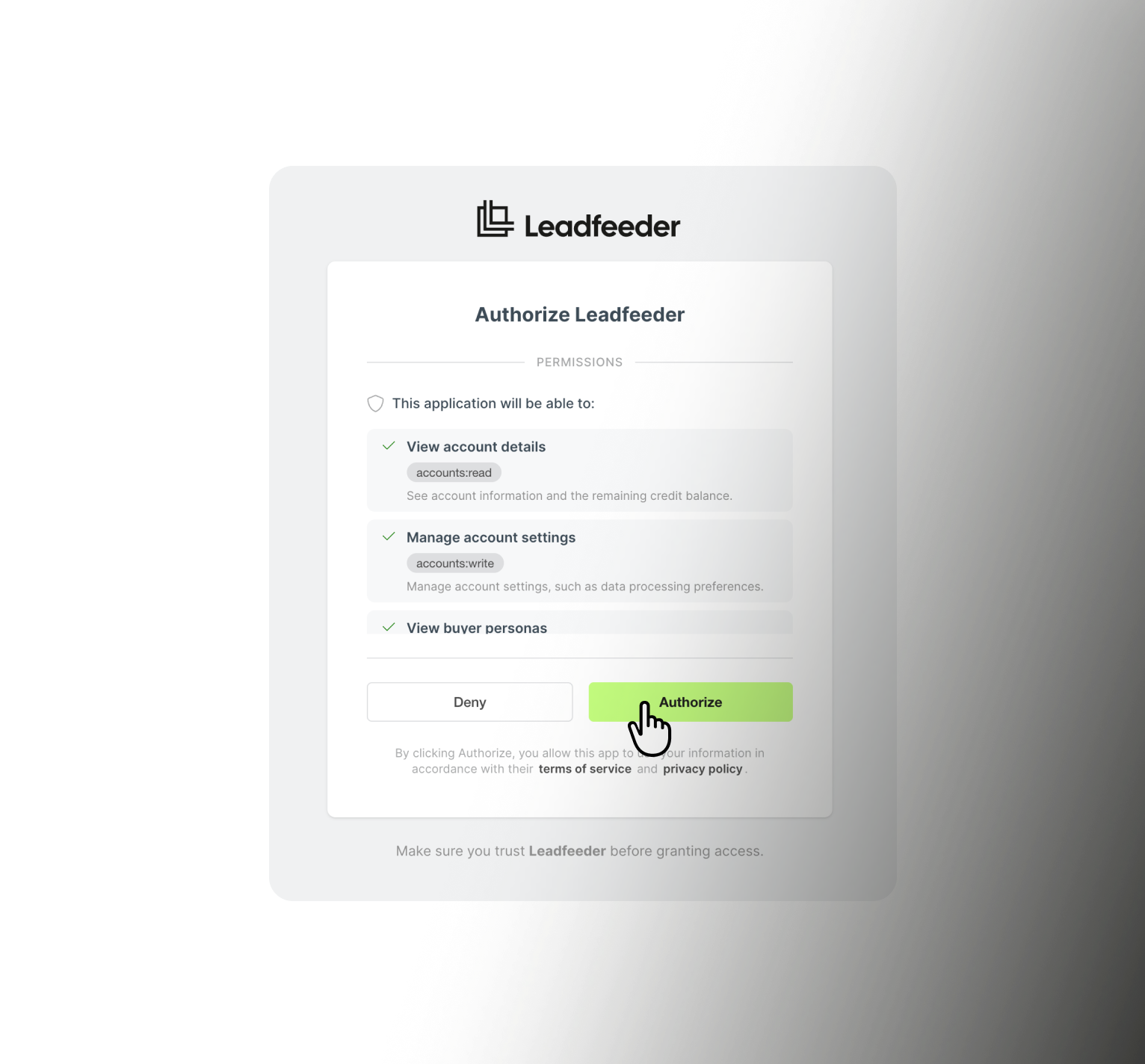
Ask "which good-fit companies visited this week?" and get a ranked list from your own website data.
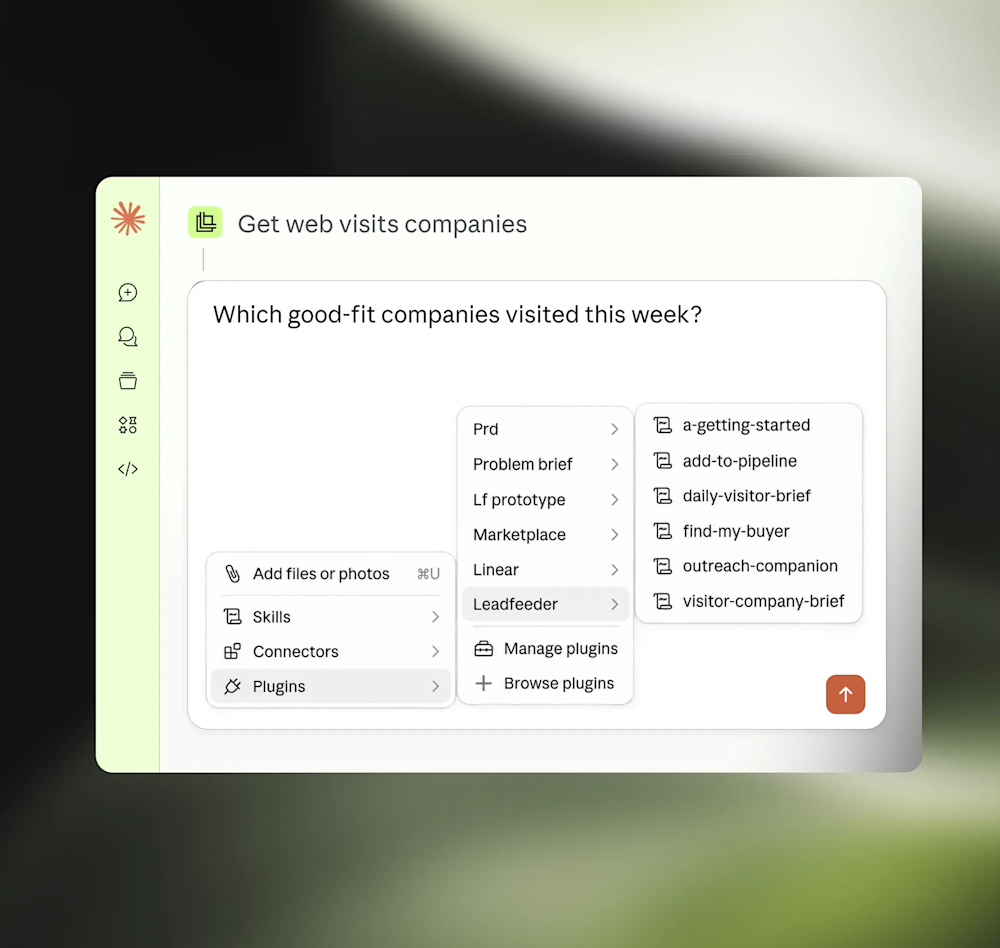
Ask for an account brief before a call, or what changed this week.
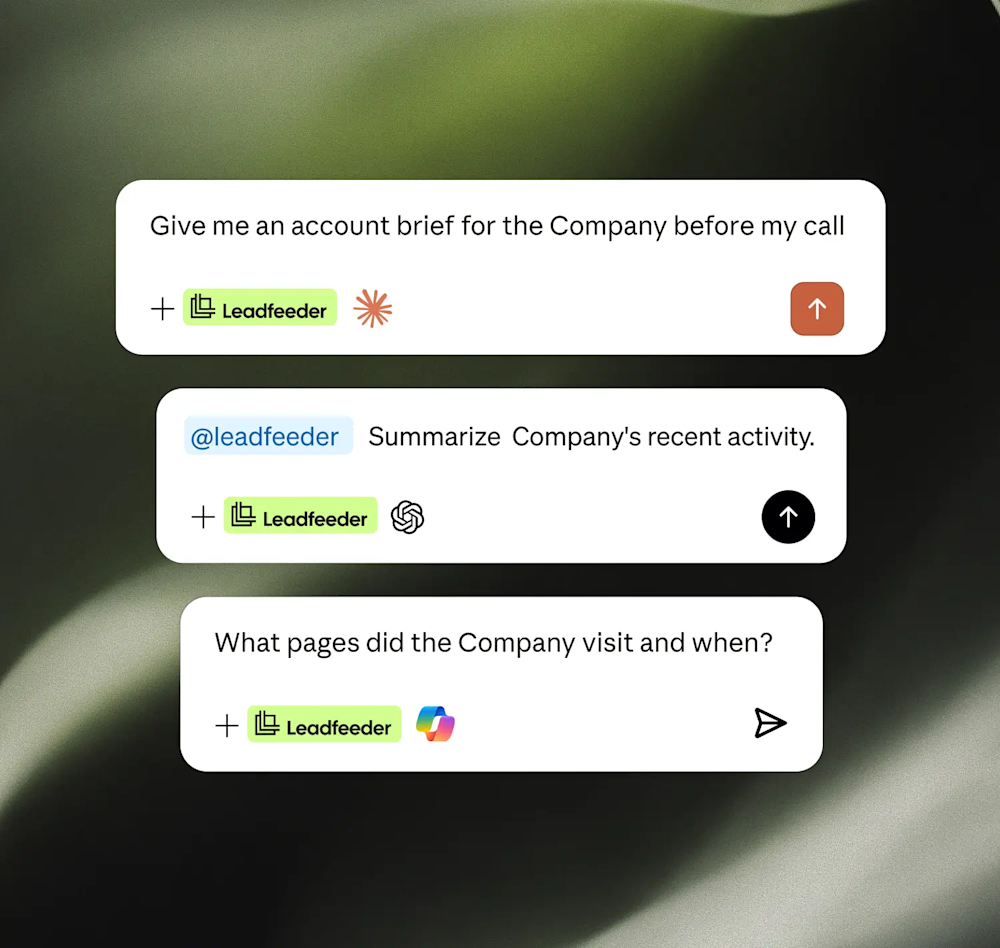
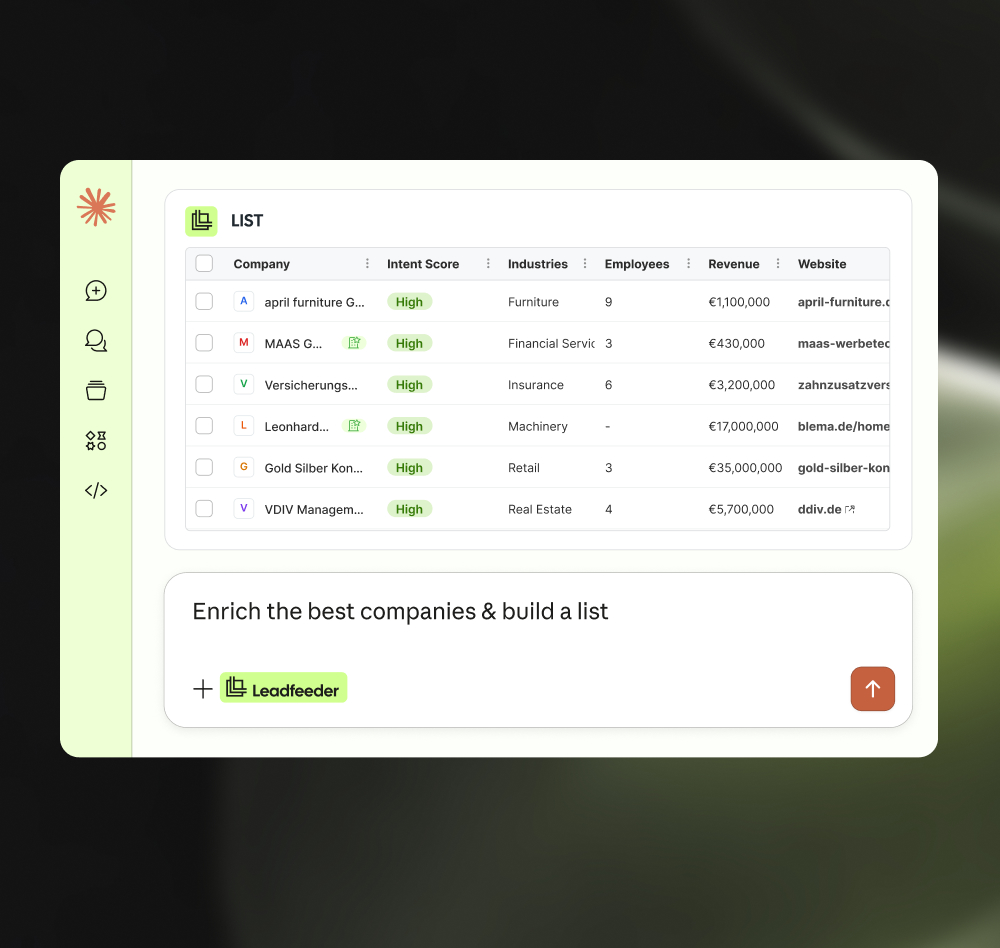
Ask the AI to tag a set of ICP-fit companies and add them to a list, ready to sync into your next campaign audience.
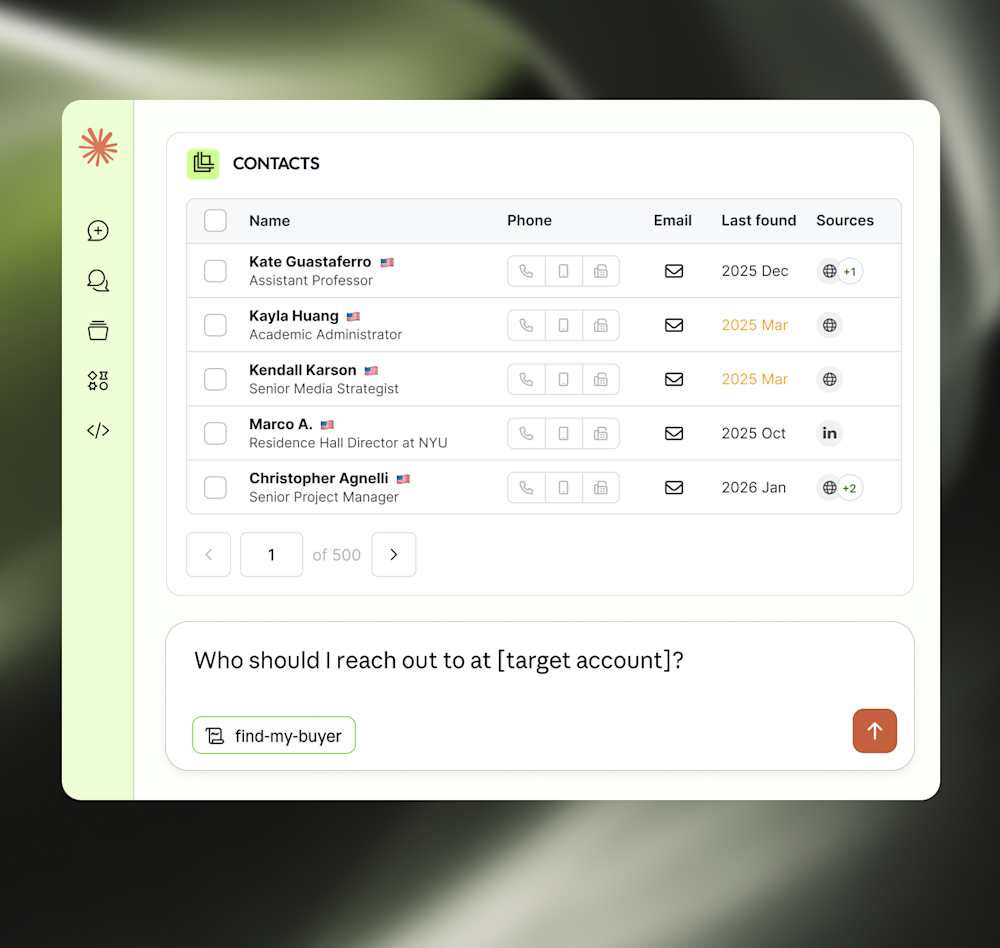
Ask who the right contact is at a target account, ranked by fit, so you're not guessing who to loop into a campaign
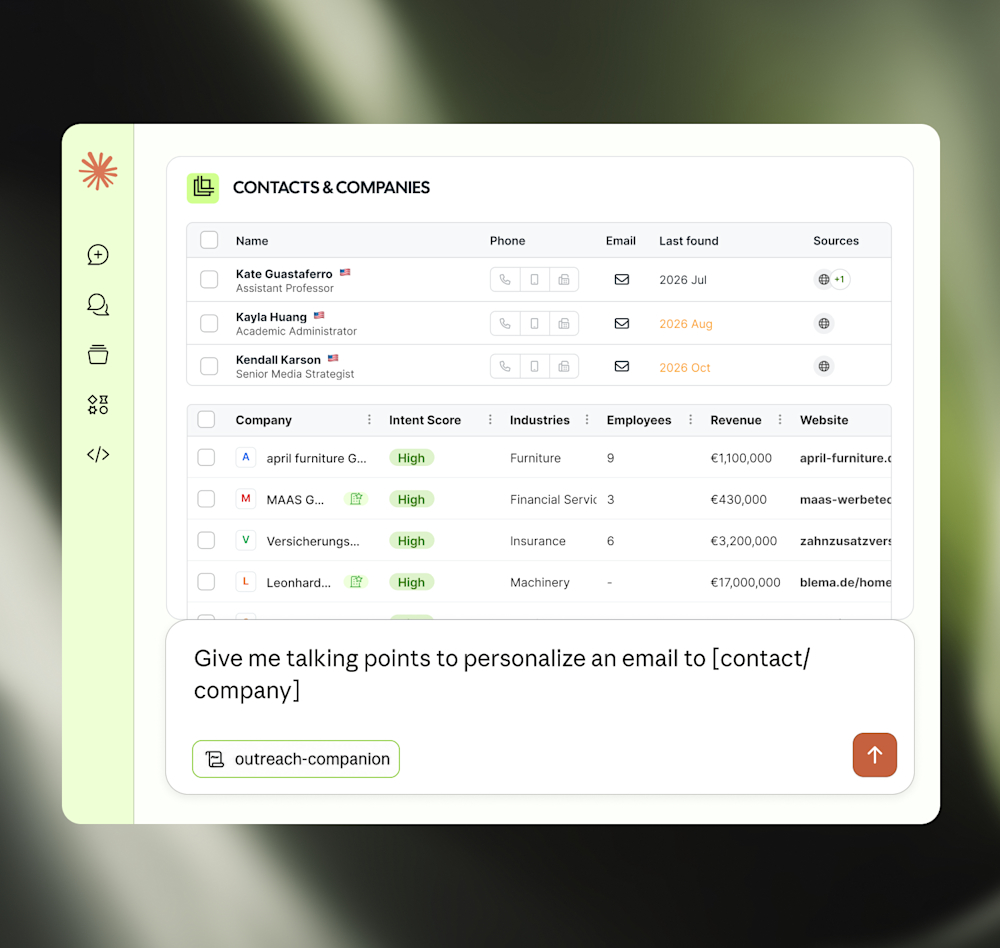
Ask for talking points to personalize a message or sequence, grounded in real visit and intent activity.

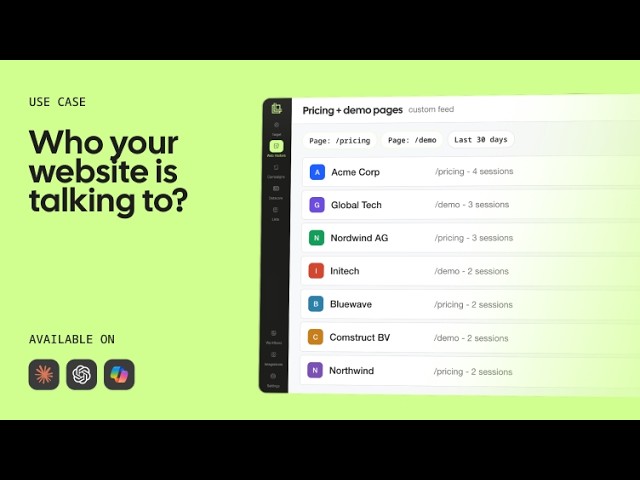


Set up your ICP and confirm your tracking script is live, right from the chat.

Start your day with a ranked list of high-intent, ICP-fit companies.

Pull a full account snapshot before a call or campaign push

Ask who the right contact is at a target account.

Get grounded talking points for a personalized opener.

Tag a company or add it to a list without leaving the chat

We prioritize data protection. Benefit from B2B data
collected using Europe’s highest data privacy standards.
AI works off cold, generic databases
Copy-paste between tools
Acting on lists, not real interest
Signals sit unused in analytics.
AI starts from who's actually on your site
Find, enrich, act in one conversation
Acting on real buying signals
Your website becomes a lead generation engine
We integrate seamlessly with your sales and marketing tools, streamlining workflows so your team can focus on closing deals and driving growth.
Hubspot
CRM
Pipedrive
CRM
Salesforce
CRM
MS Dynamics
CRM
Zoho
CRM
GA4
Analytics
Google Ads
Analytics
Slack
Team messaging
See which companies your campaigns bring in and act on the best-fit ones.
Which AI tools can I use?
Claude and ChatGPT today, more coming.
Is it in the AI app stores?
Yes. Search 'Leadfeeder' in the Claude or ChatGPT directory and install the plugin, no separate connector configuration step needed.
What is the Leadfeeder MCP Server?
The Leadfeeder MCP connects your Leadfeeder account to AI tools like Claude and ChatGPT, so you can ask about your website's buying signals in plain language. It comes with six ready-made skills, so a question like "which good-fit companies visited this week?" gets a real answer, grounded in your own data.
Leadfeeder MCP server or Leadfeeder API: which should I use?
The API gives you full, code-level access to build custom integrations, dashboards, and automated workflows, however you need them. The MCP is a natural-language layer on that same data, ask a question inside Claude or ChatGPT instead of writing a request. Both run on the same data, and some actions consume credits the same way.
Which Leadfeeder plans include the MCP server?
The MCP server and the Claude and ChatGPT connectors are included with any paid Leadfeeder plan that has API access, no separate add-on or extra cost.
How do I connect Leadfeeder to Claude or ChatGPT?
Open Claude or ChatGPT, search for Leadfeeder in their connector or plugin directory, and select Connect. You'll be asked to log in with your Leadfeeder account to authorize it.
Once connected, the built-in skills, Getting Started, Daily Visitor Brief, Company Brief, Find My Buyer, Outreach Companion, and Add to Pipeline, are available right away.
Is Leadfeeder MCP secure?
You sign in with your own Leadfeeder account (OAuth). No keys pasted in. Anything that changes your data asks first.
"seeing the list of potential customer companies visiting our website helps us in sales and marketing performance"
"This is one of the best tools for tracking website visitors and understanding how they navigate through different pages. It’s also very effective for quickly finding company information and identifying key people along with their contact details. Additionally, the integration with HubSpot and Google Ads is extremely useful."
"Of all the competing tools, and we've used many, Leadfeeder does the best at providing and making useable the information sales and marketing teams actually care about."
"The API is solid, we pull data into our warehouse and build our own scoring on top of it. The visit metadata (source, campaign, keyword) is clean and reliable. We also found out the landing page URLs keep the full query string, which let us extract Google Click IDs and feed conversions back to our ads, that alone paid for the subscription. UI is simple, does the job. Setup took about an hour. Support was responsive when we had API questions. Company identification has improved over the past year, decent coverage for our traffic size. Good ROI if you actually use the data instead of just browsing the dashboard."
"Dealfront makes it easy for us to prepare targeted campaigns. It offers a wide range of filters, and also provides the option to use AI assistance to help identify our ideal customers."
"Leadfeeder has become an important part of our lead generation process. In addition to our internal use, we have created custom feeds to share with our external commercial network (agents and distributors). With the recently added AI features, Leadfeeder has become even more useful, giving a lot of insights and precious data. Even though we do not use them for a number of reasons, the many integration capabilities add a lot of potential to this already powerful tool. Customer support is top-notch."
"I was impressed by how Leadfeeder’s leadership ultimately handled my concerns. After reviewing the situation, their VP of Customer Success reached out personally, acknowledged that the renewal and cancellation process had not been handled correctly, cancelled the subscription immediately, and took full ownership of the issue. While the original experience was frustrating, the transparency, accountability, and willingness to make things right significantly improved my impression of the company."
"Leadfeeder gives us valuable insight into who is visiting our website and helps us identify potential clients we may not have reached otherwise. It’s straightforward to use and provides clear visibility into which companies are visiting our site. The integration with our CRM makes it easy to follow up with the right people at the right time."
"The insights given are great to identify potential opportunities. It's easy to use and you can customize your own reports. It's integrated in Hubspot witch is very convenient."
Set up in 4 minutes. See your first identified accounts today.
 Free 14-day trial
 Instantly see your leads
 No credit card needed