
FOR B2B MARKETING TEAMS
Prove marketing impact with the companies you brought in
Every quarter, leadership asks what marketing produced. Sessions and form fills can't answer that. Leadfeeder shows which companies each channel and campaign brought, what they did on your site, and how well they fit your ICP.
One tracking script, ready in minutes. 14-day free trial, then Lite stays free. No credit card needed. Terms and Conditions apply.

★★★★★★★★★★
| 850+ reviews on G2 EUROPEData hosted in Europe
Join over +15,000 companies winning with Leadfeeder
Asked what marketing produced, and all you have is sessions?
Sessions and form fills show activity. They don't show which companies came, or if they were the right ones.

Traffic is up, and nobody can say whether the right companies came with it.

The campaign with the most clicks isn't always the one that brought the right companies. Right now, you can't see which one did.
The questions every marketing review asks
Answer each one with the companies your marketing brought in.
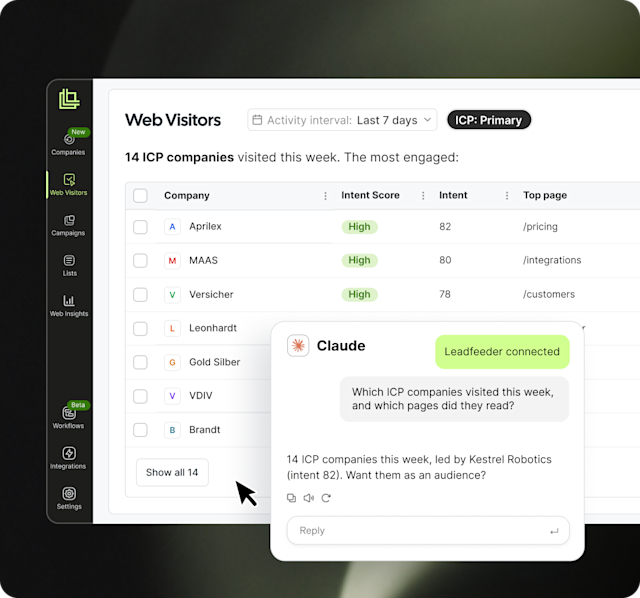
Name the companies behind your numbers
A chart says LinkedIn traffic is up, and the first question in the room is "which companies?" Web Visitors shows every identified company, how it found you, which pages it read, and how often it came back. Save a feed for one campaign or one market, and you have the list for the review.
Key Features:
- Every identified company, with its source, campaign, and the pages it viewed*
- Visit history and Intent Score for each company
- Saved feeds for one campaign, one market, or your ICP
Start your free trial
*Full company details and page views start on the Discover plan.
Answer the budget question without guessing
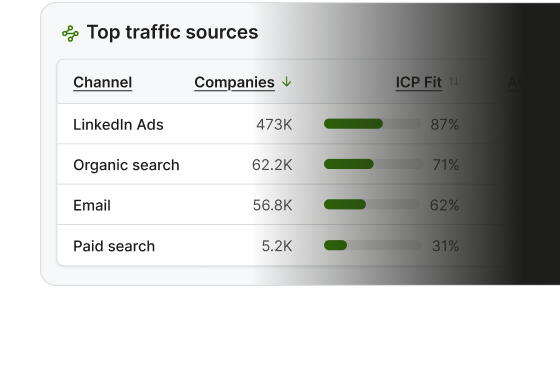
The spend conversation always ends in the same place: which of these is working, and what do we cut. Rank your traffic sources by volume, then re-sort them by the quality of the companies each one brought. The order rarely survives the second sort, and whatever moves furthest is where that conversation should start.
Key Features:
- Every row carries ICP fit, Intent Score, and goal conversions
- Compare any time range against the one before it
- Filter to identified companies only, or all traffic
Decide what to renew and what to stop
Renewal season turns on whether a campaign earned its budget, and reach alone has never answered that. Put reach, the quality of the audience it brought, and how well it converted side by side. A campaign that looked successful on volume often stops looking successful.
Key Features:
- Campaign performance by company, not by session
- Google and LinkedIn Ads spend beside the companies it brought*
- Goal conversions as a column, not a separate report
Start your free trial
*Starts on the Discover plan.
Show that the right companies are coming
"Traffic is up" is the weakest sentence in a marketing review, because the obvious follow-up is "up with whom?" Split your traffic by industry, size, and country, and see which content the right companies actually read. That's the difference between a bigger audience and a better one.
Key Features:
- Traffic by industry, employee size, and geography
- Content ranked by the companies it brings, not the views it gets
- Spot a new market or segment early, before it shows up in pipeline
Get the answer before the meeting, not after it
The question that matters usually arrives the day before the review, and the answer waits in someone else's queue. Type it in plain language and get a report back, with a summary at the top that tells you what changed and what moved it.
Key Features:
- An AI summary at the top of every report*
- Custom reports from a typed question*
- No more waiting on an analyst
Start your free trial
*Starts on the Discover plan.
Features that help you prove impact
Web Insights reports come with every account, including Lite. See what each plan includes
Web VISITORS
Web visitor Identification
Every identified company, how it found you, and which pages it read.
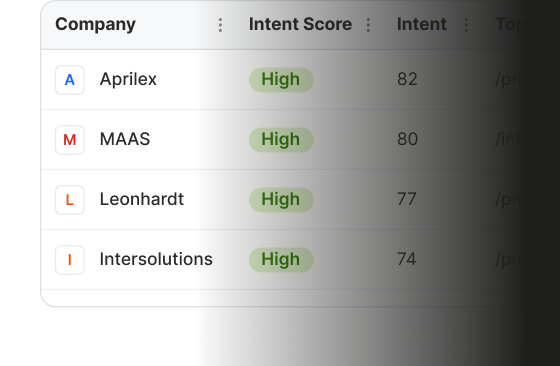
WEB INSIGHTS
Company-level reports
Traffic sources, Campaigns, Firmographics, and Pages, at company level.
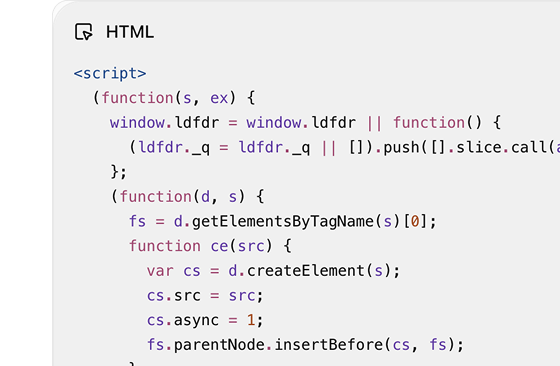
SETUP
One tracking script
Install it directly or through Google Tag Manager. Reports fill as traffic arrives.
LEADFEEDER AI
AI summary and Ask a question
Ask in plain language and get a report back. Starts on the Discover plan.
INTEGRATIONS
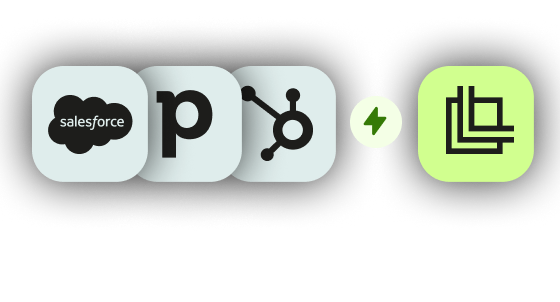
CRM integrations
Sync companies to HubSpot, Salesforce, or Pipedrive, and see their visit history right in the CRM record.
INTEGRATIONS
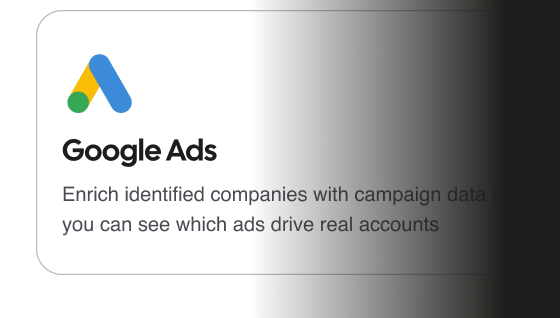
Google Ads integration
See which Google Ads campaigns and keywords bring the companies you want to reach.
B2B display ads
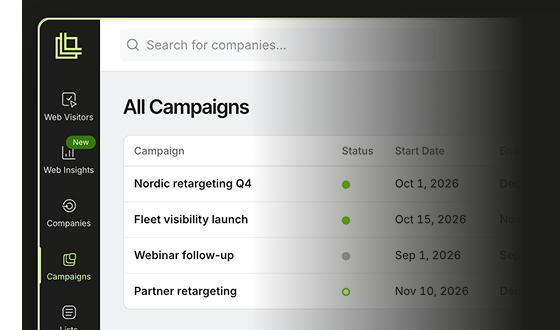
Campaigns
Run B2B display ads to the companies you want, then see which ones visited your site.
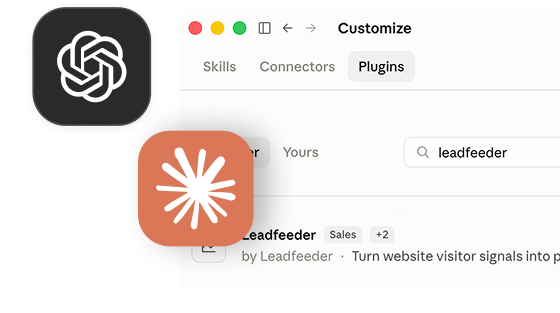
MCP server
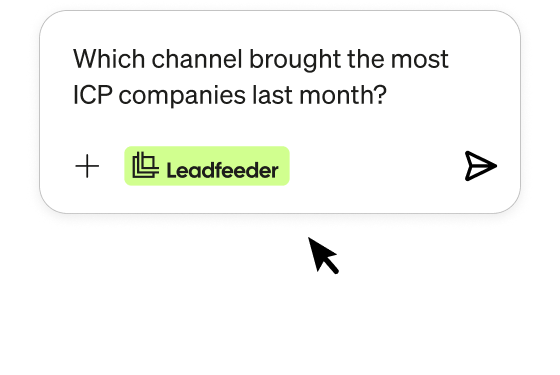
Claude and ChatGPT
Ask about your companies, channels, and campaigns right inside Claude or ChatGPT. Starts on the Discover plan
Why marketing teams choose Leadfeeder

 IT services
30%
increase in Lead quality
“Not only does sales benefit, but marketing and paid media do too. We now have insights into which companies are coming through our Google Ads.”

 IT services
70%
ad-to-visit rate
“We've never had this transparency so easily before.”




Works with the tools you already use
Send companies and audiences to the CRM and ad tools you already use.
Hubspot
CRM
Pipedrive
CRM
Salesforce
CRM
SuperOffice
CRM
Social ads
GA4
Analytics
Google Ads
Ad platform
Slack
Team messaging
Go further with Leadfeeder

Optimize campaigns
Put your ad budget in front of the companies you want to reach.

Web visitor identification
See which companies visit your website, even when they never fill in a form.

Build audiences
Build lists of the right companies from real website behavior.
Questions marketers ask before they start
How do I prove marketing impact without an attribution tool?
Start with the companies. Web Insights reports every channel, campaign and page by how many companies it brought, how well they fit your ICP and how much intent they showed. That turns "we got 40,000 sessions" into "these three channels brought the companies we sell to", which is the answer a review actually wants.
What does company-level reporting change?
Your website reports on users. Your business buys as companies. Reporting at company level means a campaign is measured on the companies it reached rather than the sessions it generated, and those companies are the same ones sitting in your pipeline.
Do I need a data warehouse or an analyst?
No. One tracking script on your website, pasted directly or through Google Tag Manager. Reports fill as traffic arrives.
How long until I can show something?
Minutes for the first reports. Trend and comparison views get more useful as history builds, and two years of history on Discover and above lets you put a quarter against the same quarter last year.
What do I actually put in the board deck?
The companies each channel and campaign brought, how well they matched the profile you sell to, and how that moved against last quarter. That's a slide a CFO can read. A session count isn't.
Our sales team says marketing leads are poor quality. How does this help?
It turns the argument into a shared number. Once both teams are looking at the same view of which sources bring well-matched companies, the conversation moves from whose fault it is to which sources to do more of.
How does Leadfeeder handle GDPR?
Leadfeeder identifies companies, not individual visitors, and all data is hosted in Europe. Our GDPR & Compliance page has the details your legal team will ask for, including our data processing agreement.
What's included for free?
All four reports come with every account, free forever on Lite. Ask a question and the AI summary start on the Discover plan. See what each plan includes.
How is this different from Google Analytics?
GA4 counts sessions and clicks. Web Insights shows which companies those sessions came from, whether they fit your ICP, and which channels and campaigns brought them. Many teams use both.
Walk into your next review with evidence
See which companies your marketing brought in, and how well they fit your ICP.
 Free 14-day trial
 No credit card needed
 Data hosted in Europe